ClipAtelier

Guide

Podcast clipping without sitting in a timeline all afternoon

Podcast growth now rides on short clips. This guide is the ClipAtelier version of that job: take a long episode, keep the best exchanges, caption them for silent viewers, and post across Shorts, TikTok and Reels.

It works best on video podcasts hosted on YouTube. Audio-only shows need a video file upload on a paid plan.

15 free tokensNo card, no watermarkRuns in the browser

How it works

  1. 01

    Paste a link

    Drop a YouTube URL into the studio, or upload an MP4, MOV or MKV file on a paid plan. Nothing to install.

  2. 02

    AI finds and cuts

    We transcribe the video, pick the strongest moments, reframe them to 9:16 and burn in word-timed captions.

  3. 03

    Review and post

    Preview every clip, choose a title, then download the MP4 or publish and schedule straight to YouTube Shorts and TikTok.

What you get

  • Sentence-aware cuts

    Clips open and close on full thoughts so guests are not chopped mid-sentence.

  • Two-shot reframing

    Wide interview framing becomes a vertical crop that keeps the speaker readable.

  • Silent-feed captions

    Karaoke captions carry jokes and quotes when the sound is off.

  • Long-episode windows

    For 2–3 hour shows, pick the chapter you care about before clipping.

  • Series mode

    Equal split turns a segment into Part 1, Part 2, Part 3 for binge posting.

  • Titles ready to paste

    Each clip gets title options, a description and hashtags.

What makes a podcast clip land

Open on a claim or reaction, stay on one idea, end on a punchline or clear takeaway. 20–45 seconds is the sweet spot for most interview shows. If a moment needs context, put one line of setup in the caption — do not burn 20 seconds of throat-clearing.

Cadence

Ship 3–5 clips per episode within 24 hours of publish. Save weaker clips for mid-week. Link the full episode in the description so Shorts act as trailers, not replacements.

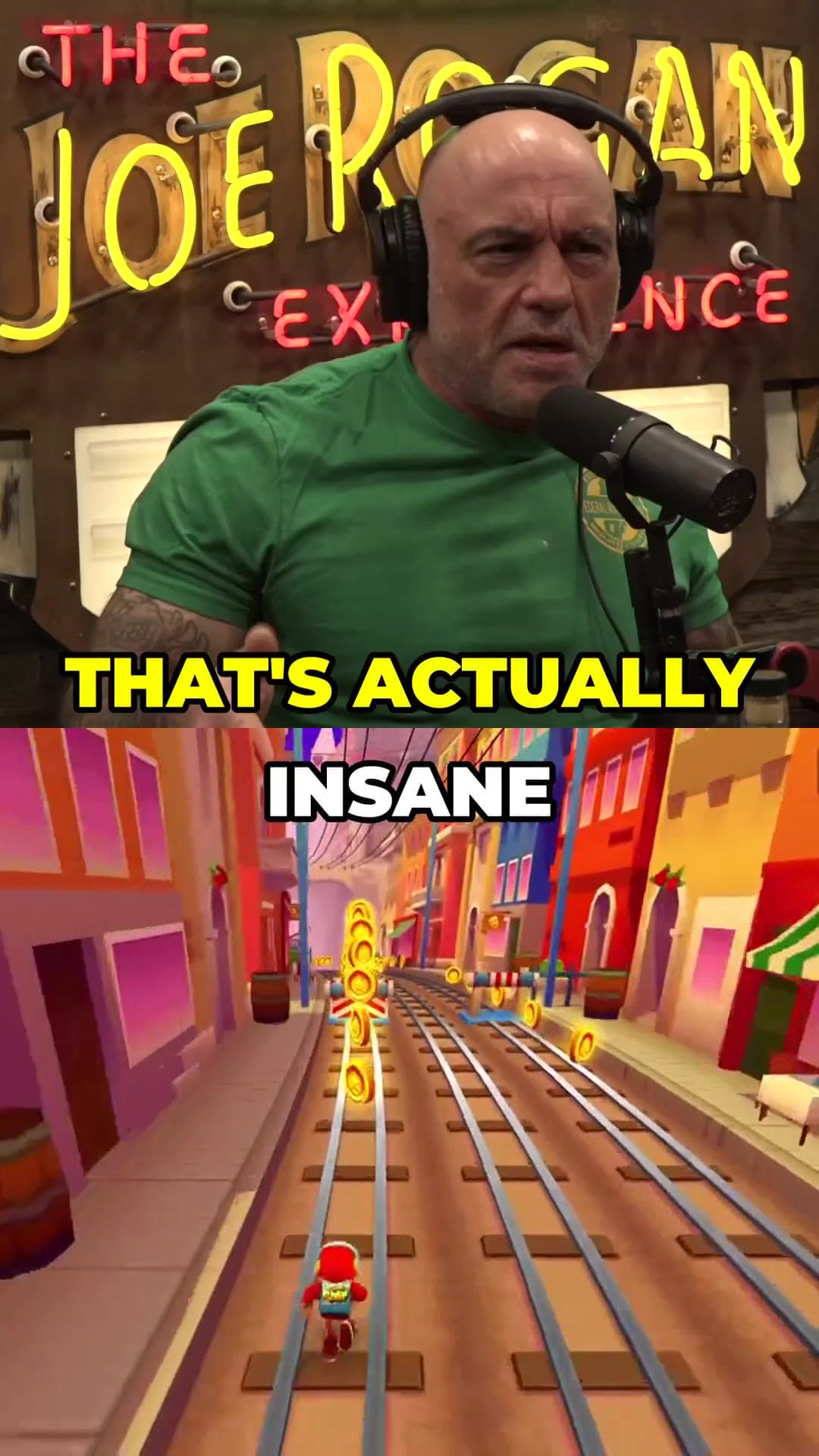
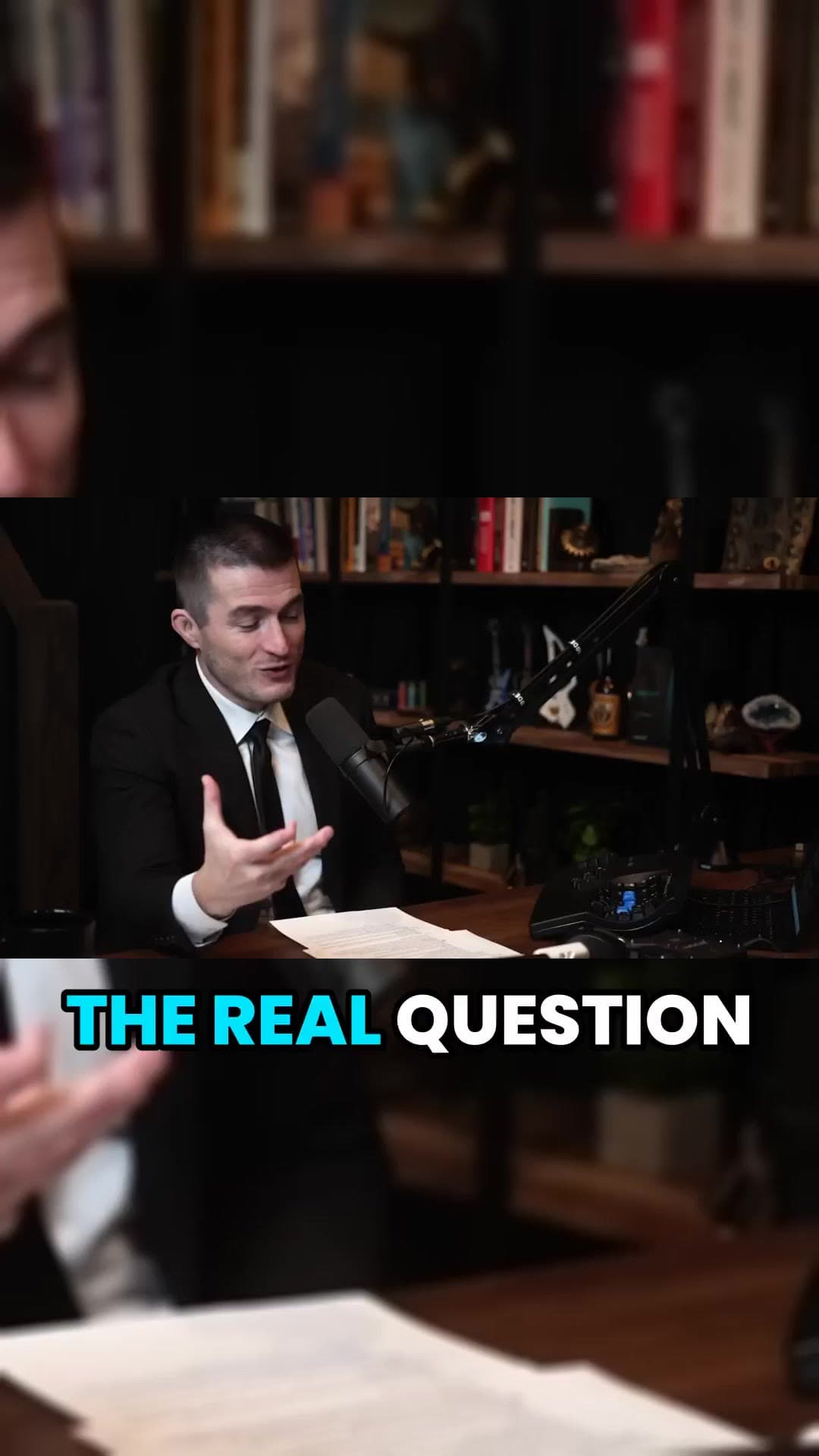
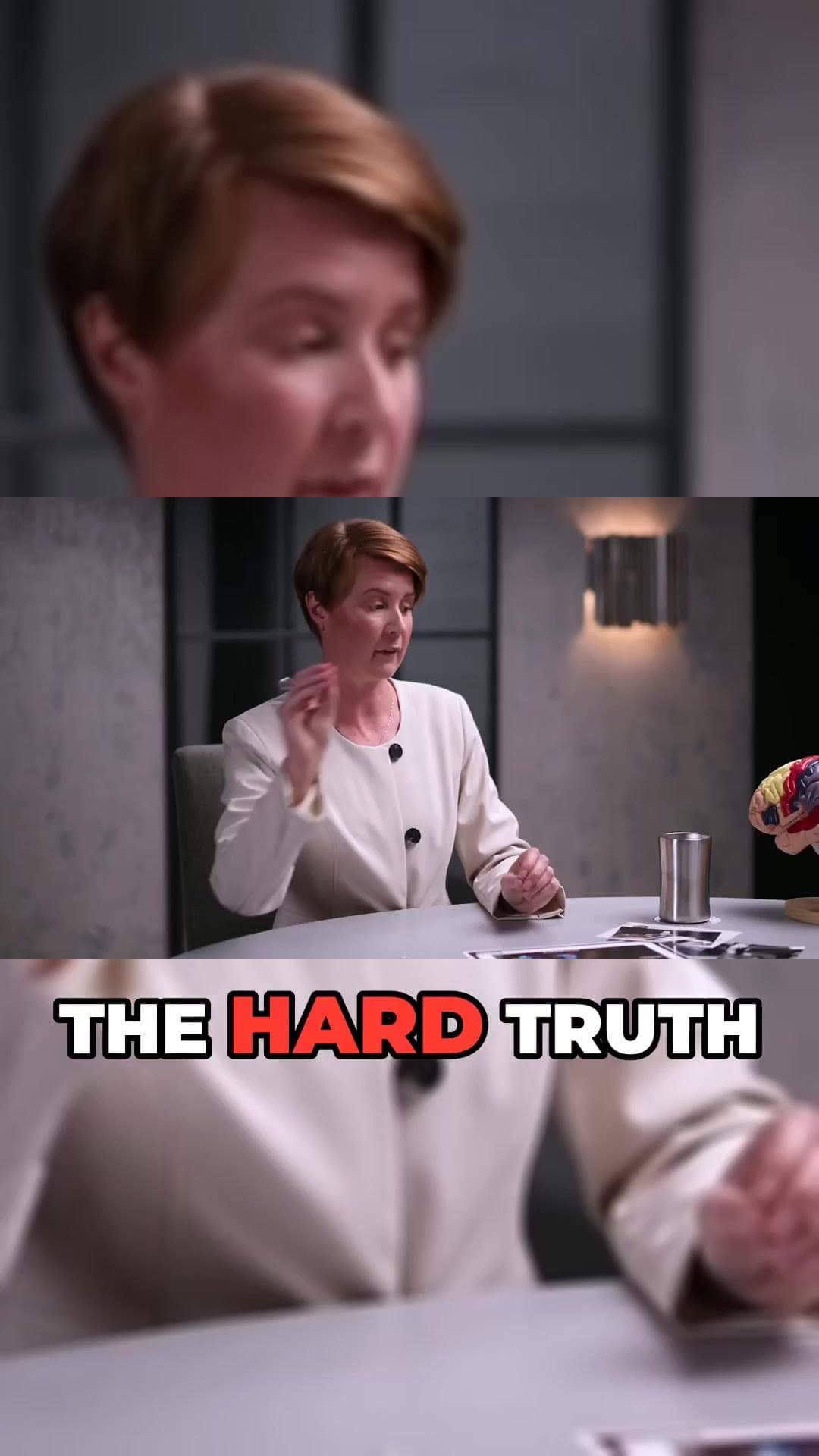
Example clip frames

Questions

  • Can I clip Spotify-only shows?

    ClipAtelier needs video. Export or record a video version, upload it on a paid plan, or host the episode on YouTube and paste the link.

  • How many tokens does an episode use?

    Viral mode charges by source length plus per clip. You see the exact token cost before the job starts.

  • Can I clip any YouTube video?

    Only clip videos you own or have permission to use, such as your own uploads, creators who allow clipping (for example clipping programs), or licensed content. You are responsible for the clips you post.

  • Is it free?

    Yes. Free Tier with NO Watermark: every new account gets 15 free tokens with no card, enough to try the whole pipeline. No plan adds a watermark.

Your next Short is already inside your last video.

15 free tokens. No card. Clips in minutes.

Create clips free