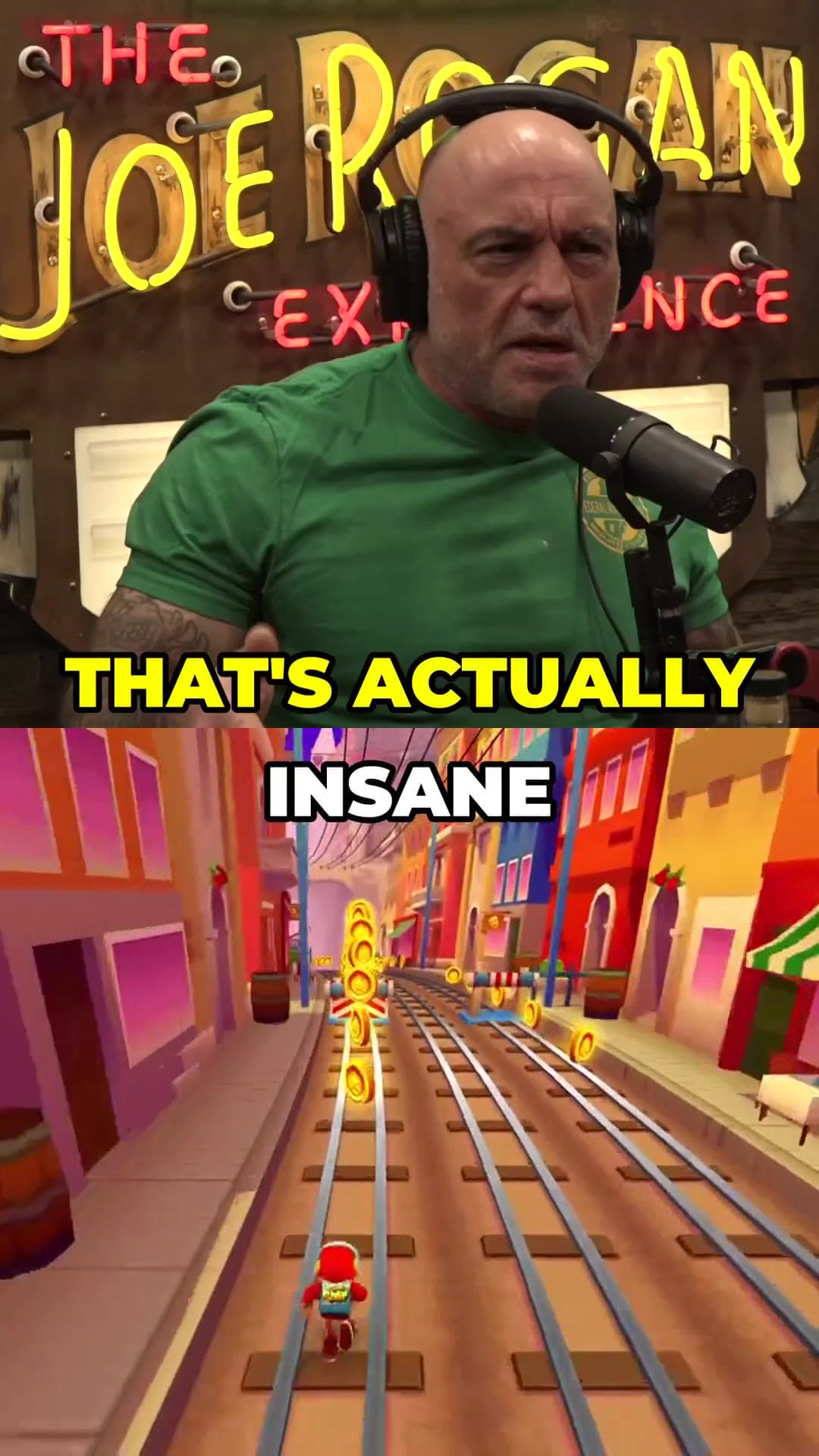
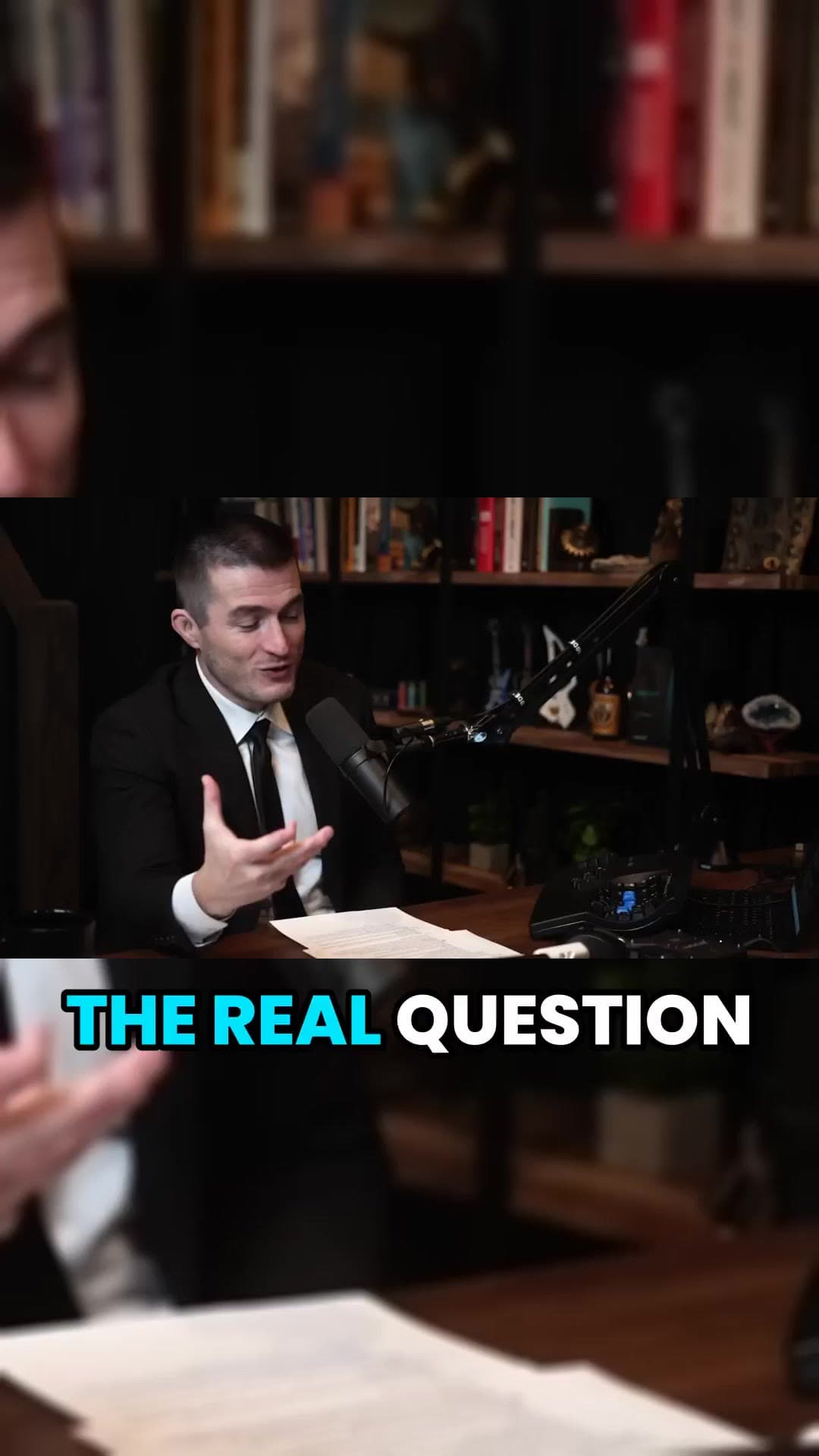
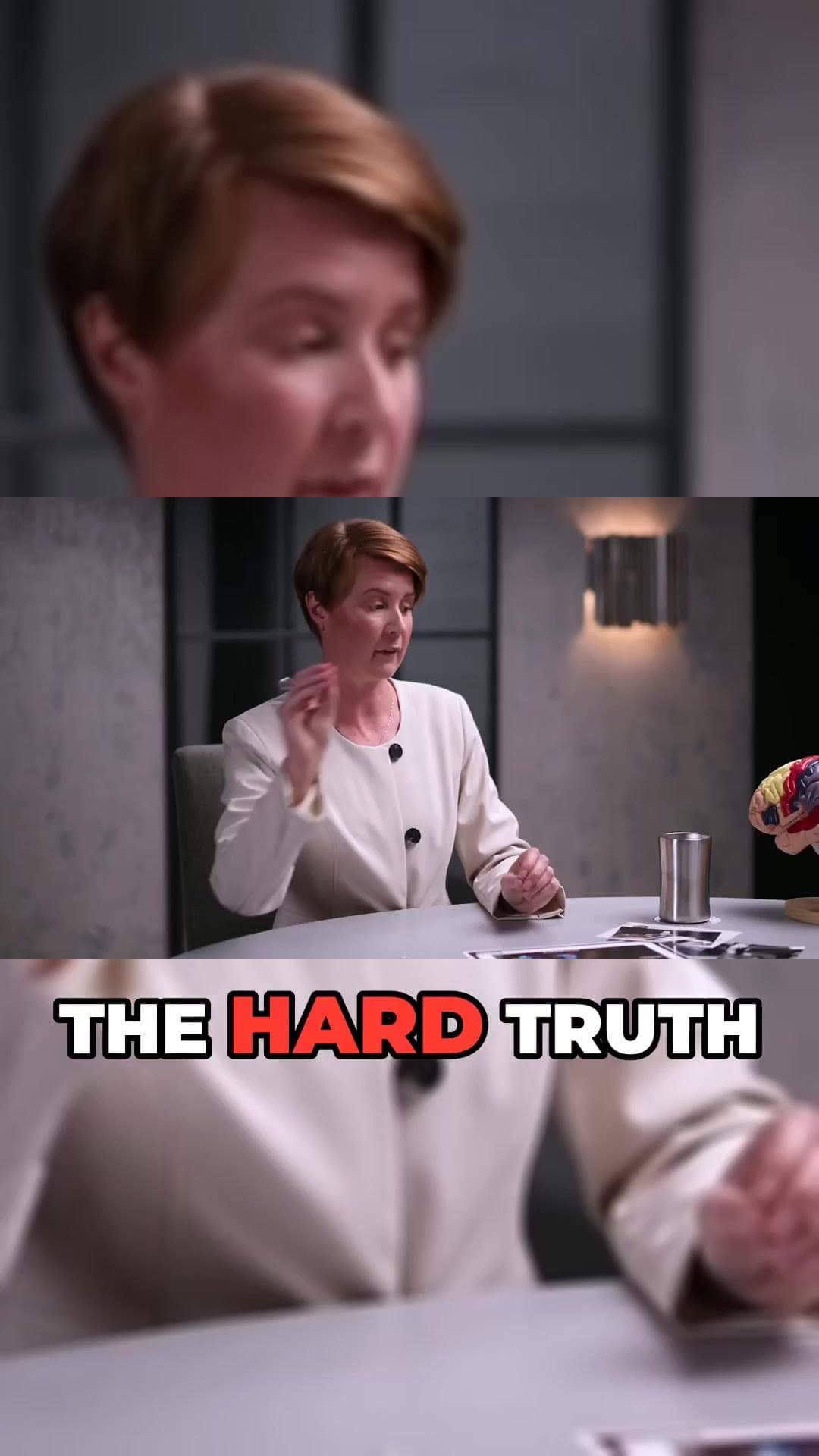
Most short videos are watched with the sound off. Captions decide whether someone keeps watching or scrolls away. ClipAtelier transcribes every clip and burns in captions timed to each word, with a highlight that follows the speaker.
Pick a caption style, change the font and colour, and translate captions into 19 languages to reach viewers in other markets.
No card to sign upLook around the studioRuns in the browser
How it works
01
Add your video
Paste a YouTube link or upload a file. Captions are generated as part of every clip.
02
Choose a style
Karaoke, pop, boxed and more. Preview every change live in the editor.
03
Export or publish
Captions are burned into the MP4, so they show on Shorts, TikTok and Reels.
What you get
Word-level timing
Every word is timed individually and lights up as it is spoken.
19 languages
Caption in the spoken language or translate into another one.
Styles and fonts
Choose a preset or set your own font and highlight colour.
Burned into the video
No separate subtitle file to upload; captions travel with the clip.
Readable on phones
Large, high-contrast text sized for a phone screen.
Works with equal split
Add captions to numbered parts as well as AI-picked clips.
Why captions matter on Shorts
Captions keep muted viewers watching, make your clips accessible, and help the message land even in a noisy environment. Animated, word-by-word captions also give the eye something to follow, which keeps attention on the clip.
What to check in auto captions before you post
Automatic transcription is reliable on ordinary speech and predictable in where it fails: names of people and products, numbers, and words borrowed from another language. Those are the first things to read in the preview. A wrong name in a caption is the mistake viewers comment on.
Then look at the shape. Two or three words on screen at a time read faster than a full sentence, and captions belong in the middle band of a vertical frame, clear of the platform buttons at the bottom. If music plays under the voice, expect a few more corrections, because overlapping sound is harder to transcribe.
Captions can be generated in the spoken language and translated into 19 languages. Translation is included on paid plans.
Can I edit the caption style?
Yes. Paid plans unlock every caption style and the full clip editor, where you can change fonts and colours.
Are the captions part of the video or a separate file?
They are burned into the MP4. That means they appear the same way on YouTube Shorts, TikTok, Reels and anywhere else you upload the file, including when the sound is off.
Is it free?
You can create a free account with no card and look around the studio. Creating clips is on a paid plan, and you can try it for 3 days for $1. Exports have no watermark.
Your next Short is already inside your last video.
No card to look around. Clips start on a paid plan.