
youtube.com/watch?v=…GO
step 01Drop a link
Paste a YouTube URL or upload MP4 / MOV / MKV. Nothing to install — the browser is the studio.
AI clipping tool for YouTube Shorts & TikTok
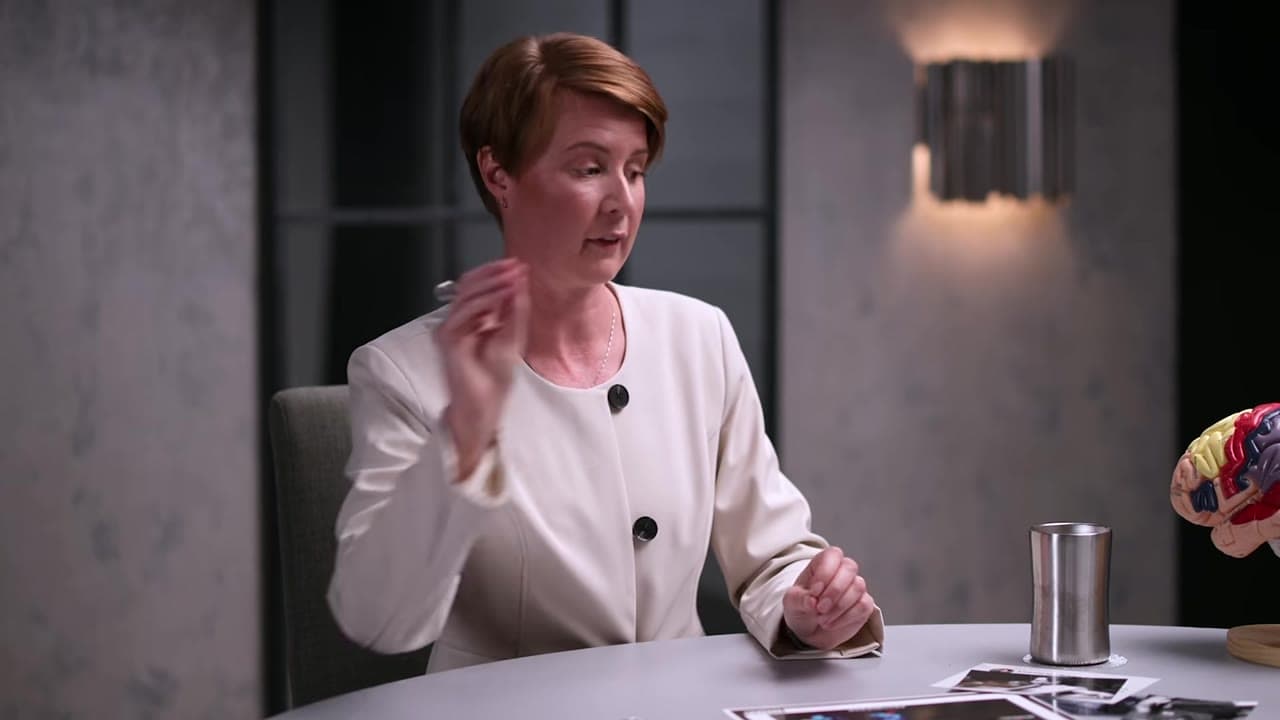
Paste a YouTube link. ClipAtelier finds the moments that perform, burns word-timed captions, reframes to 9:16 and hands you ranked, ready-to-post clips in minutes.
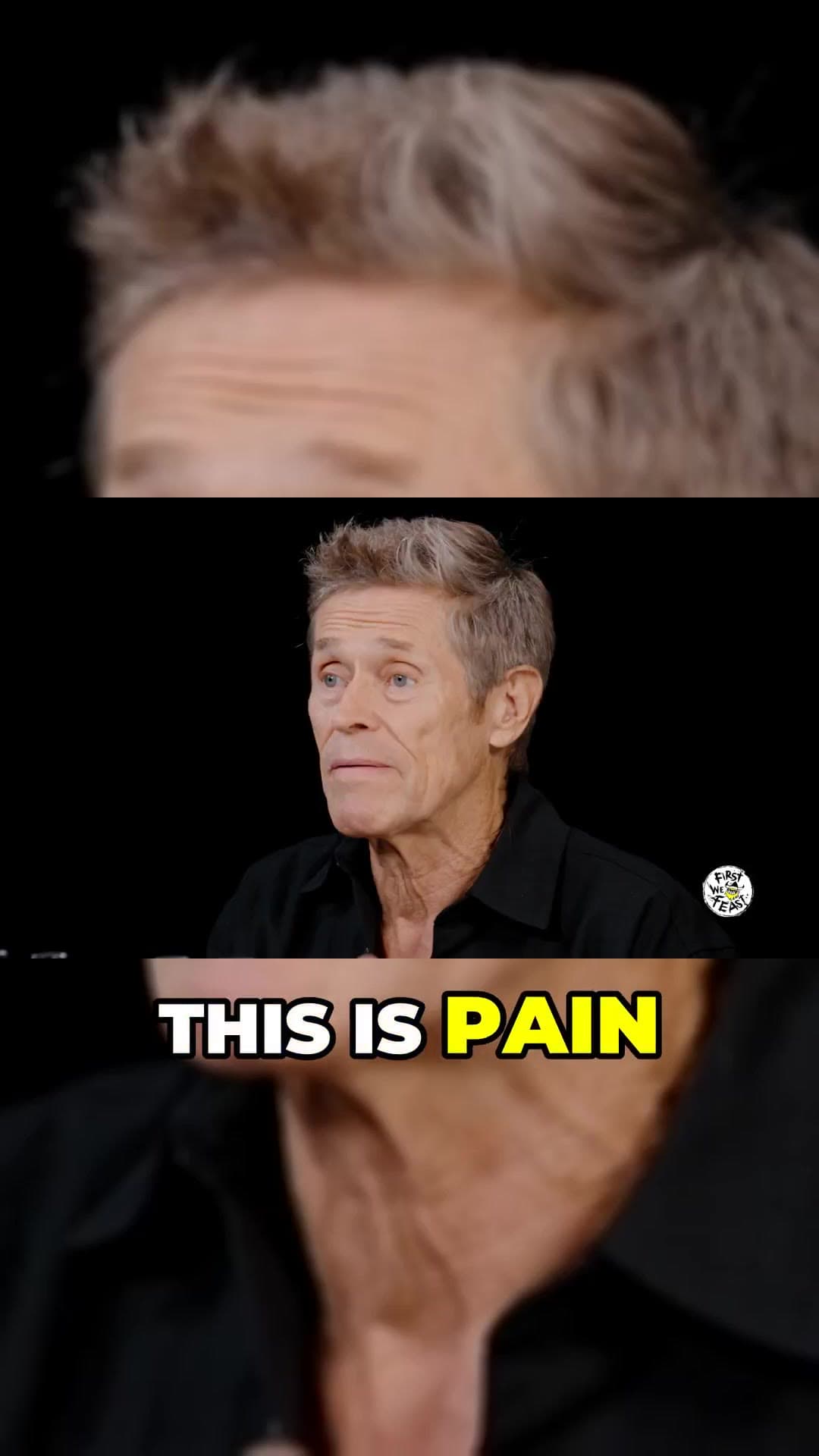 0:22
0:22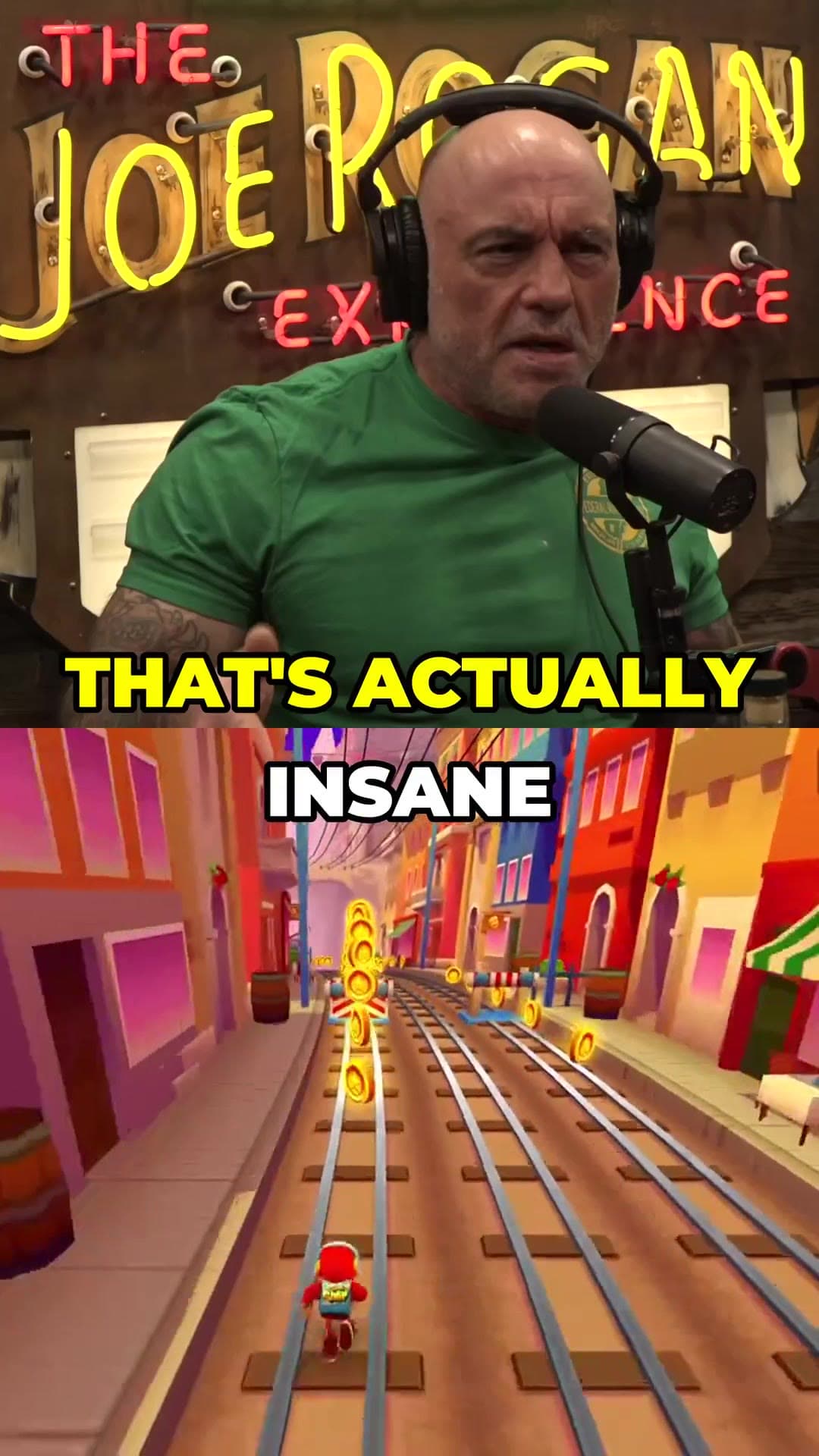 0:41
0:41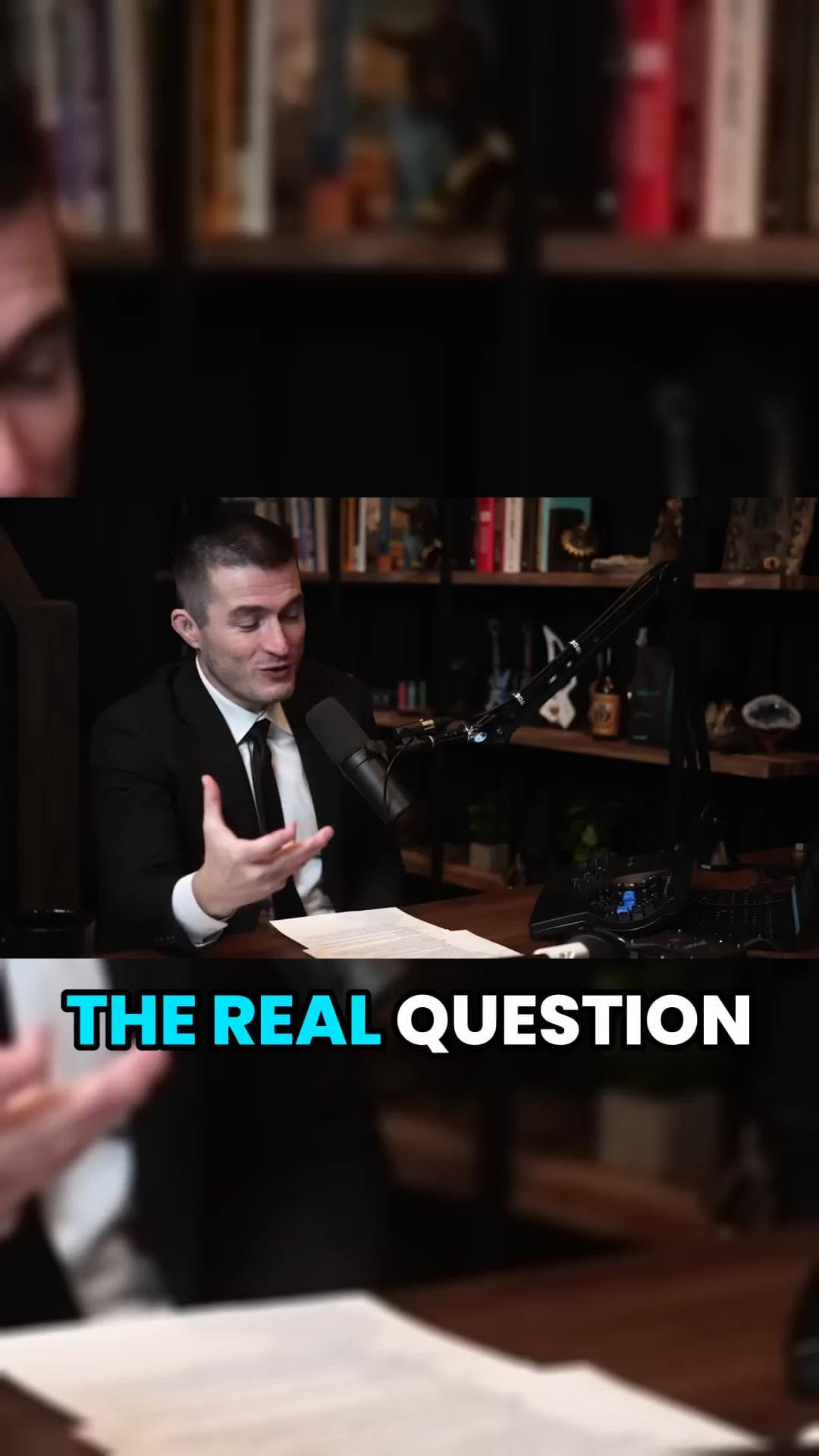 0:35
0:35Download
Fetching 1080p source…
Download
Transcribe
Pick
Render
Publish
0+
clips rendered
0h
editing hours saved
0
split-screen backgrounds
0 min
average job time
Everything a clip needs
Five pieces that turn one long recording into a stack of Shorts you'd actually post.
We read YouTube's Most Replayed heatmap and cut at the peaks. No heatmap? The AI ranks the transcript for hooks and payoffs instead.
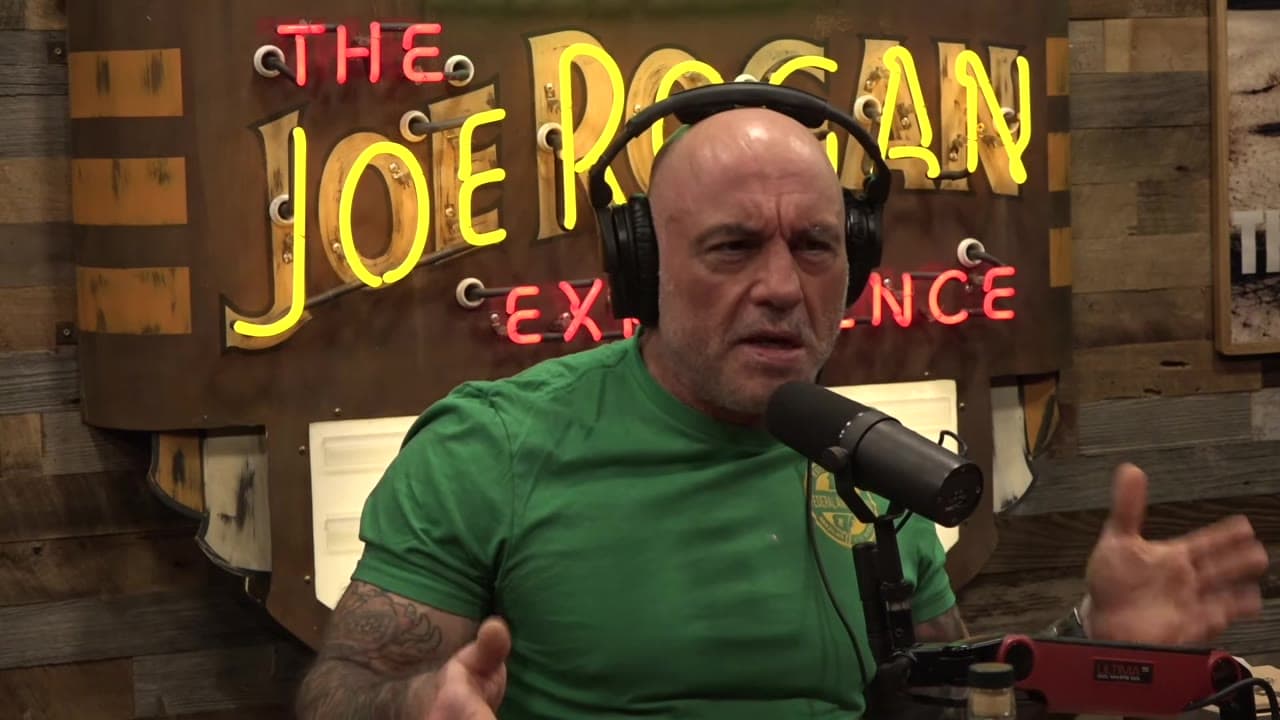 0:00:00
Slide along the graph
Word-level timing with a per-word highlight. Reads perfectly with the sound off.
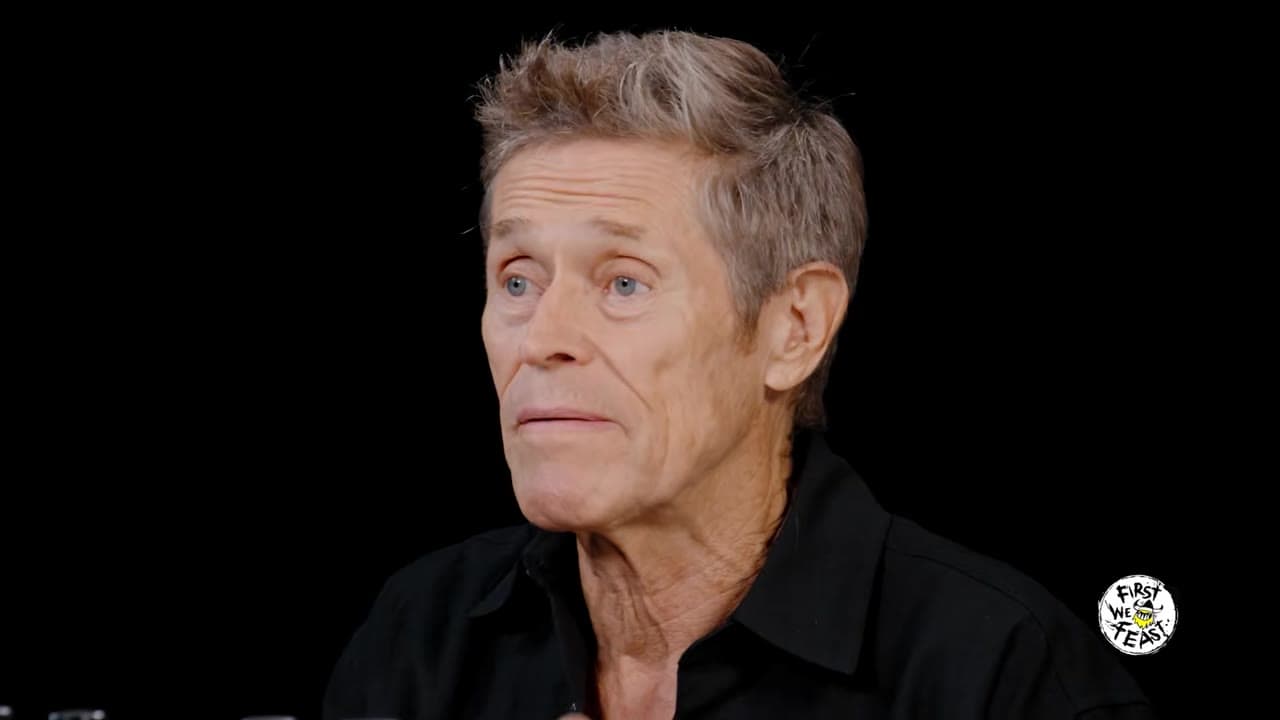
THISISWHEREITCLICKS
Caption in the spoken language or translate. Tap or hover a language to see it.
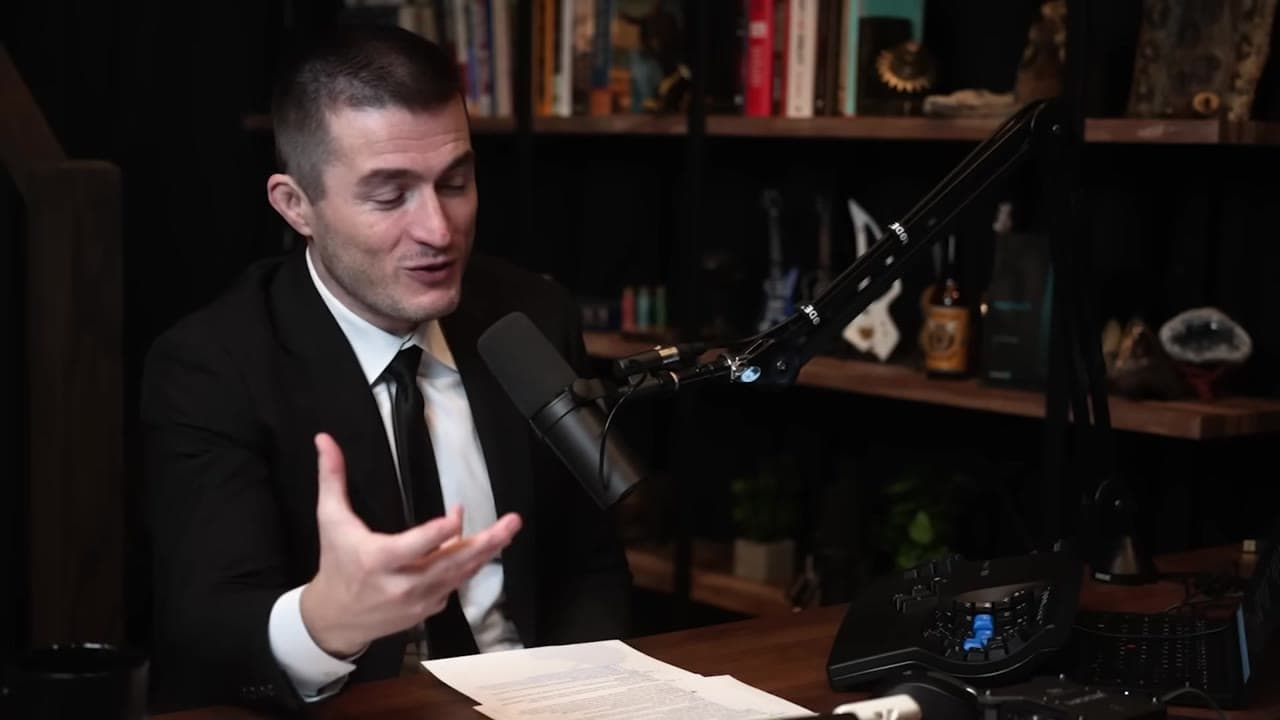
THISISTHEPART
Turn a whole video into a numbered series. Pick a part length and we cut it back to back into Part 1, Part 2, Part 3… up to 24 parts. No AI and no quality loss, done in seconds.
18:00 video, cut into
15 partsof 1:15 each
Slide left and right across the card to change the part length
Ship to YouTube Shorts and TikTok now, plan the week, or let autopilot post. AI titles and hashtags included.
Watch a clip get made
1. Find the moment
We read YouTube's Most Replayed heatmap and jump straight to the peaks people rewatch. No heatmap? The AI ranks the transcript instead.
Most replayed
0:00:00AI title
Hashtags
This week
M
T
W
T
F
S
S
Autopilot on · next post Fri 18:00
How it works
Paste a YouTube URL or upload MP4 / MOV / MKV. Nothing to install — the browser is the studio.
Transcribe, find the strongest moments, reframe to vertical and burn captions word by word.
Preview each clip, pick a title variant, download or schedule straight to Shorts.
Try the studio
Tap or hover any control — the clip restyles instantly, the same way the editor does.
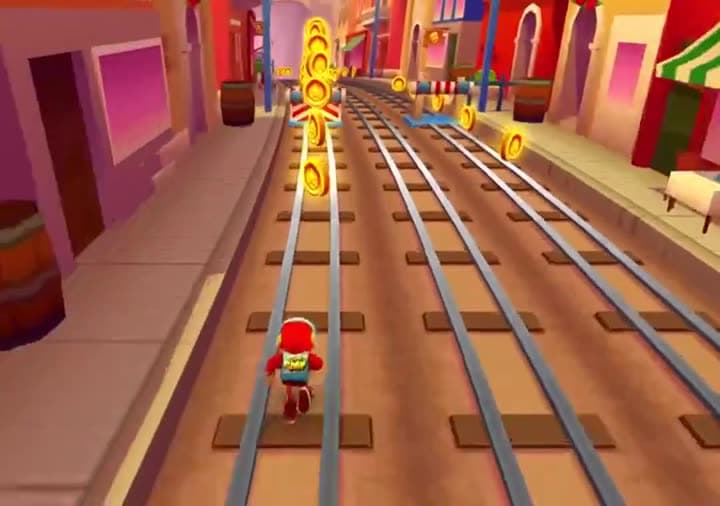
THISISTHE
Demo mode · tap any control to take over
Caption style
Caption language
Background
Audio track
When the video has YouTube dubbed audio, clip it in that language.
Podcast
Showcase
0:410:220:35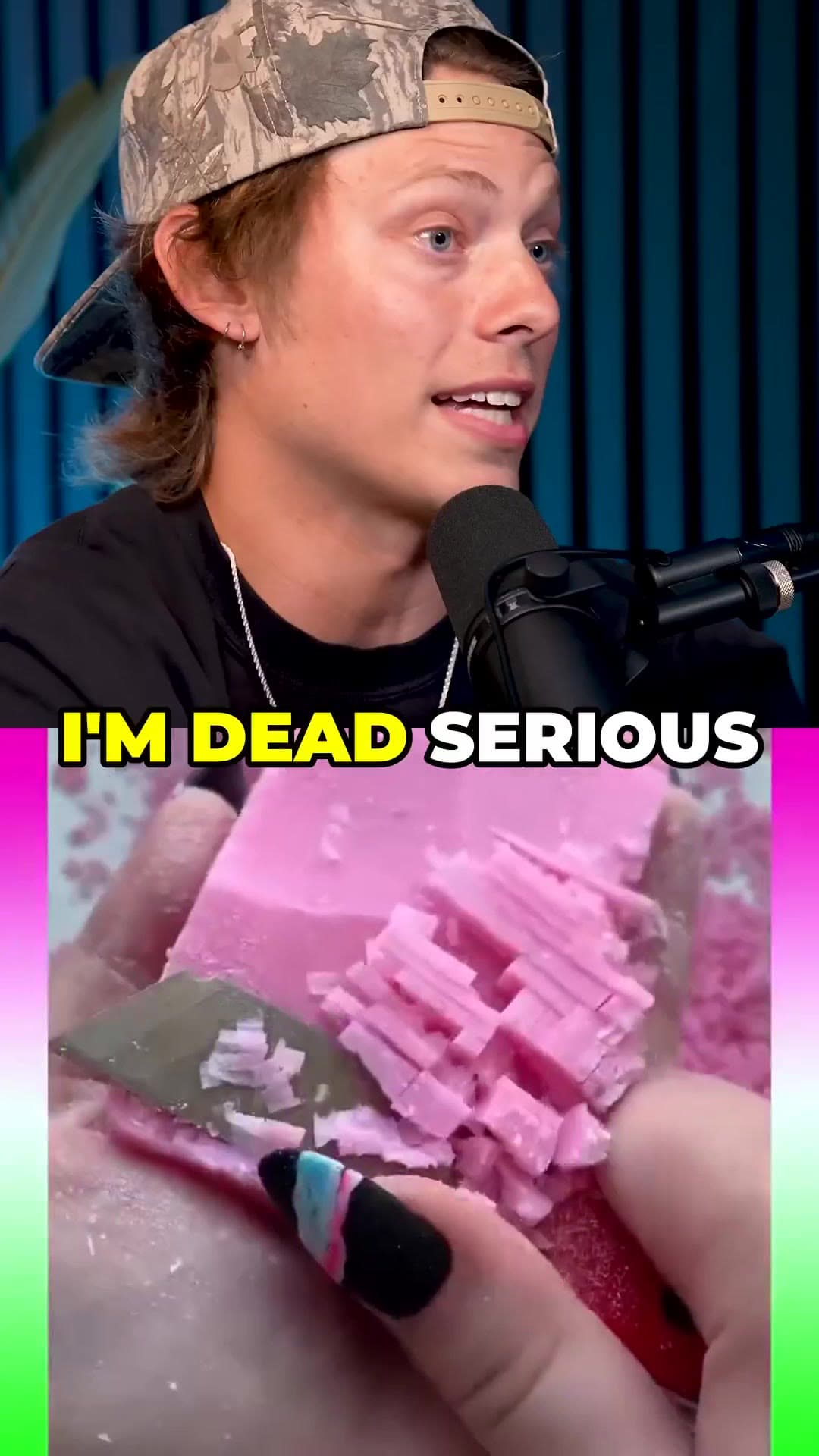 0:18
0:18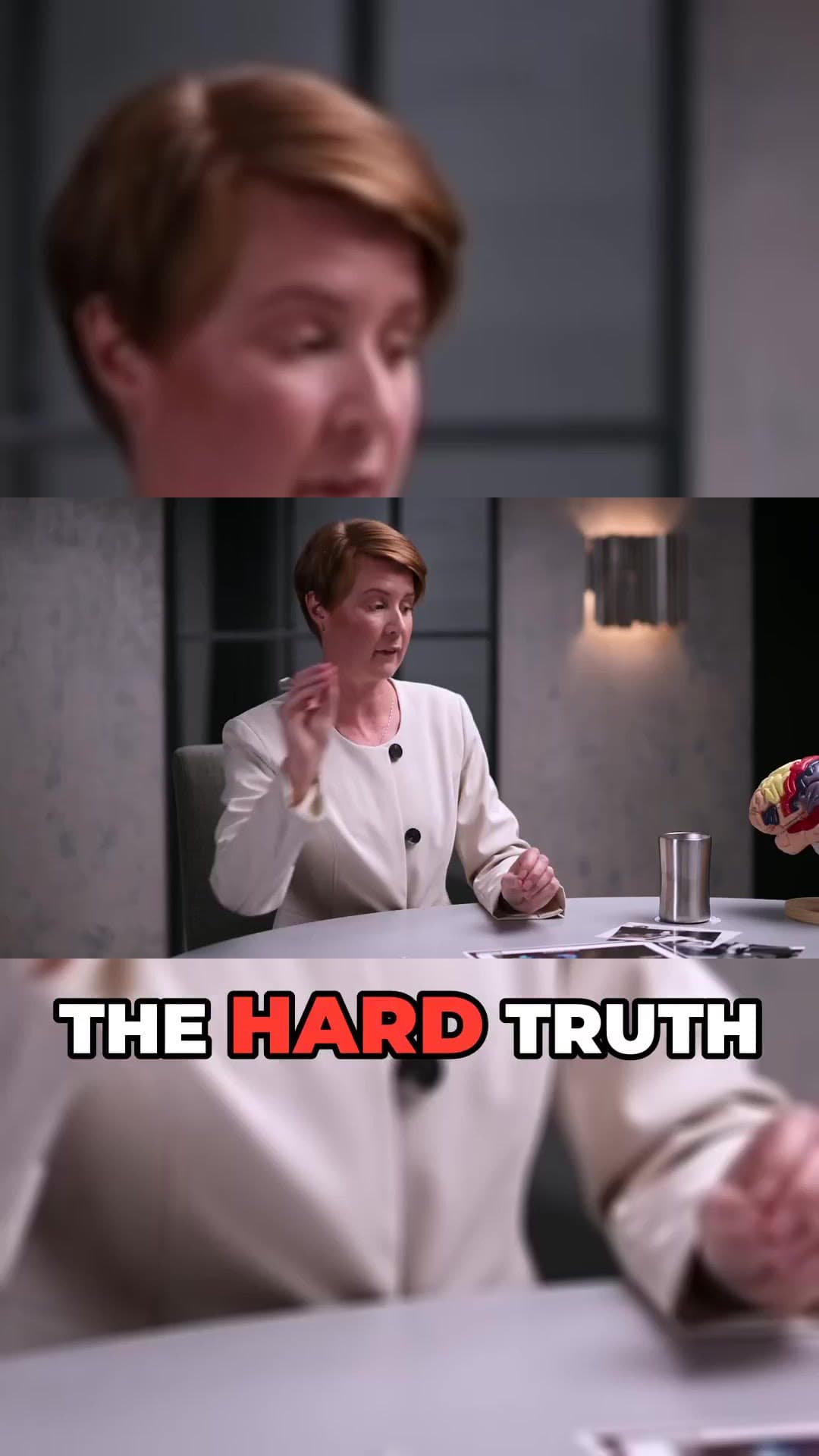 0:29
0:29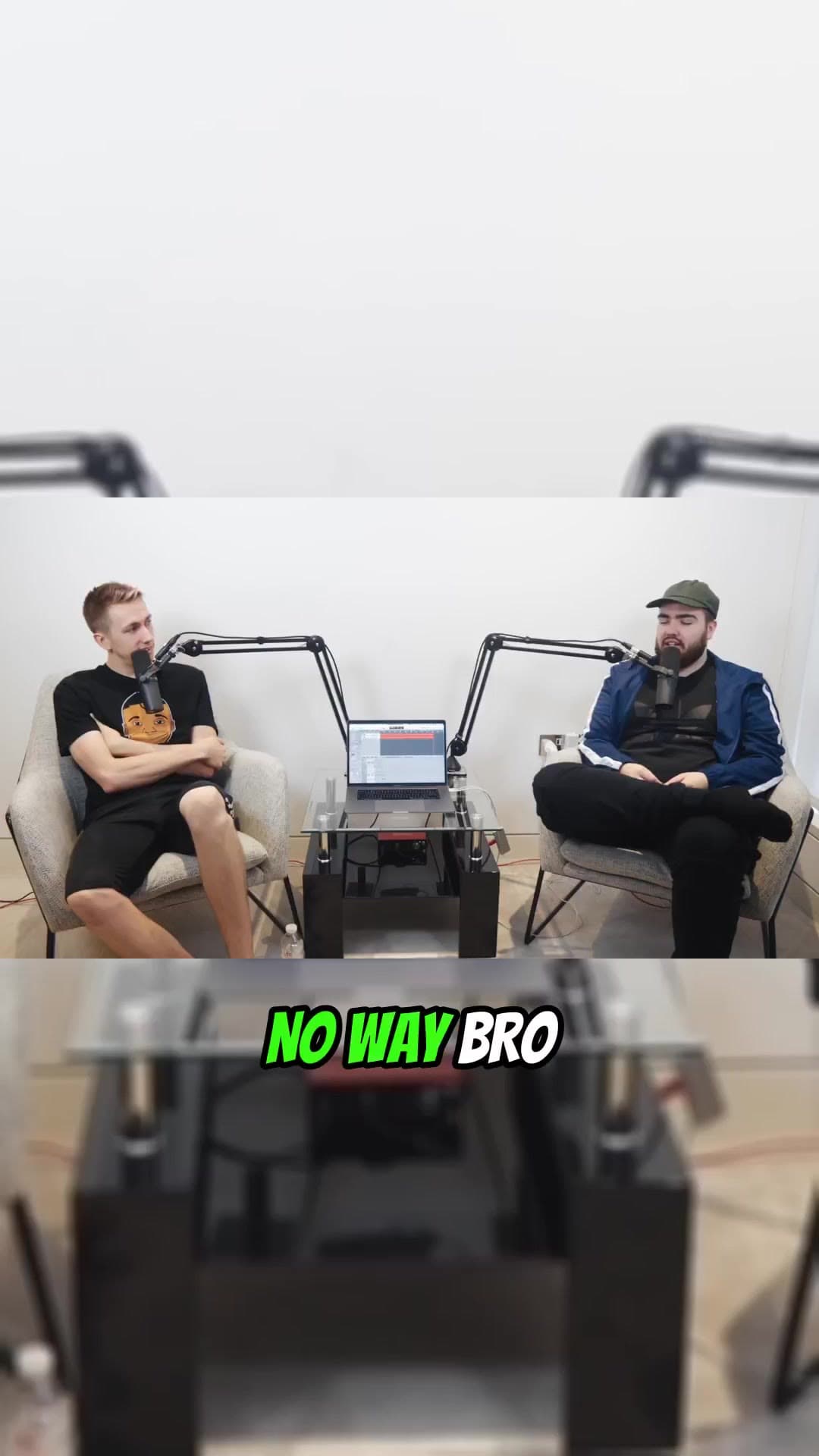 0:33
0:33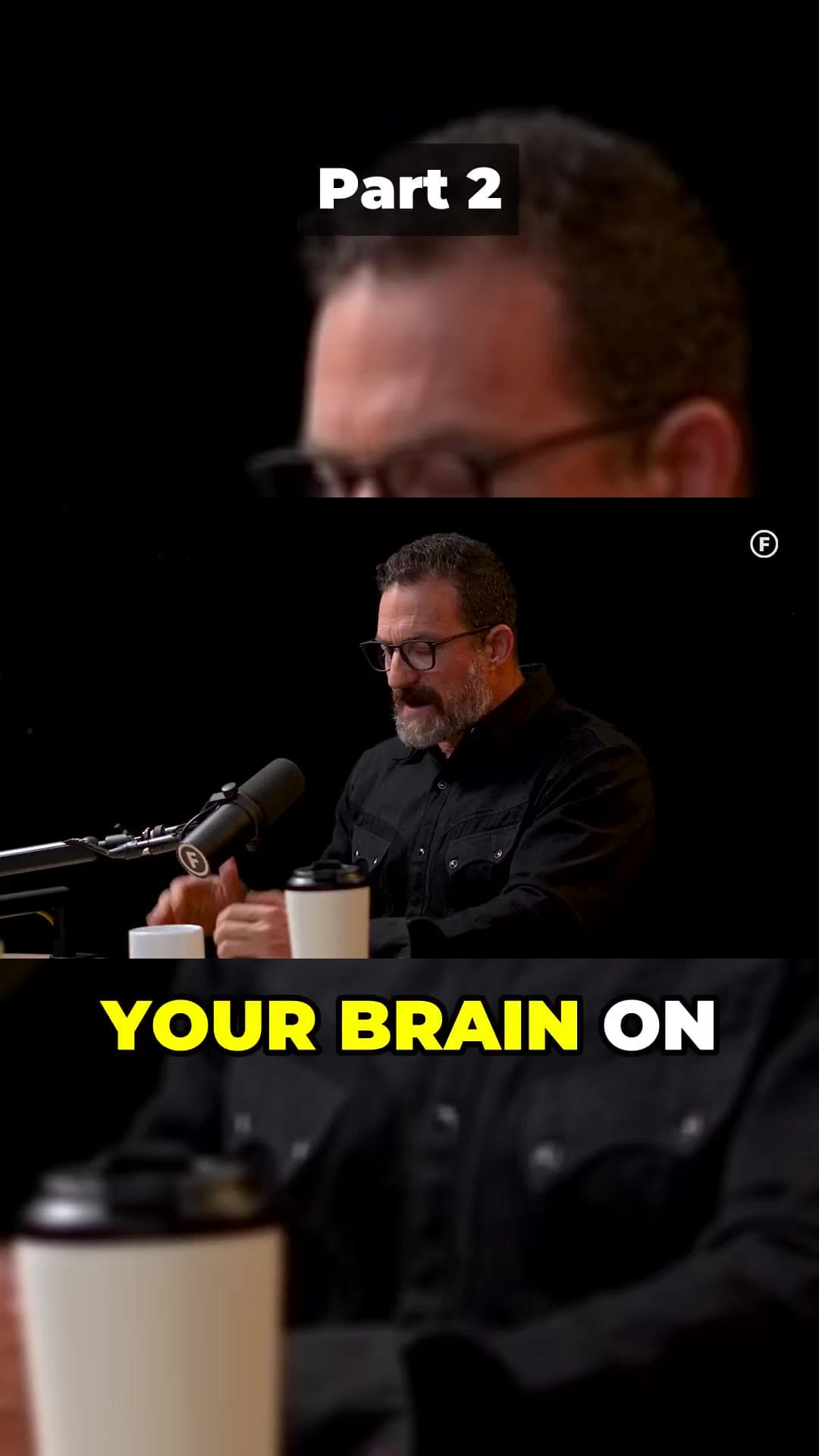 0:58
0:58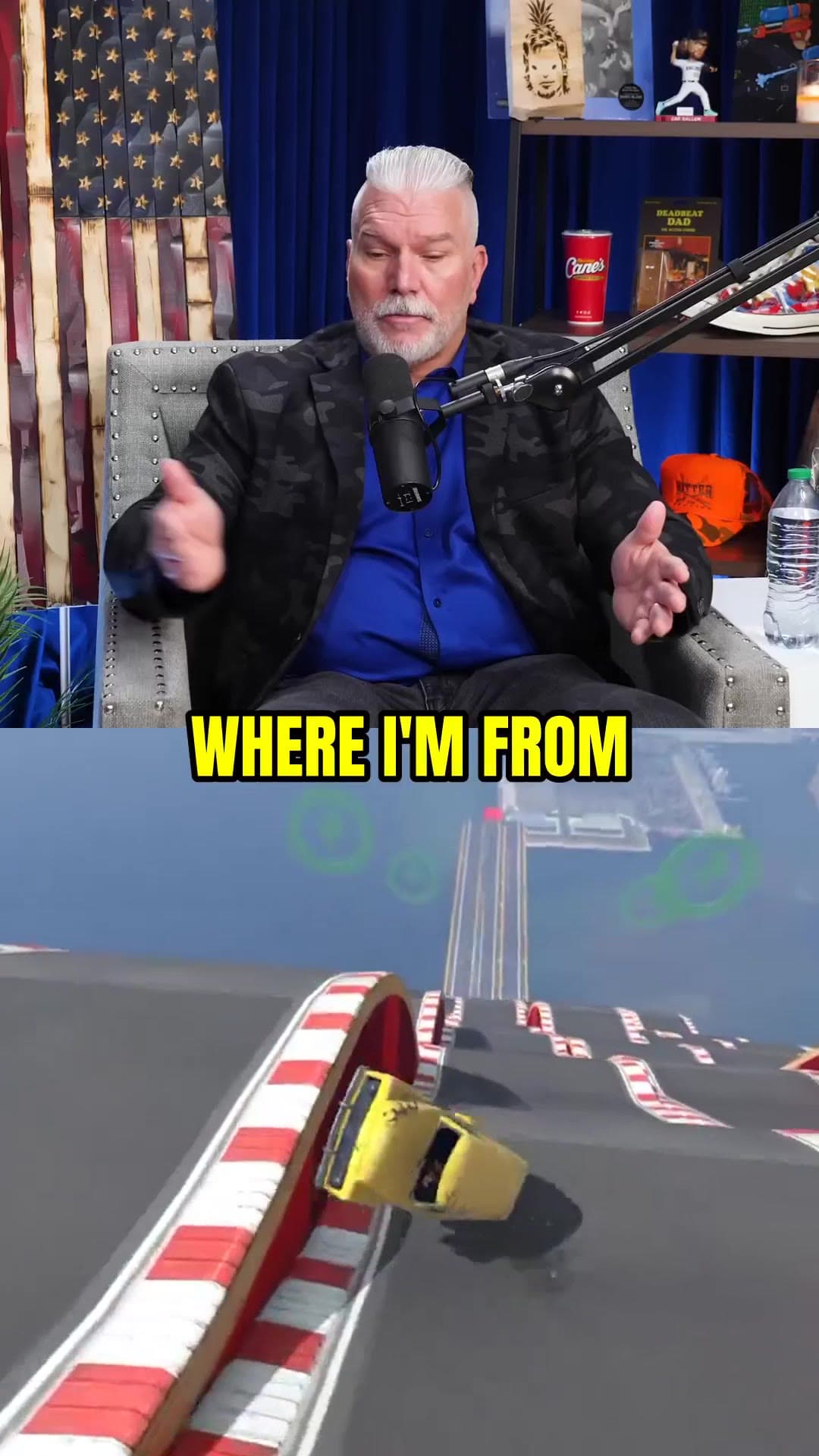 0:27
0:27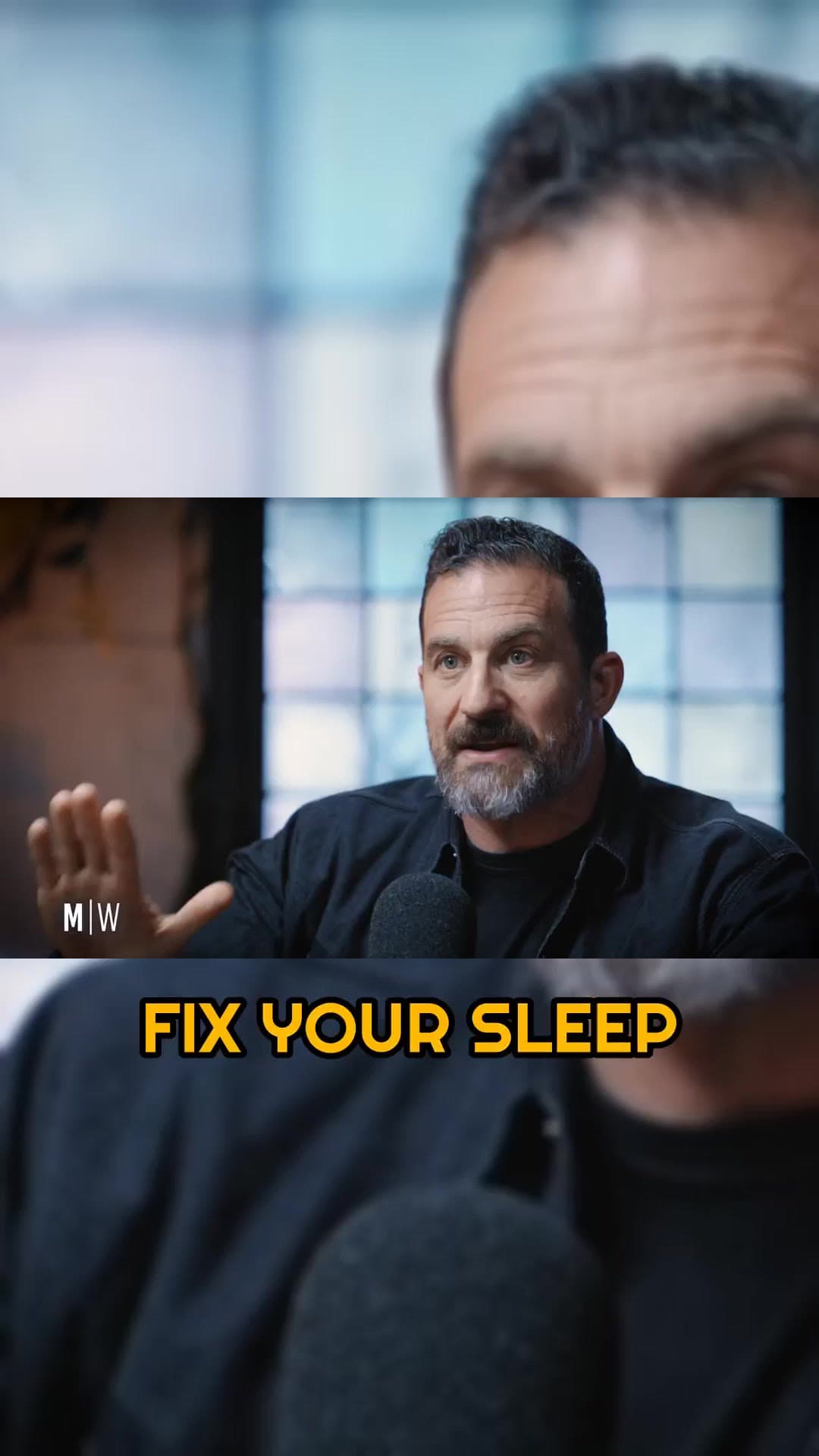 0:38
0:38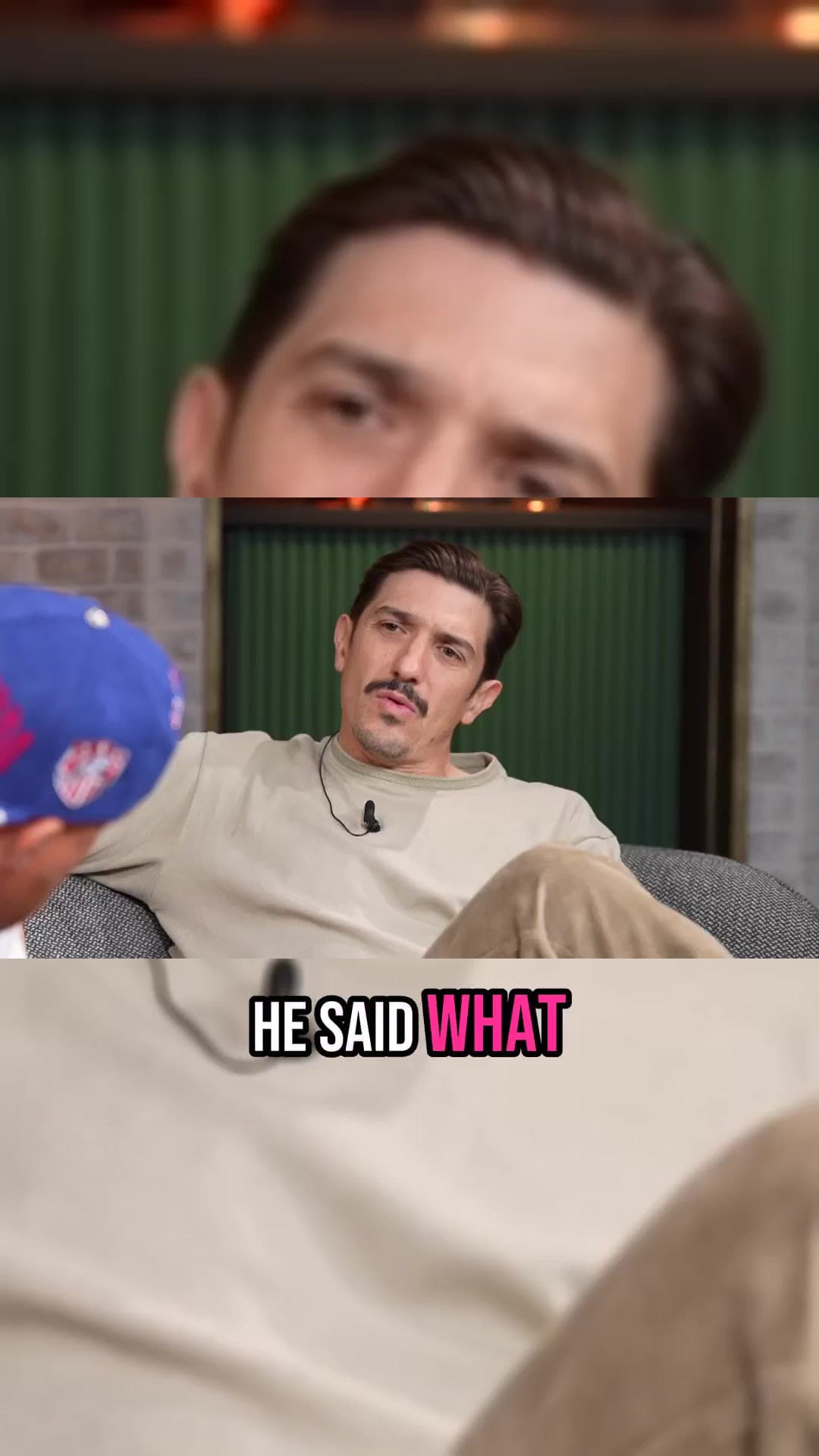 0:15
0:15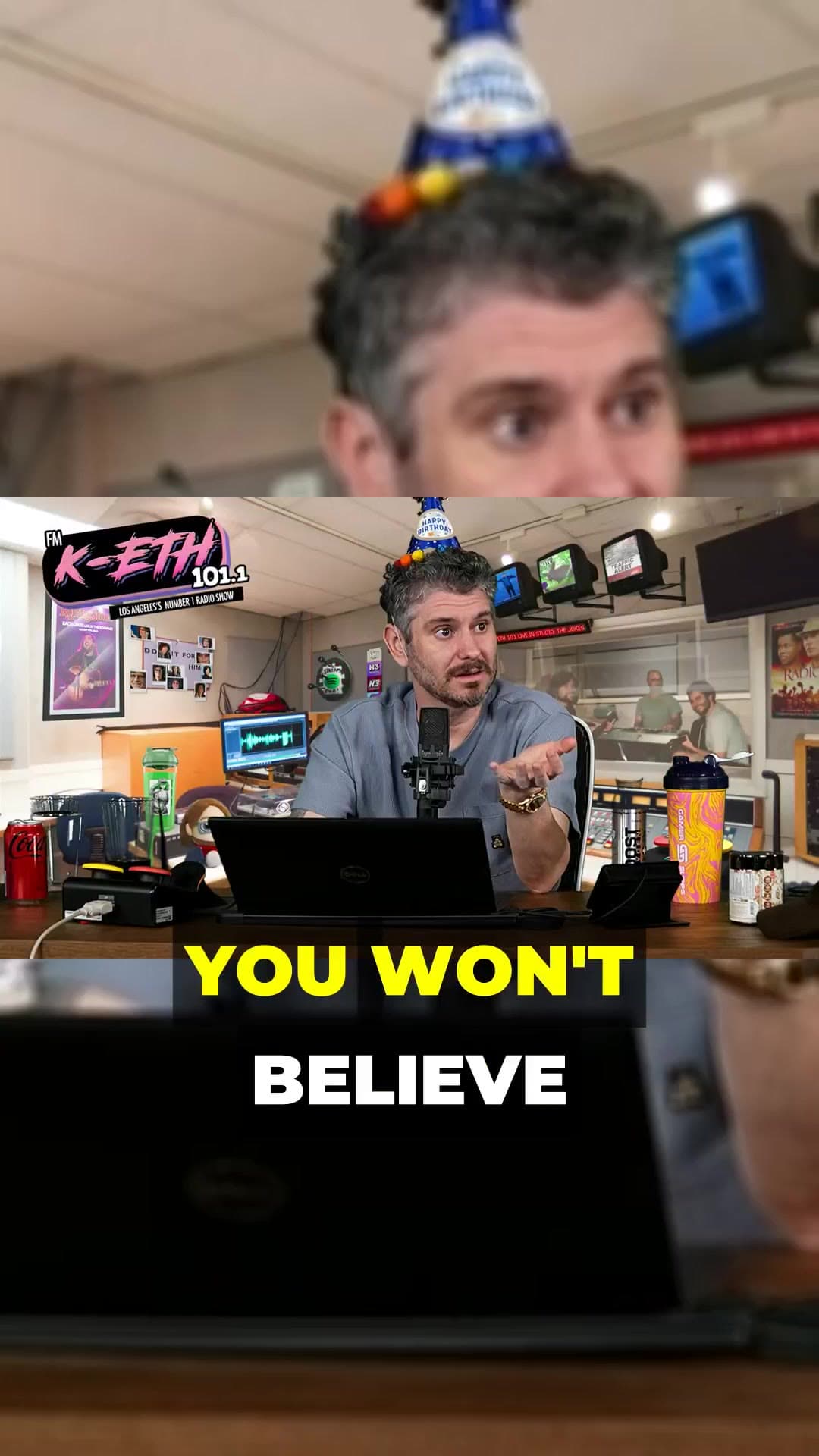 0:24
0:24Why ClipAtelier
We made the choices creators asked for: no install, no watermark, lossless split for series channels, and a range picker for long streams instead of an error message.
Try it on your videoCreators
“I used to lose a whole Sunday to cutting Shorts. Now I paste the link, review 8 clips, and I'm done in ten minutes.”
Carlee M.
Coach · 210K subs
“The captions are the killer feature. Word timing is tight, the highlight colour pops, and I never have to fix a line.”
Musa K.
Clip editor
“Equal split is exactly what our series channel needed — 24 parts, identical length, no re-encode. Instant.”
Dave R.
YouTube ops
“The moment picking is so good my juniors ship the right cuts without me reviewing every candidate.”
Brandon L.
Agency lead
“Our weekly episode turns into a full week of Shorts. The heatmap picks are the same moments our fans quote in the comments.”
Priya S.
Podcast host · 48K subs
“Split screen with Subway Surfers underneath took one click. Retention on those Shorts is noticeably better.”
Tomás G.
Gaming clips
“I post in English and German. Translated captions with proper word timing used to be a nightmare, now it's a dropdown.”
Lena W.
Interview channel
“No watermark on the free plan is what got me to try it. The karaoke captions are why I upgraded.”
Jamal O.
Solo creator
“Autopilot posts for three clients while I sleep. I just check the queue in the morning and swap a title if needed.”
Sofia R.
Social media manager
“AI titles and hashtags are surprisingly good. I edit maybe one in five, and the rest go out as is.”
Kenji T.
Tech reviewer
“Paste link, get clips, schedule. My whole Shorts workflow fits into a coffee break now.”
Aisha B.
Faceless channel
“The range picker for long streams is a lifesaver. I clip the best hour of a 5-hour stream without downloading anything.”
Marco D.
Stream highlights
FAQ
Common questions about AI YouTube clipping, Shorts, tokens and publishing.
Prefer guides? Browse resources, pricing and example Shorts.
ClipAtelier is an AI YouTube clipping tool and Shorts maker. Paste a YouTube link or upload a video and it cuts the best moments into vertical Shorts, TikToks and Reels with word-timed captions, AI titles and hashtags.
You can create a free account with no card and look around the studio. Creating clips is on Starter and Pro. Exports have no watermark.
For YouTube links we read the Most Replayed heatmap and cut at the peaks. If there is no heatmap yet, the AI ranks the transcript for hooks, punchlines and clear answers, then reframes to 9:16 and burns in karaoke-style captions.
No. ClipAtelier runs entirely in the browser — paste a link or upload a file and the pipeline runs on our servers. Nothing to download.
Tokens pay for producing clips. Viral mode costs 1 token per started 4 minutes of source, plus 1 per clip (2 with captions) — a 30-minute video into 3 captioned clips is 14 tokens. Equal split costs half a token per part up to a minute (+½ with captions). Clips that fail are refunded, and downloads are always unlimited.
Yes. Paste the YouTube episode (or upload on a paid plan). ClipAtelier finds quotable moments, crops to vertical and adds captions so you can post Shorts, TikToks and Reels the same day.
Viral mode handles long videos. Equal split accepts up to 72 minutes at once, in parts of up to 3 minutes; for longer streams you pick the window to split right in the UI.
Source videos are deleted the moment your clips finish rendering. Clips stay available for 15 days, then they're deleted automatically.
Yes on Pro — connect YouTube and TikTok under Accounts, then publish or schedule Shorts and TikToks with AI titles and hashtags. On every plan you can also download the MP4.
Yes on Pro — connect your YouTube (and TikTok when available) under Accounts, then use Autopilot to post on a schedule with AI titles and hashtags.
Yes. Clips are 9:16 vertical MP4s with captions burned in, so you can download them and post to Reels or anywhere else.
No watermark, ever — on any plan, free included. Exports are clean Shorts-ready MP4s.
ClipAtelier is a browser AI clipper focused on YouTube Most Replayed peaks, ranked moments and watermark-free free exports. CapCut is a full timeline editor; Opus-style tools vary on credits and watermarks. Run the same video in both and compare cleanup time — see our comparisons under Resources.
Ready when you are
No card to look around. Clips start on a paid plan.