Grow your stream with Shorts
Viewers find streamers through short clips. Posting highlights every day keeps your channel in front of new people between streams, and the range picker means you only process the part that matters.
 ClipAtelier
Stream highlights
Streams are long and the best moments are buried. ClipAtelier lets you pick the exact part of a VOD to work on, then finds the highlights inside it and turns them into vertical clips with captions.
Works with streams uploaded to YouTube, or with your own recordings uploaded on a paid plan.
Drop a YouTube URL into the studio, or upload an MP4, MOV or MKV file on a paid plan. Nothing to install.
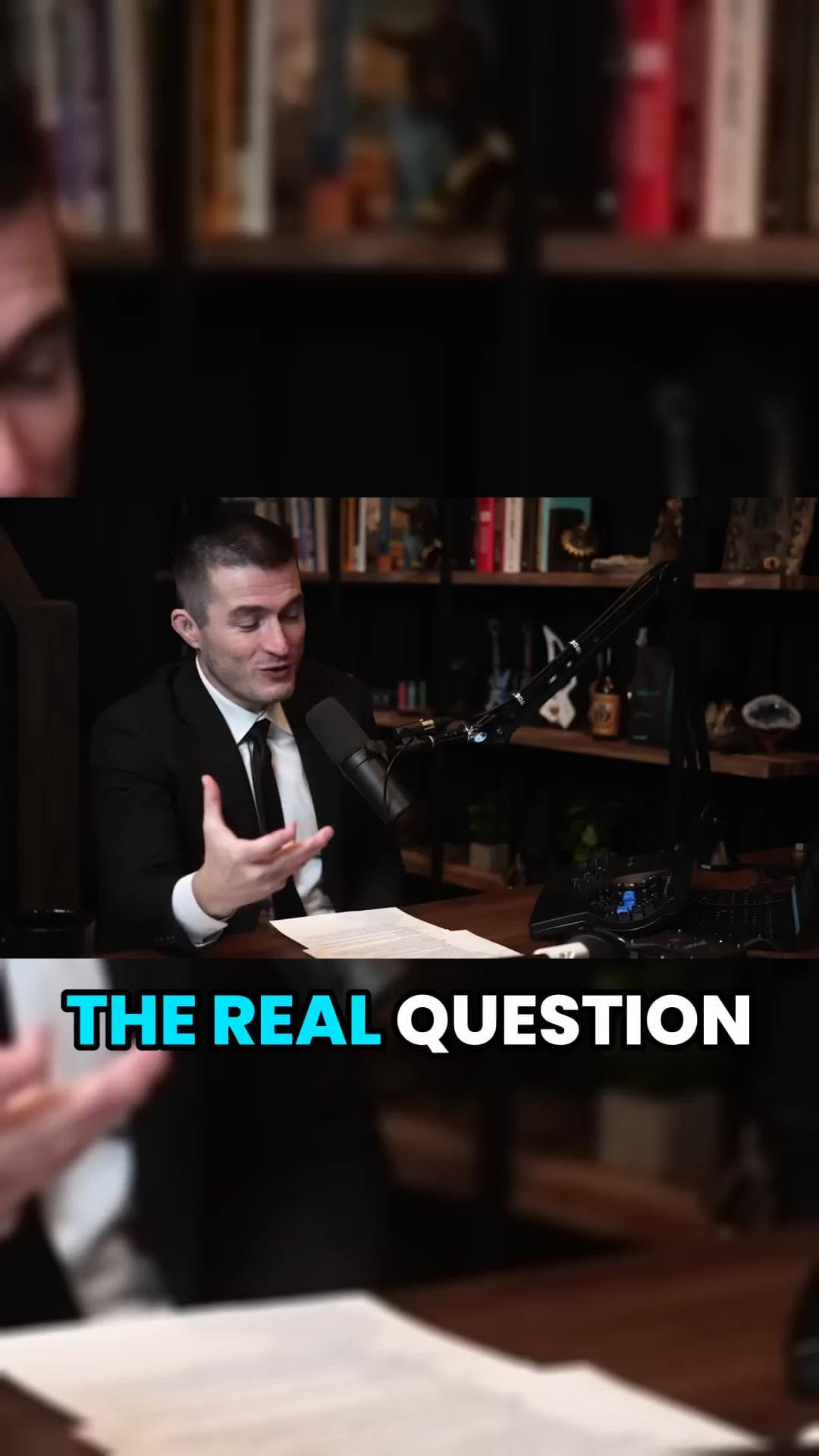
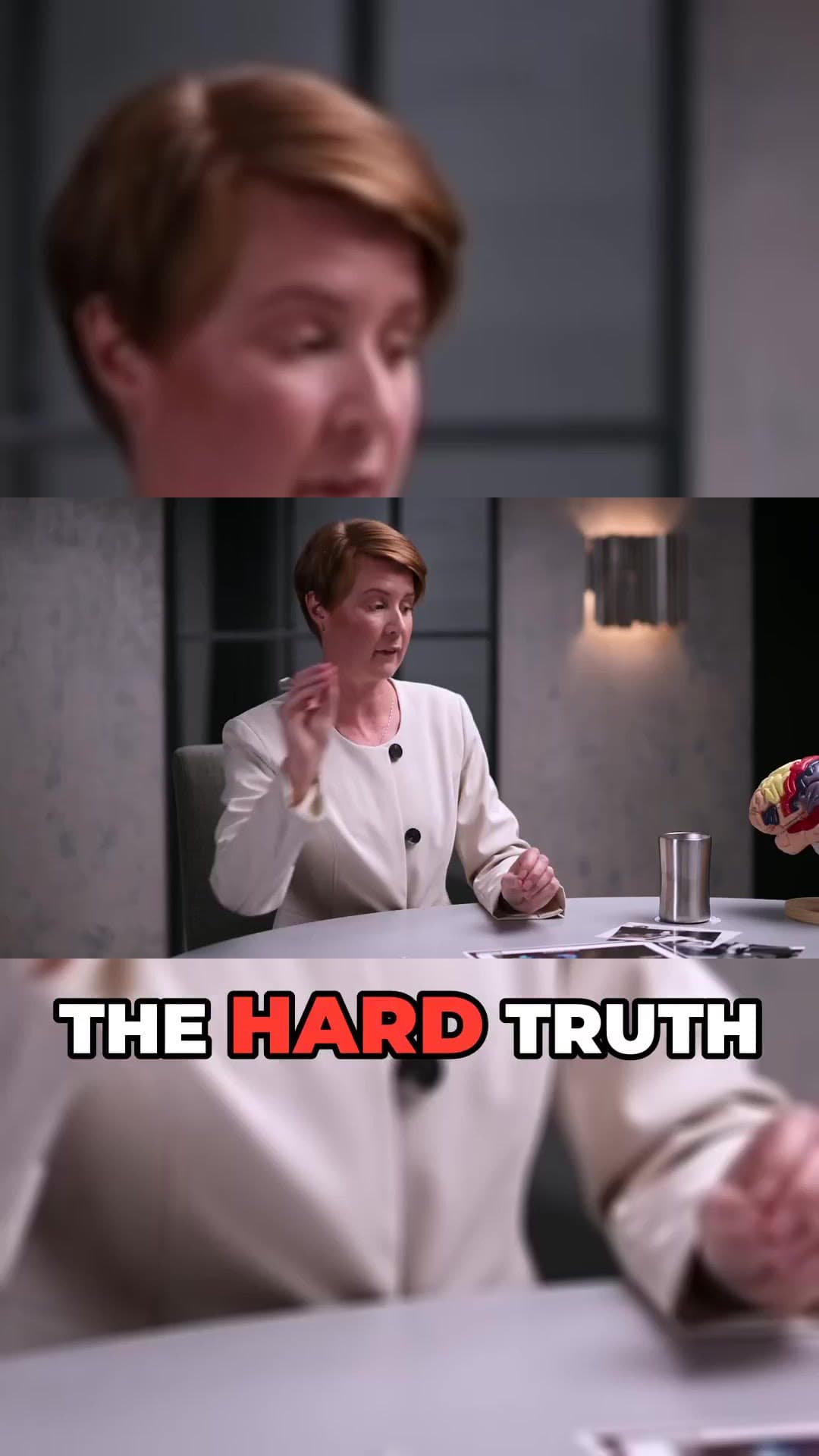
We transcribe the video, pick the strongest moments, reframe them to 9:16 and burn in word-timed captions.
Preview every clip, choose a title, then download the MP4 or publish and schedule straight to YouTube Shorts.
Choose the hour that matters instead of processing the whole stream.
Most Replayed peaks and AI ranking surface the moments viewers rewatch.
Reframe to vertical 9:16 or keep the original 16:9 framing.
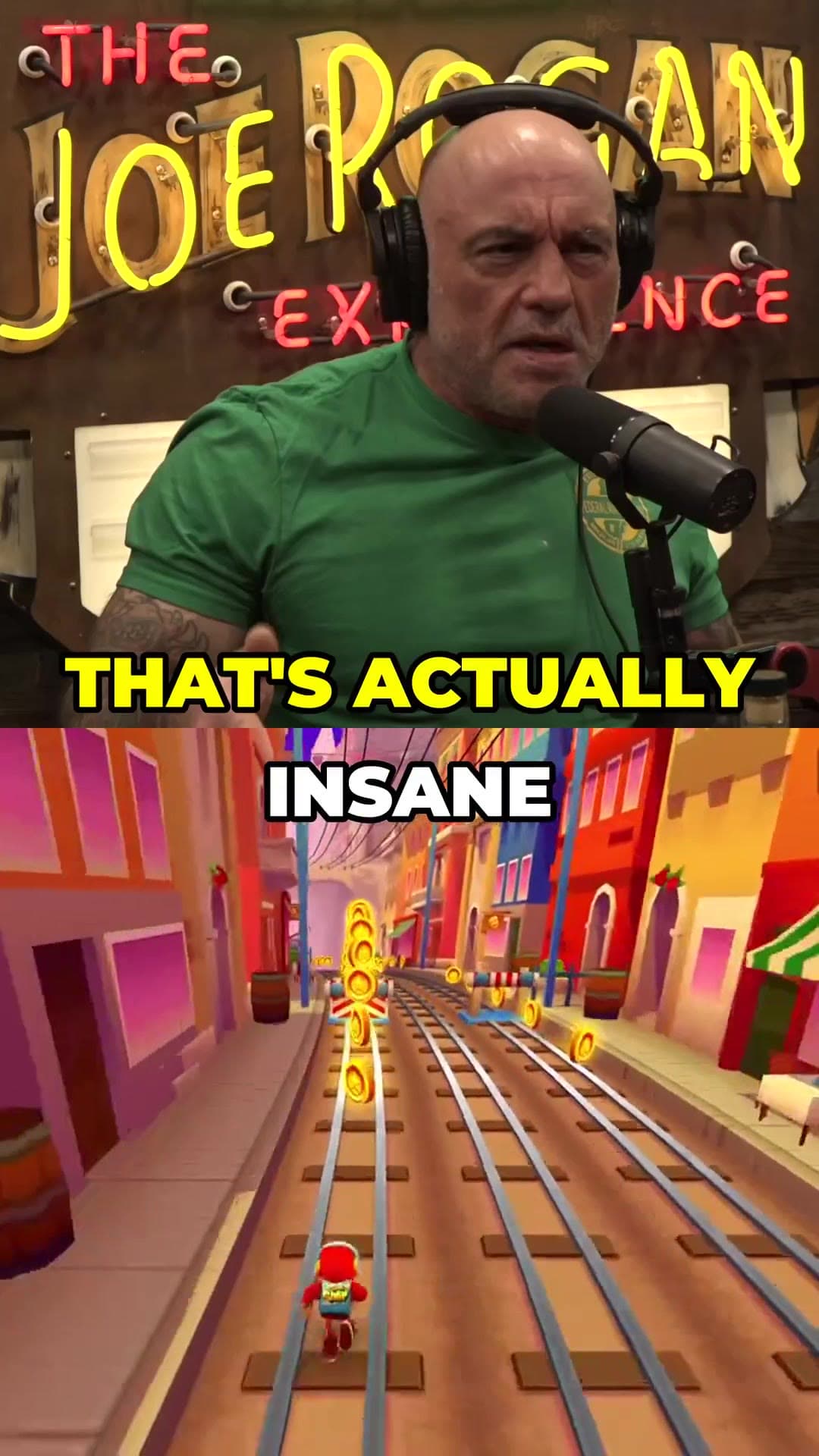
Stack the moment over gameplay footage for the classic clip format.
Clips render in parallel, so you get a batch in minutes.
Queue highlights to post daily while you are live again (Pro).
Viewers find streamers through short clips. Posting highlights every day keeps your channel in front of new people between streams, and the range picker means you only process the part that matters.
No. If the VOD is on YouTube, paste the link and pick the section. You can also upload your own recording on a paid plan.
Only clip videos you own or have permission to use, such as your own uploads, creators who allow clipping (for example clipping programs), or licensed content. You are responsible for the clips you post.
Yes. Every new account gets 25 free tokens with no card, enough to try the whole pipeline. There is no watermark on any plan, free included.
25 free tokens. No card. Clips in minutes.
Start clipping free