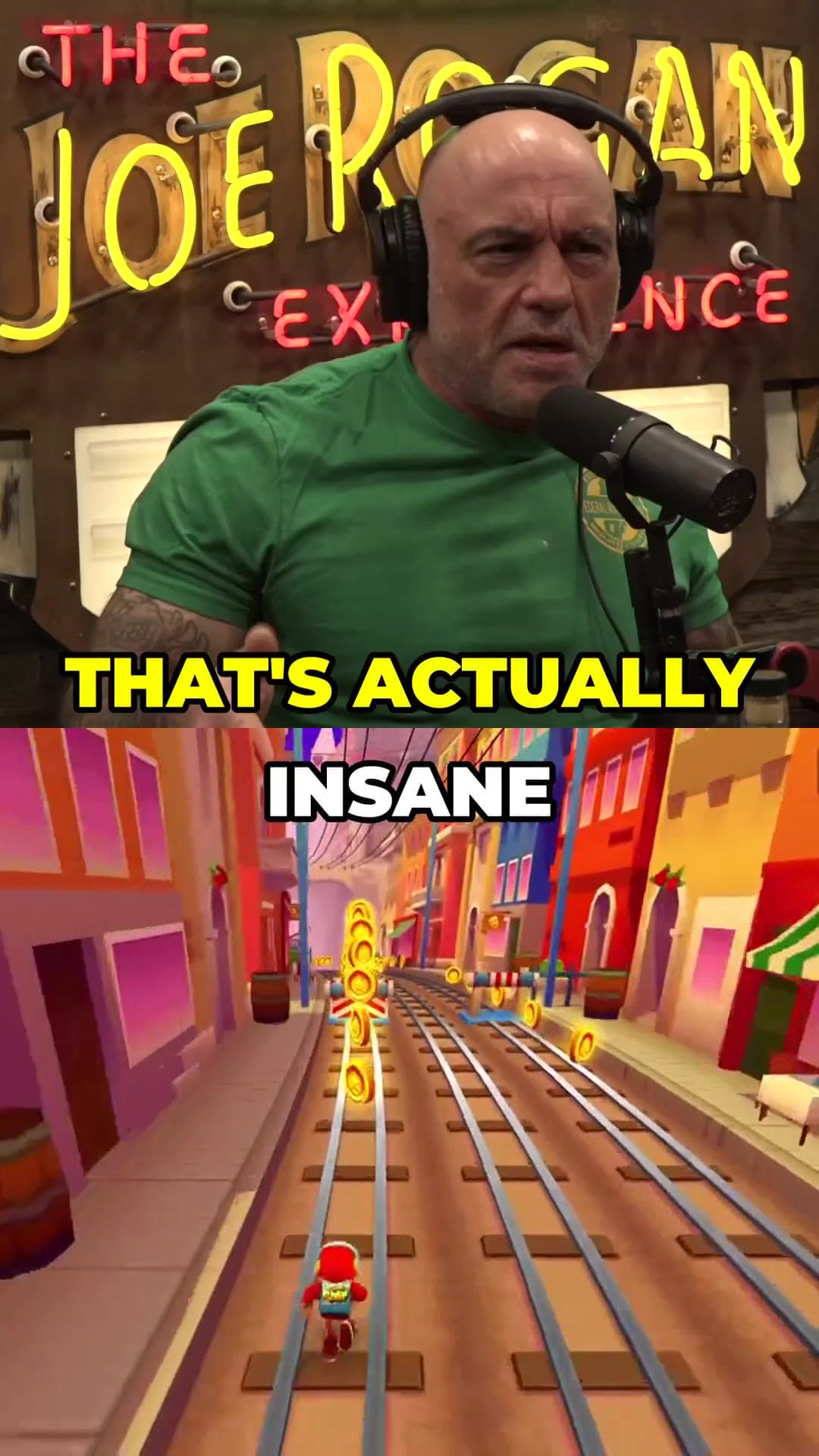
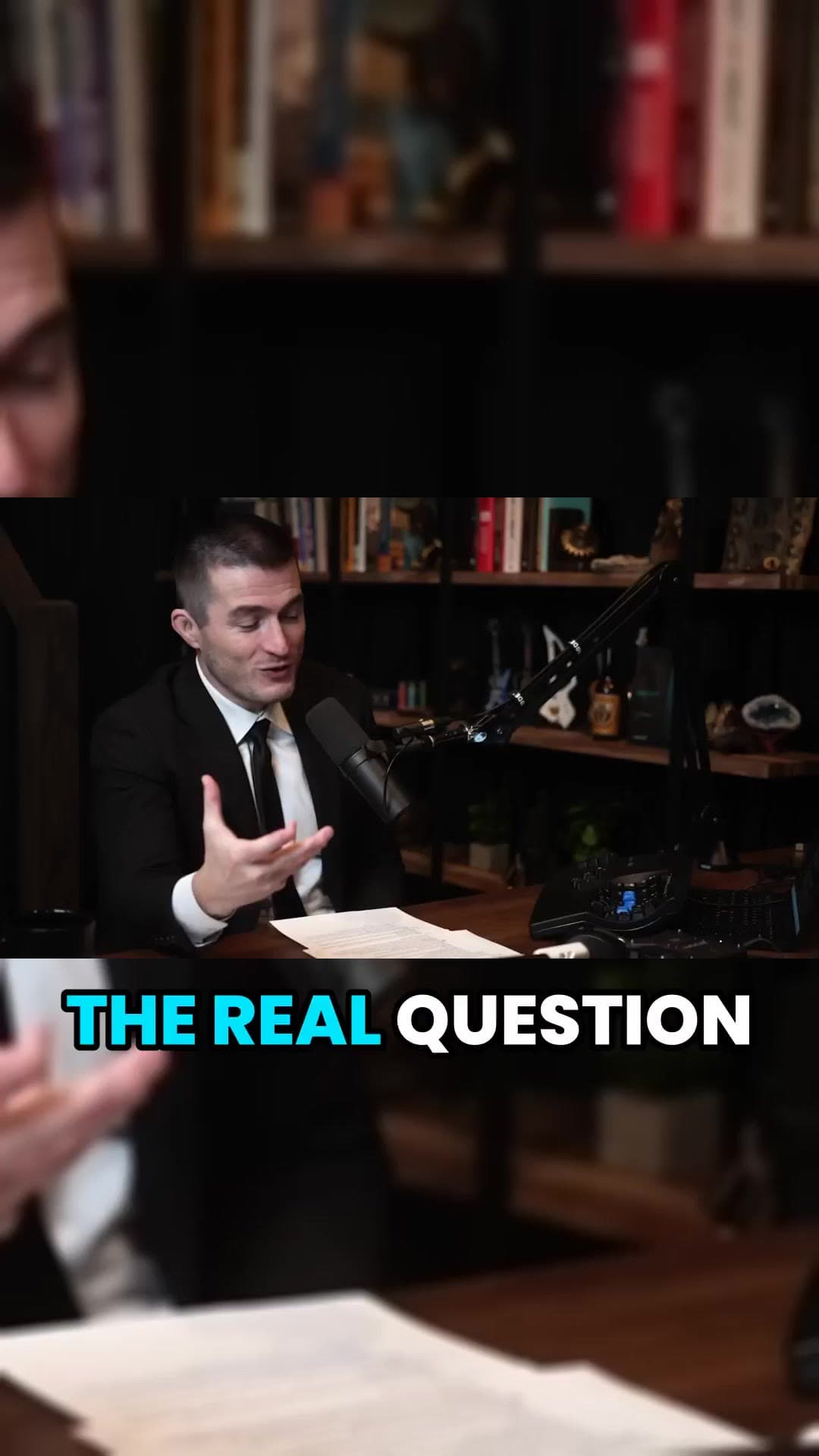
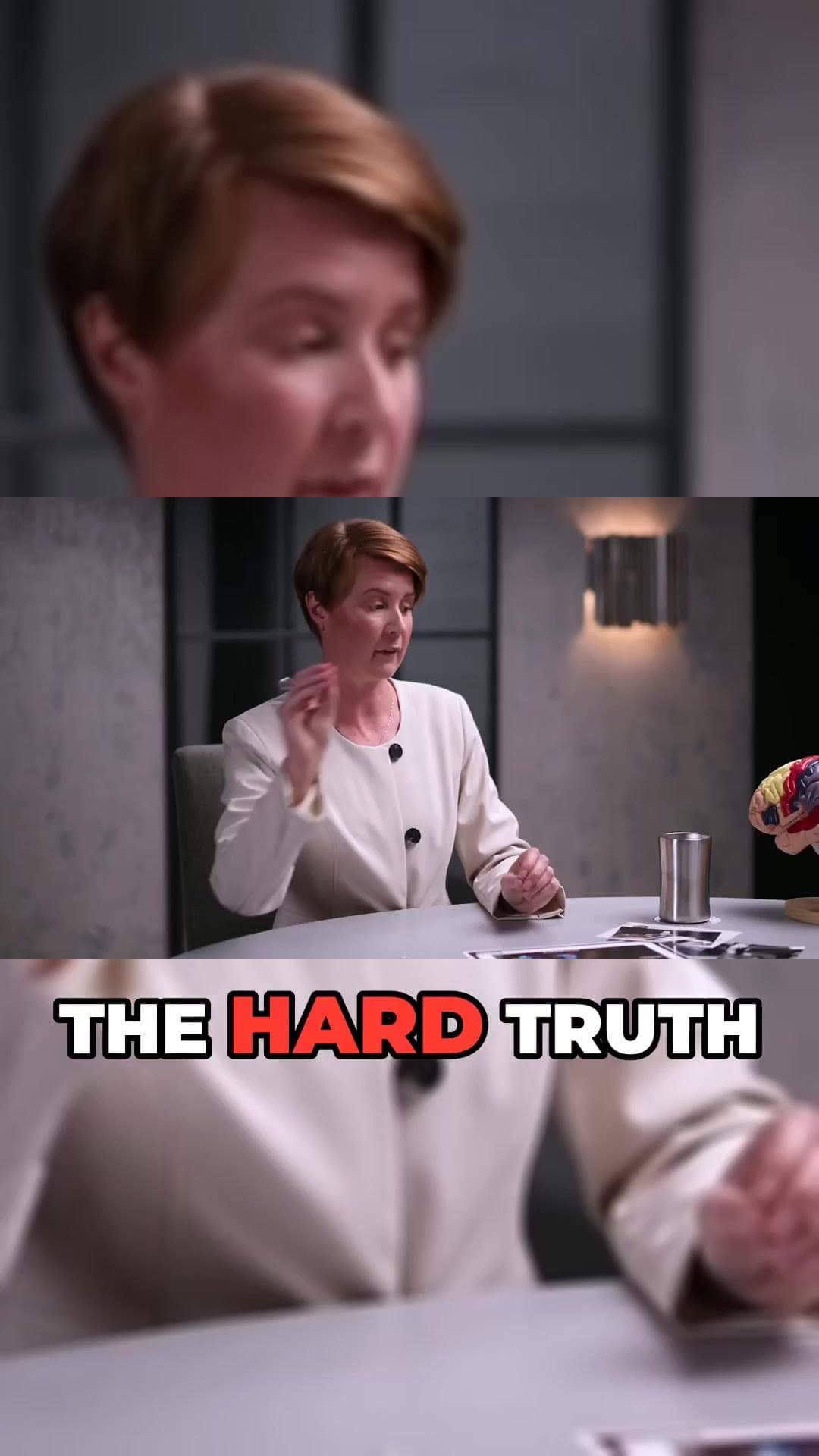
Podcasts are full of moments that work on their own: a sharp take, a story with a punchline, a guest saying something unexpected. ClipAtelier listens to the whole episode and cuts those moments into vertical clips with captions, so your show reaches people who will never press play on a two-hour video.
It handles long recordings well. A one-hour episode typically becomes a dozen clips in a few minutes, and for very long episodes you can pick the exact section to clip.
No card to sign upLook around the studioRuns in the browser
How it works
01
Paste a link
Drop a YouTube URL into the studio, or upload an MP4, MOV or MKV file on a paid plan. Nothing to install.
02
AI finds and cuts
We transcribe the video, pick the strongest moments, reframe them to 9:16 and burn in word-timed captions.
03
Review and post
Preview every clip, choose a title, then download the MP4 or publish and schedule straight to YouTube Shorts and TikTok.
What you get
Built for long conversations
Hours-long episodes are fine. The AI reads the whole transcript before picking moments.
Clean cuts
Clips start and end on full sentences, so nobody gets cut off mid-thought.
Speaker in frame
Wide two-shot footage is reframed for vertical so the speaker stays on screen.
Captions for silent scrolling
Most people watch Shorts muted. Word-timed captions carry the clip without sound.
Numbered series
Prefer the whole episode in parts? Equal split cuts it into Part 1, Part 2, Part 3.
Posts written for you
AI titles, descriptions and hashtags for every clip.
Why podcasts need clips
Full episodes rarely get discovered on their own. Short clips are how podcasts grow today: they show up in feeds, get shared, and send new listeners to the full episode. The shows that grow fastest post several clips per episode.
What a season of clips costs
Podcast episodes are long, so it helps to know the numbers before you start. A 60-minute episode costs 15 tokens to analyse, and each captioned clip adds two. Six clips from that episode is 27 tokens. A weekly show clipped this way uses about 110 tokens a month, which fits the Starter plan's 150.
If your episodes run two hours or more, use the range picker on the segment that mattered, usually one guest story or one argument, instead of analysing the whole recording. A 25-minute window costs seven tokens to analyse instead of thirty.
Does it work with video podcasts and audio-only shows?
ClipAtelier works with video. Video podcasts on YouTube work directly from the link, and on paid plans you can upload your own video files.
How much does a podcast episode cost?
Viral mode costs 1 token per started 4 minutes of source plus 1 token per clip (2 with captions). A 30-minute episode into 3 captioned clips is 14 tokens. You see the exact cost before every job.
Can I clip any YouTube video?
No. Only clip videos you own or have permission to use — for example your own uploads, creators who allow clipping (clipping programs), or licensed content. You confirm this when you create an account, and you are responsible for the clips you post.
Is it free?
You can create a free account with no card and look around the studio. Creating clips is on a paid plan, and you can try it for 3 days for $1. Exports have no watermark.
Your next Short is already inside your last video.
No card to look around. Clips start on a paid plan.