ClipAtelier

Guide

Best AI clipping tools: how to pick without the hype

Roundups of the “best AI clipping tools” change every month. What does not change: you need ranked moments, readable captions, vertical framing and a cost model that matches how long your videos are.

This page is a buyer’s checklist plus how ClipAtelier fits — not a paid ranking. Run your own footage before you subscribe anywhere.

15 free tokensNo card, no watermarkRuns in the browser
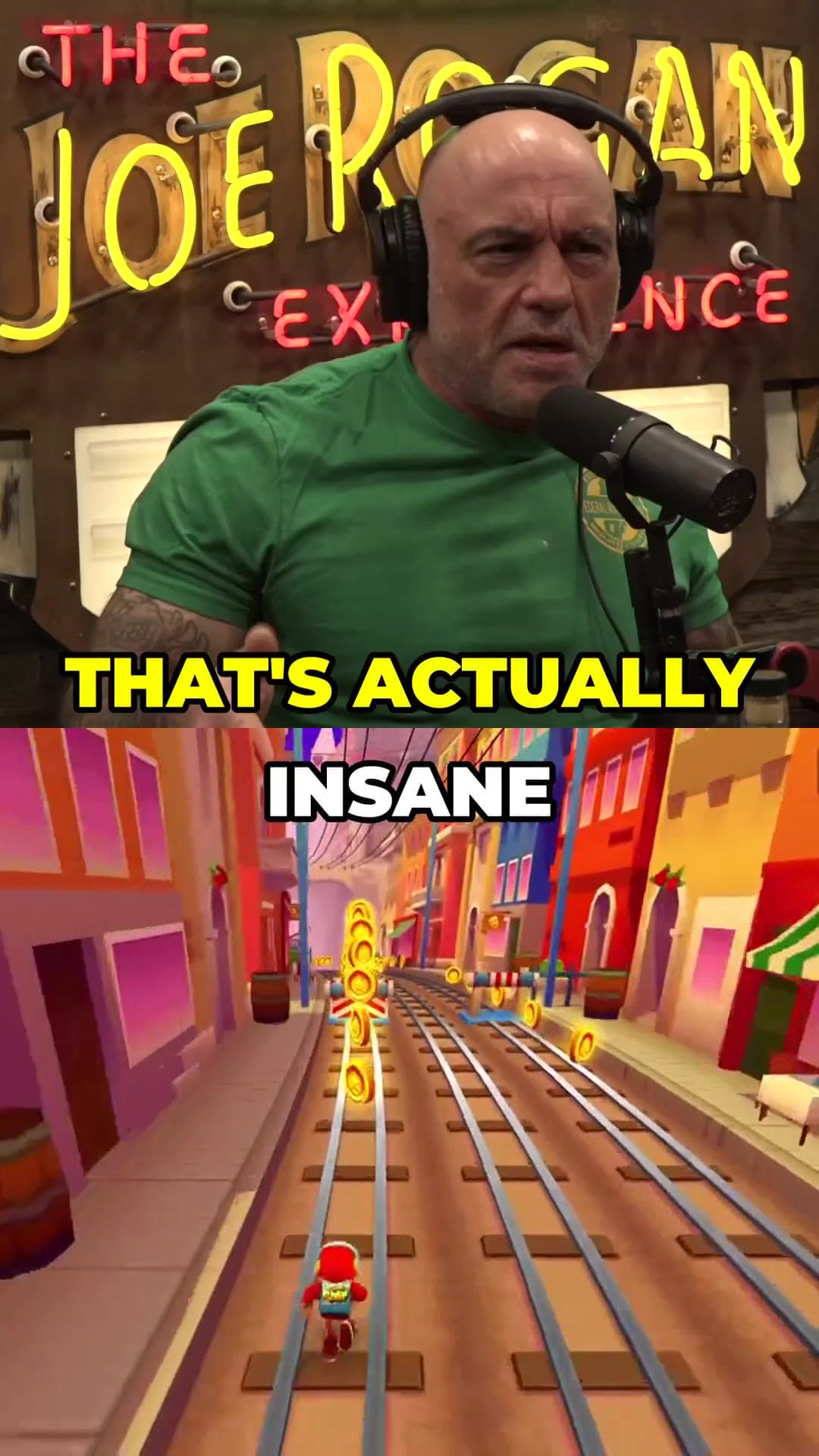
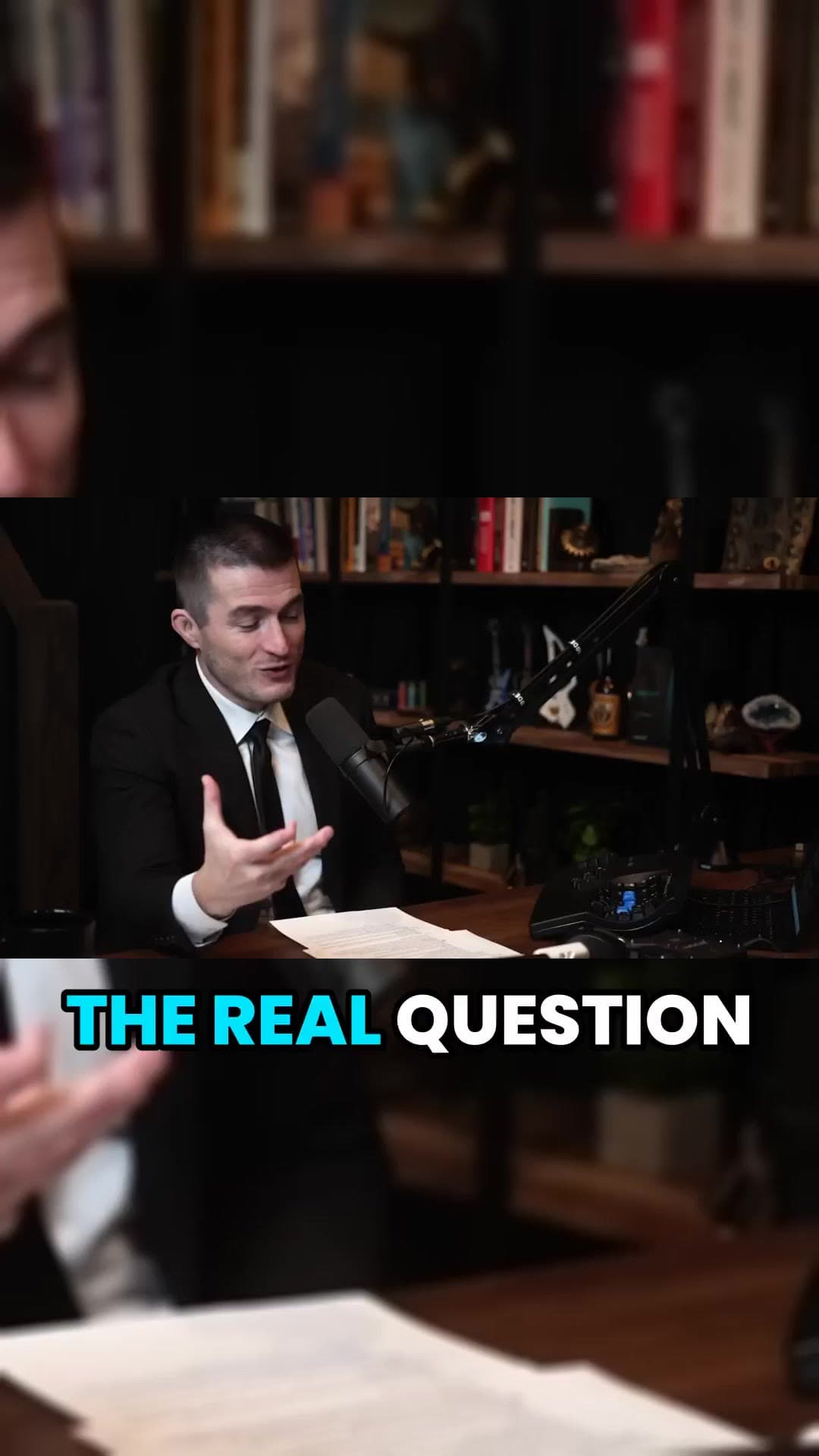
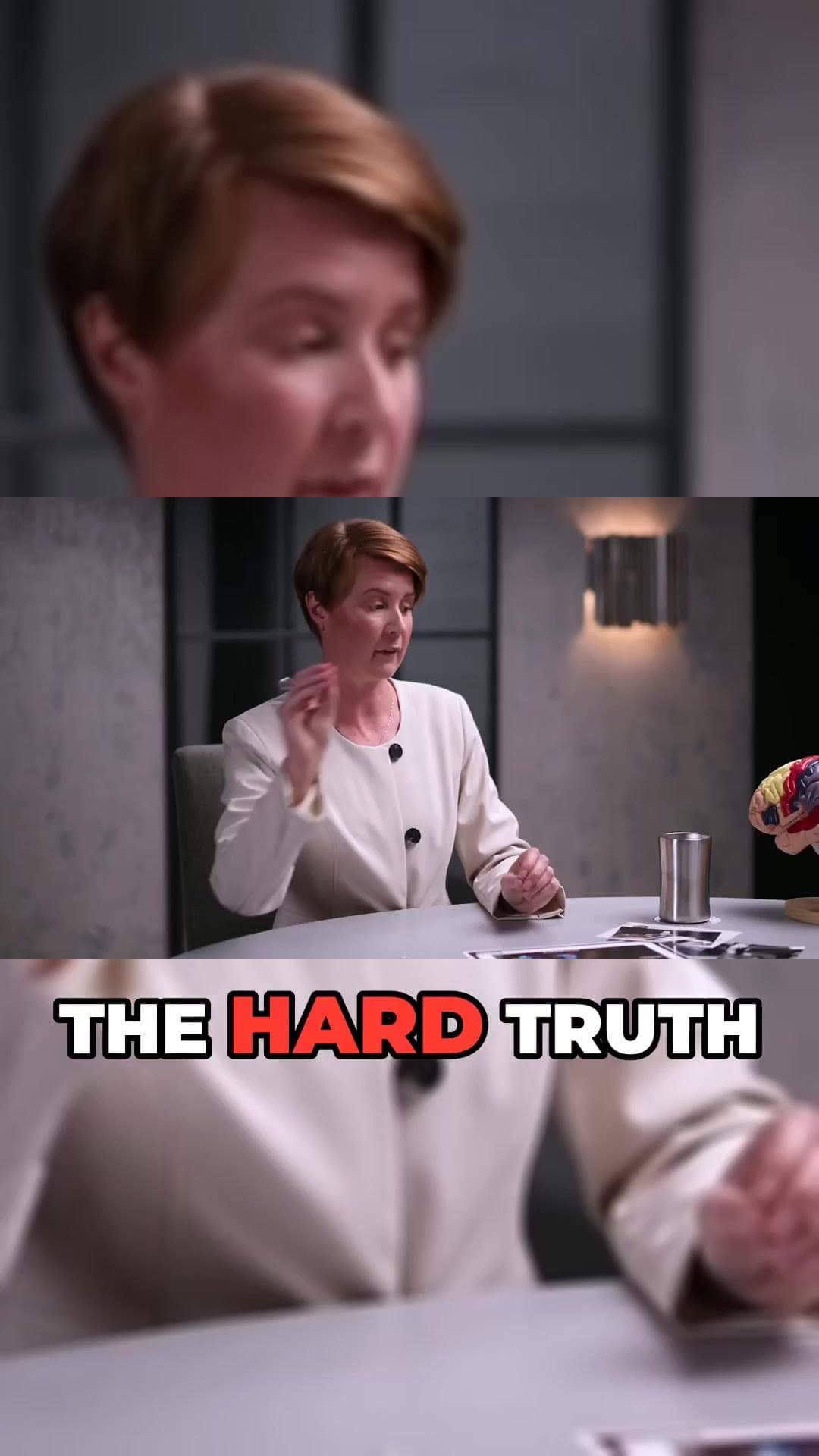
Vertical Short example frame from a long interviewCaptioned 9:16 clip example from a podcastAI-reframed talking-head Short example

How it works

  1. 01

    Run the same source

    Paste one of your own YouTube links into ClipAtelier. Use a video you already know well so the comparison is fair.

  2. 02

    Score the first draft

    Check hook quality, caption accuracy, framing and how much you still need to trim. Note time-to-first usable clip.

  3. 03

    Pick for your weekly rhythm

    Keep the tool that wins on finished clips per hour — then download or publish on Pro.

Quick comparison

Honest snapshot — features change; verify on each product's site before you buy.

NeedClipAtelierWhat to verify elsewhere
Free watermark-free trialYesOften watermarked
YouTube Most Replayed cutsYesVaries widely
Long-video range pickerYesNot always
Equal-split seriesYesRare
Team brand kits / 4KLightweightCheck specialist tools

What you get

  • Moment quality

    Does the first draft open with a hook and land a payoff?

  • Cleanup time

    Minutes of trim per clip destroy “cheap” plans.

  • Caption accuracy

    Names, jargon and bilingual speech matter for your niche.

  • Pricing shape

    Per-minute credits punish long podcasts; tokens or per-video plans may not.

  • Watermark policy

    Can you show clients or post from the free tier?

  • Publish path

    Download-only is fine; scheduling saves a day later.

Categories you will see

Opus-style multi-platform clippers, lean YouTube→Shorts tools, caption polishers and full NLEs with AI assists. ClipAtelier sits in the link-first clipper lane with Most Replayed peaks, equal-split series, no free watermark and Pro Channel Feeds + Autopilot.

ClipAtelier’s honest tradeoffs

Strong when your source is YouTube or a standard upload and you want daily volume. Not a replacement for After Effects motion design. Studio UI is English-first. Always clip with permission.

Example clip frames

  • Vertical Short example frame from a long interview
  • Captioned 9:16 clip example from a podcast
  • AI-reframed talking-head Short example

Frequently asked questions

  • What is the best AI clipping tool overall?

    There is no universal winner. Test one of your own videos on two free tiers and score hook quality, captions and cleanup time. That test beats any listicle.

  • Where should I start with ClipAtelier?

    Create a free account (15 tokens, no card, no watermark), paste a YouTube link you own, and review the ranked clips. Then compare with whatever you use today.

  • Is it free?

    Yes. Free Tier with NO Watermark: every new account gets 15 free tokens with no card, enough to try the whole pipeline. No plan adds a watermark.

Your next Short is already inside your last video.

15 free tokens. No card. Clips in minutes.

Create clips free