Compliance and permission
Only clip webinars you own or are licensed to reuse. Guest speakers, slide decks and third-party footage may need separate clearance. ClipAtelier processes what you submit; rights stay with you.
 ClipAtelier
Education
Webinars are dense. Prospects rarely rewatch the full hour, but a crisp 40-second tip can travel on Shorts, LinkedIn and Reels.
ClipAtelier finds clear explanations and payoffs, reframes the speaker, and adds captions so the lesson lands with the sound off.

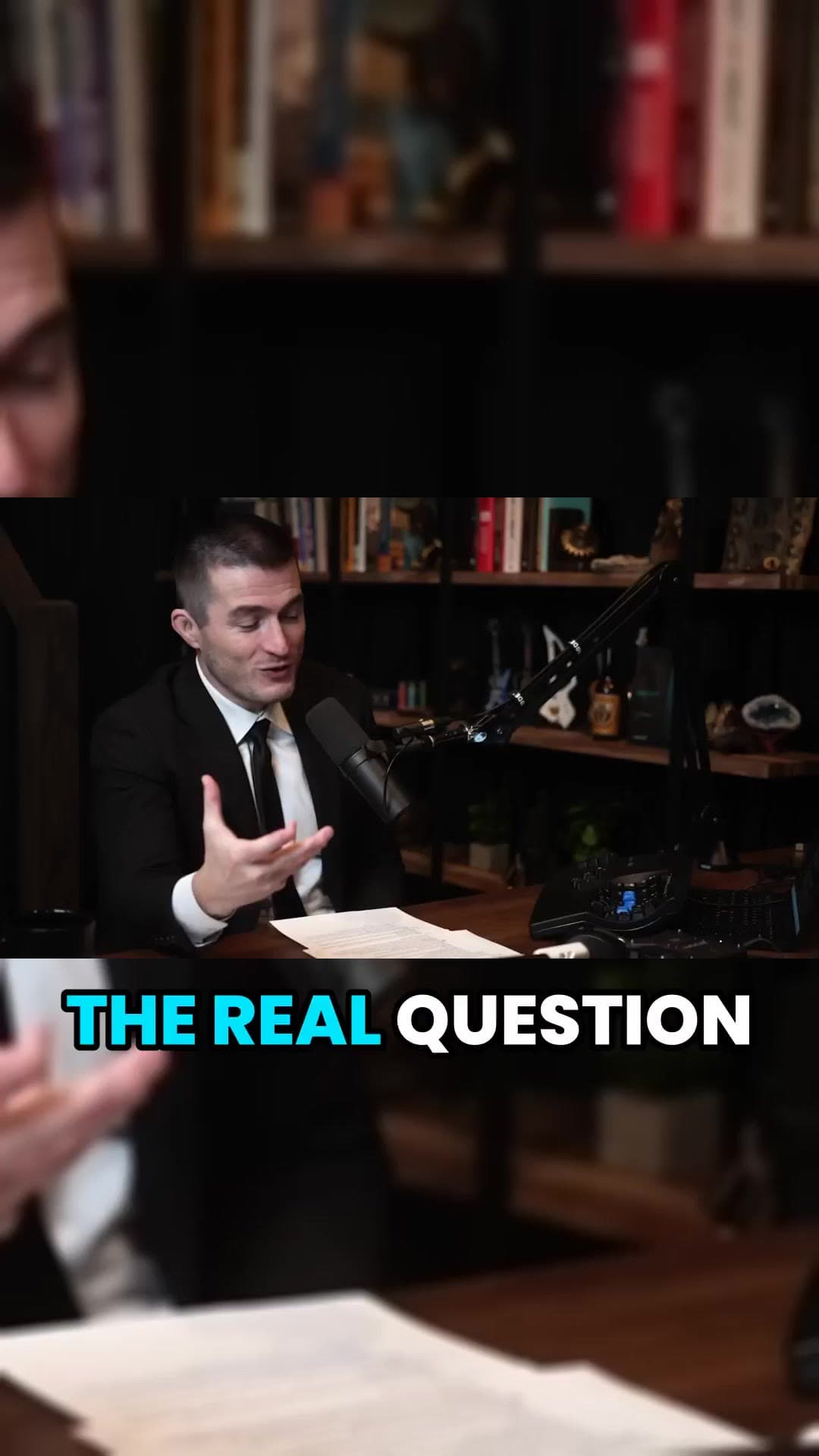
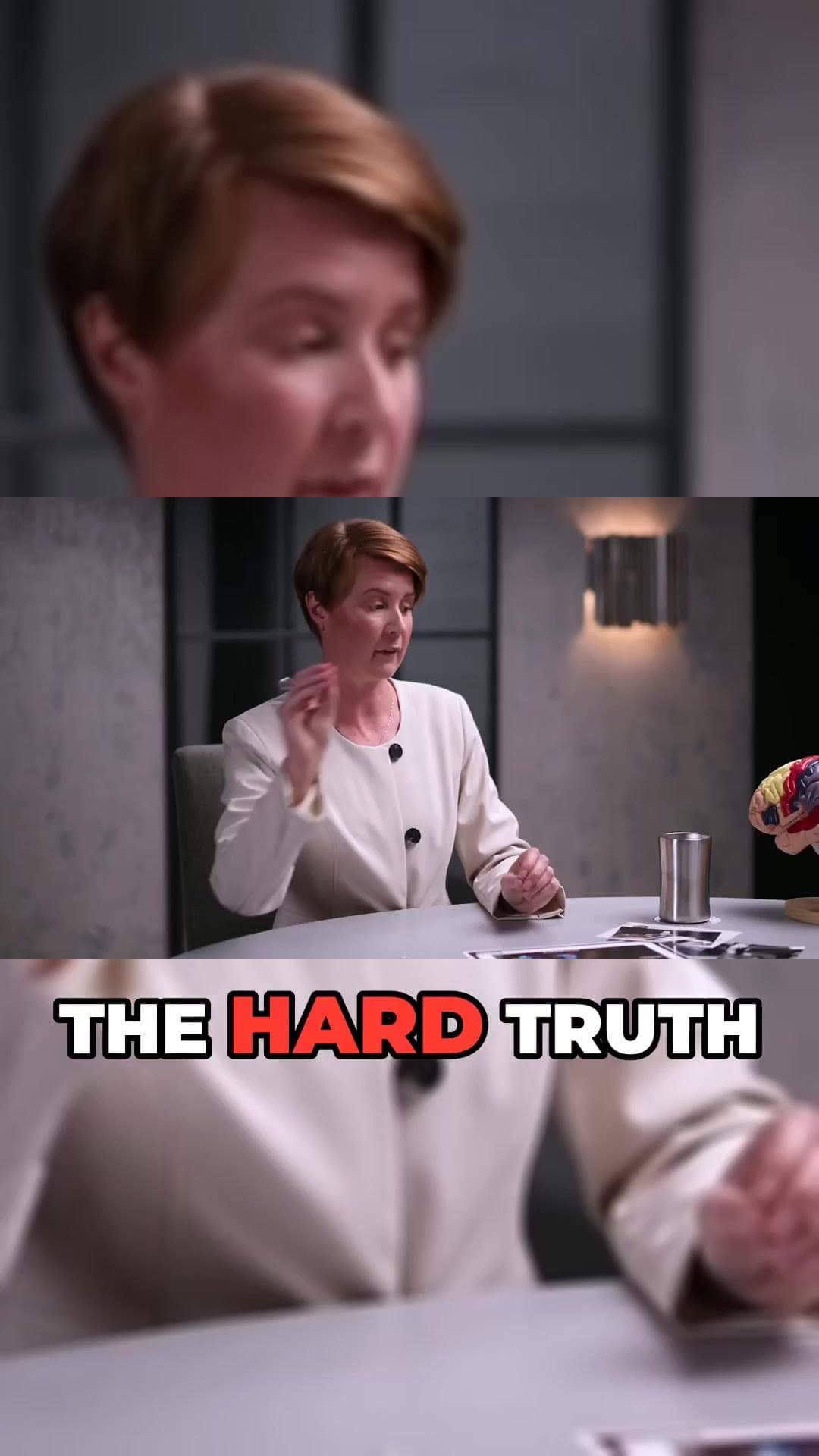
Pick a long video you own (or have permission to clip). For multi-hour streams, use the range picker so you only process the useful part.
ClipAtelier cuts on Most Replayed peaks when available, otherwise ranks the transcript for hooks and payoffs, then burns captions.
Approve the best 3–6 clips, tweak titles, and download or schedule them so Shorts go out while the long video is still fresh.
Transcript ranking prefers clear how-tos and definitions over filler.
Keep the presenter readable when the source is 16:9 stage video.
Word-timed text makes tips skimmable in-feed.
Skip the intro sales block — range-pick the teaching section.
No watermark while you pilot the workflow.
One recorded webinar can feed weeks of tip clips.
Only clip webinars you own or are licensed to reuse. Guest speakers, slide decks and third-party footage may need separate clearance. ClipAtelier processes what you submit; rights stay with you.
Upload the MP4 on a paid plan, or publish the recording to YouTube (unlisted is fine) and paste the link.
Only clip videos you own or have permission to use, such as your own uploads, creators who allow clipping (for example clipping programs), or licensed content. You are responsible for the clips you post.
Yes. Free Tier with NO Watermark: every new account gets 15 free tokens with no card, enough to try the whole pipeline. No plan adds a watermark.
15 free tokens. No card. Clips in minutes.
Create clips free