ClipAtelier

Workflow

Turn long-form videos into a week of Shorts

Long-form to Shorts is the highest-ROI repurposing loop for most channels: one episode becomes several vertical clips that feed discovery while the full video keeps watch time.

ClipAtelier automates the grind — finding moments, cropping to 9:16, captioning, titling — so you spend time on taste, not scrubbing.

15 free tokensNo card, no watermarkRuns in the browser
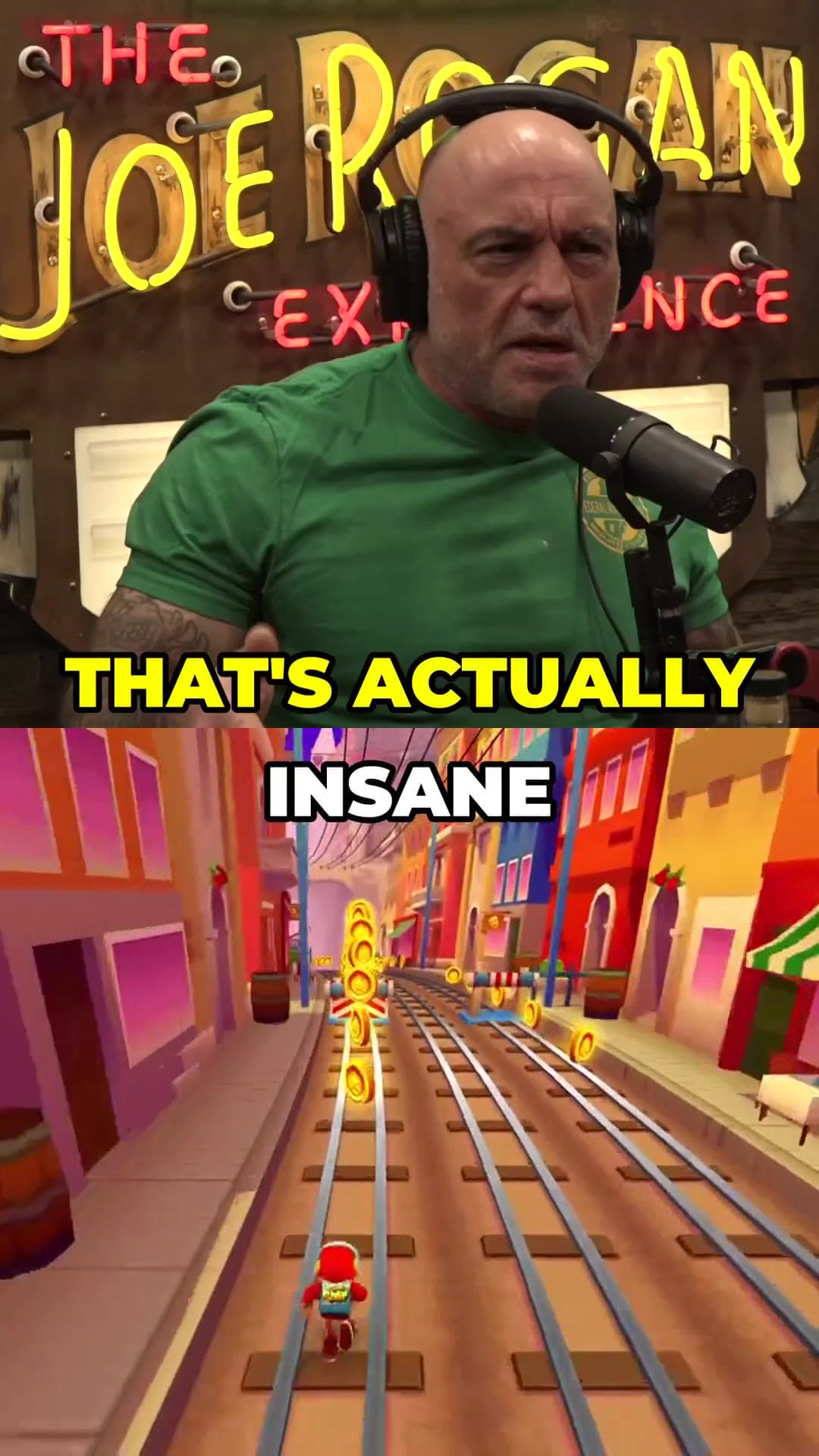
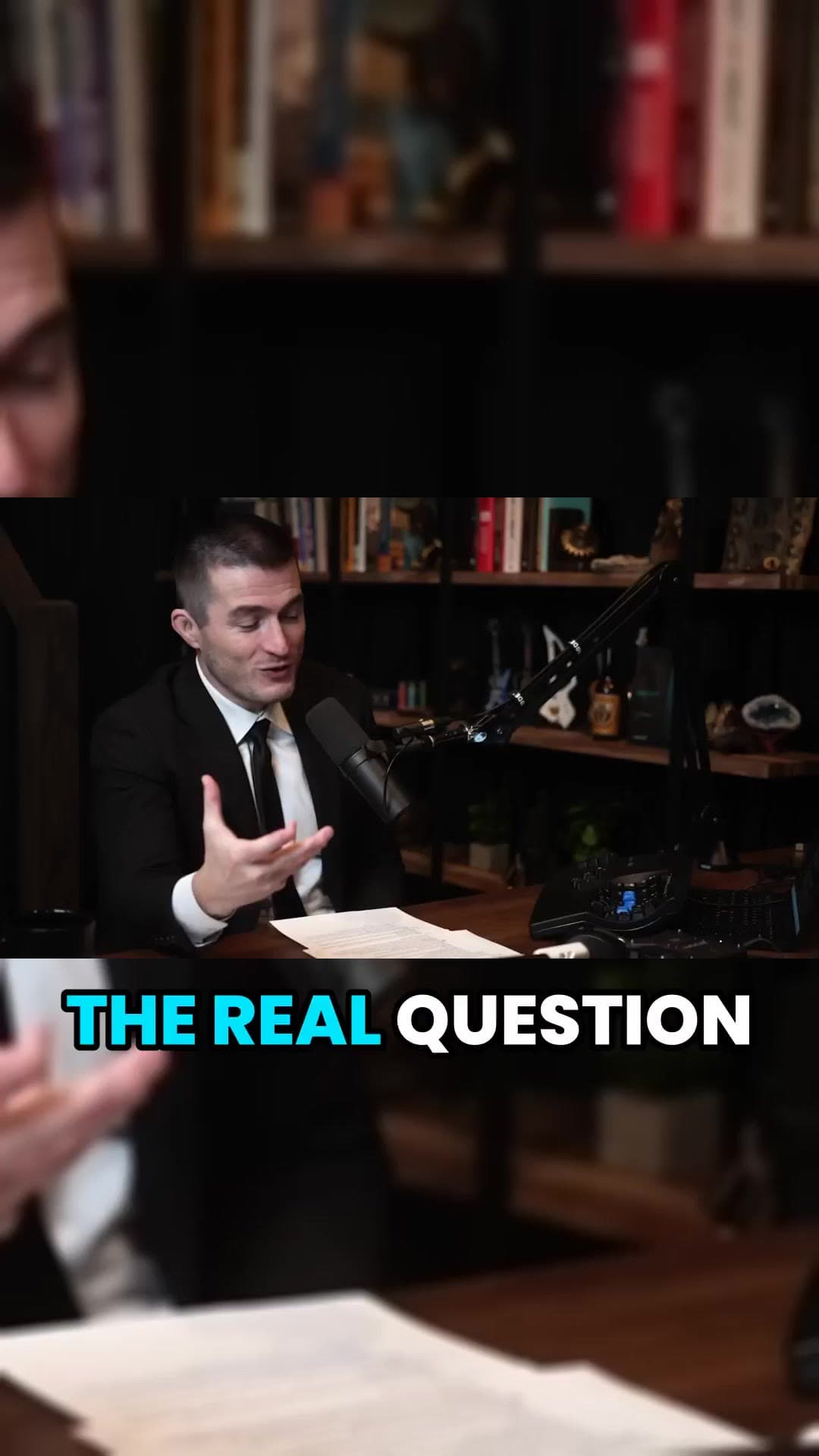
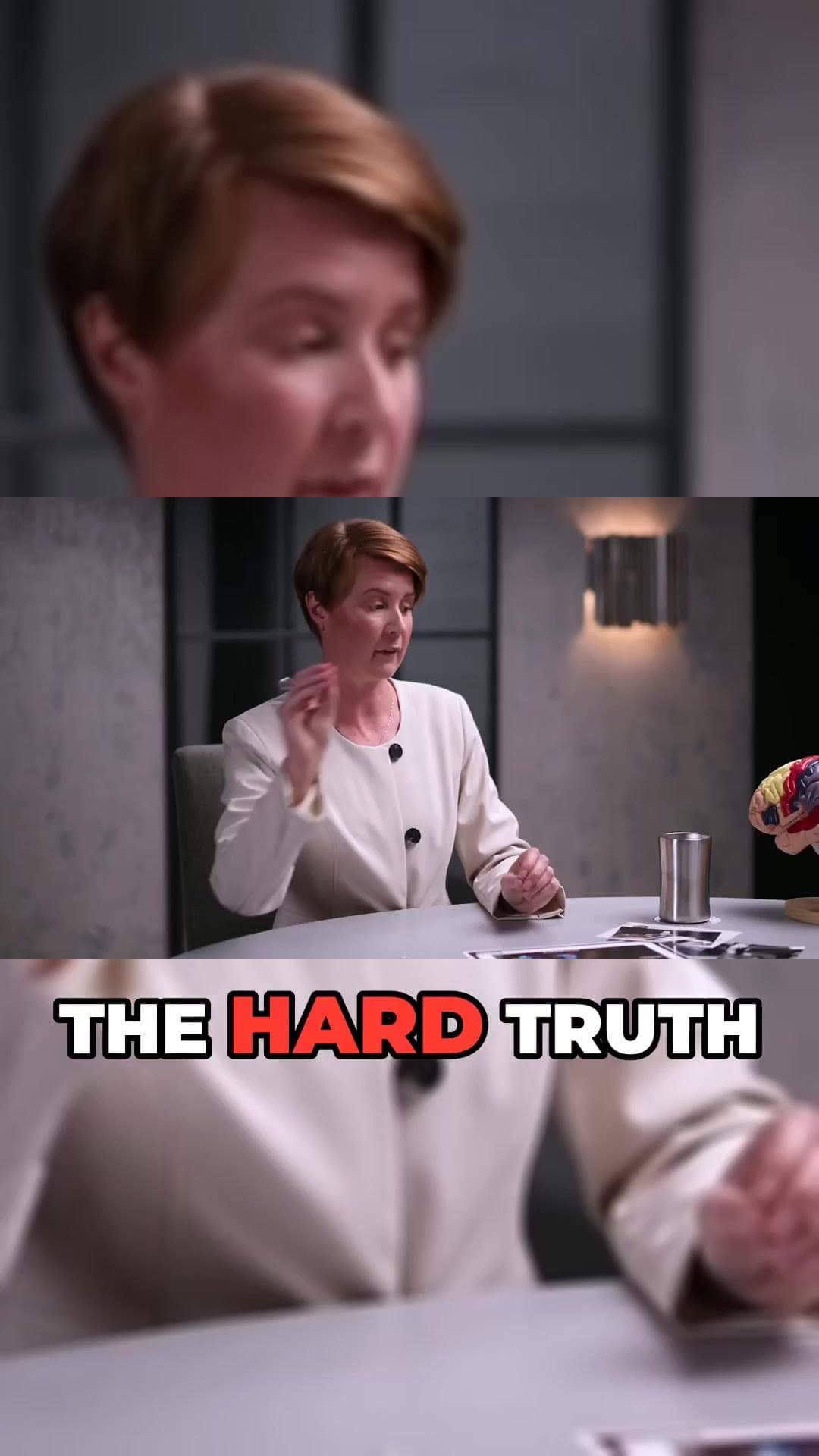
Vertical Short example frame from a long interviewCaptioned 9:16 clip example from a podcastAI-reframed talking-head Short example

How it works

  1. 01

    Choose the source window

    Pick a long video you own (or have permission to clip). For multi-hour streams, use the range picker so you only process the useful part.

  2. 02

    Generate ranked clips

    ClipAtelier cuts on Most Replayed peaks when available, otherwise ranks the transcript for hooks and payoffs, then burns captions.

  3. 03

    Ship a batch the same day

    Approve the best 3–6 clips, tweak titles, and download or schedule them so Shorts go out while the long video is still fresh.

What you get

  • Ranked moment list

    Review strongest opens first instead of watching the whole cut again.

  • Vertical reframing

    Speaker stays in frame for phone feeds.

  • Captions burned in

    Word highlights so Shorts work with sound off.

  • Range picker

    Process only the chapter that matters on a three-hour upload.

  • Batch titles

    Each clip arrives with title and hashtag options.

  • Same-day posting

    Download the set or schedule on Pro while the episode is still new.

A practical long-form → Shorts cadence

After each upload, cut 3–6 Shorts within 24 hours. Lead with the sharpest hook. Put the full-video link in the description. Revisit the same episode a week later for secondary angles if the heatmap shows new peaks.

What length works best

Most winning Shorts from long-form land between 20 and 55 seconds: one idea, one payoff, no cold open. ClipAtelier cuts on sentence boundaries so you are not fighting mid-word ends.

Example clip frames

  • Vertical Short example frame from a long interview
  • Captioned 9:16 clip example from a podcast
  • AI-reframed talking-head Short example

Frequently asked questions

  • Can I convert a multi-hour stream?

    Yes — use the range picker to clip a window instead of the entire file. That saves tokens and keeps quality on the part that matters.

  • Can I clip any YouTube video?

    Only clip videos you own or have permission to use, such as your own uploads, creators who allow clipping (for example clipping programs), or licensed content. You are responsible for the clips you post.

  • Is it free?

    Yes. Free Tier with NO Watermark: every new account gets 15 free tokens with no card, enough to try the whole pipeline. No plan adds a watermark.

Your next Short is already inside your last video.

15 free tokens. No card. Clips in minutes.

Create clips free