ClipAtelier

AI video clipper

An AI video clipper that cuts where viewers actually rewind

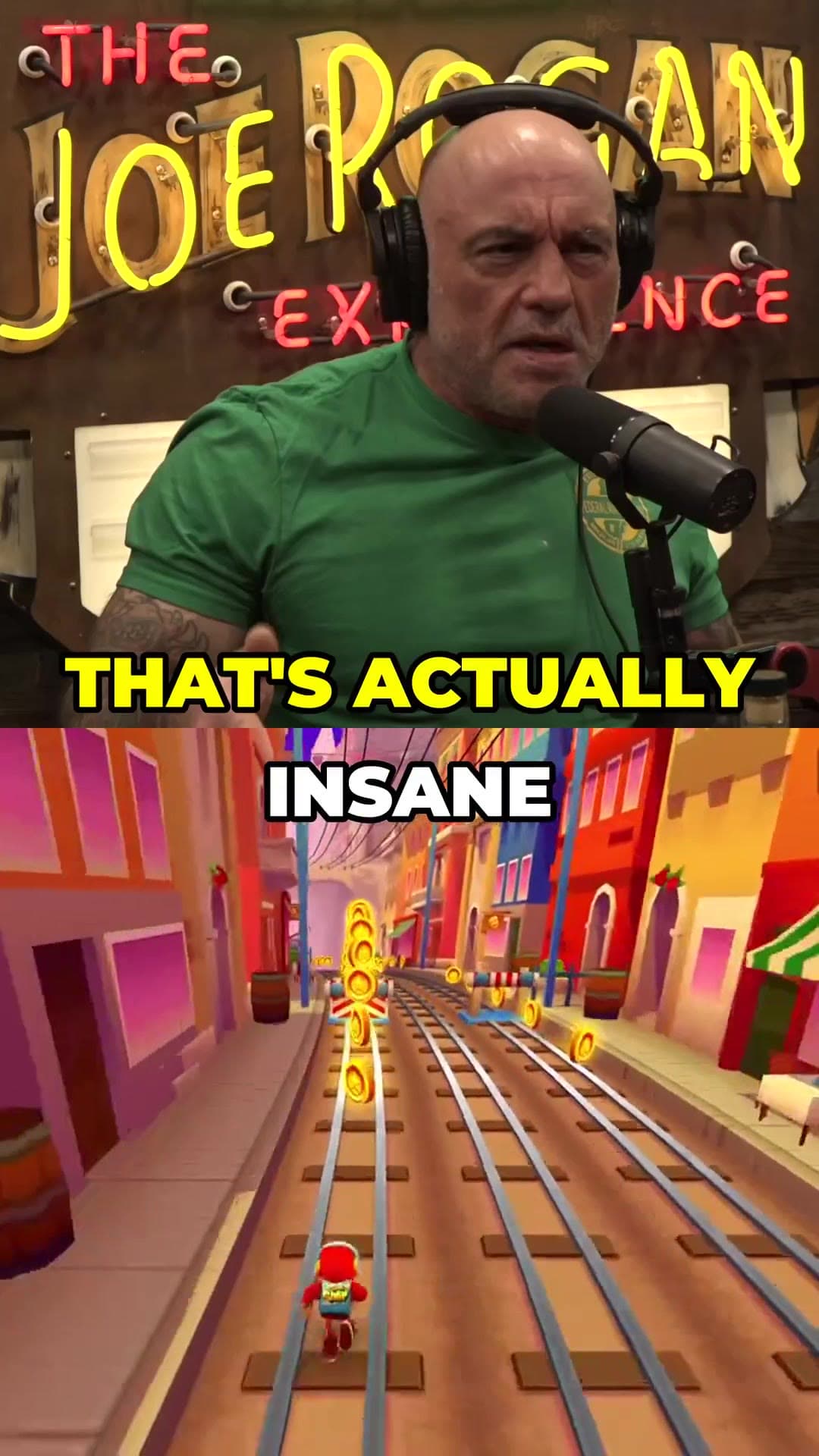
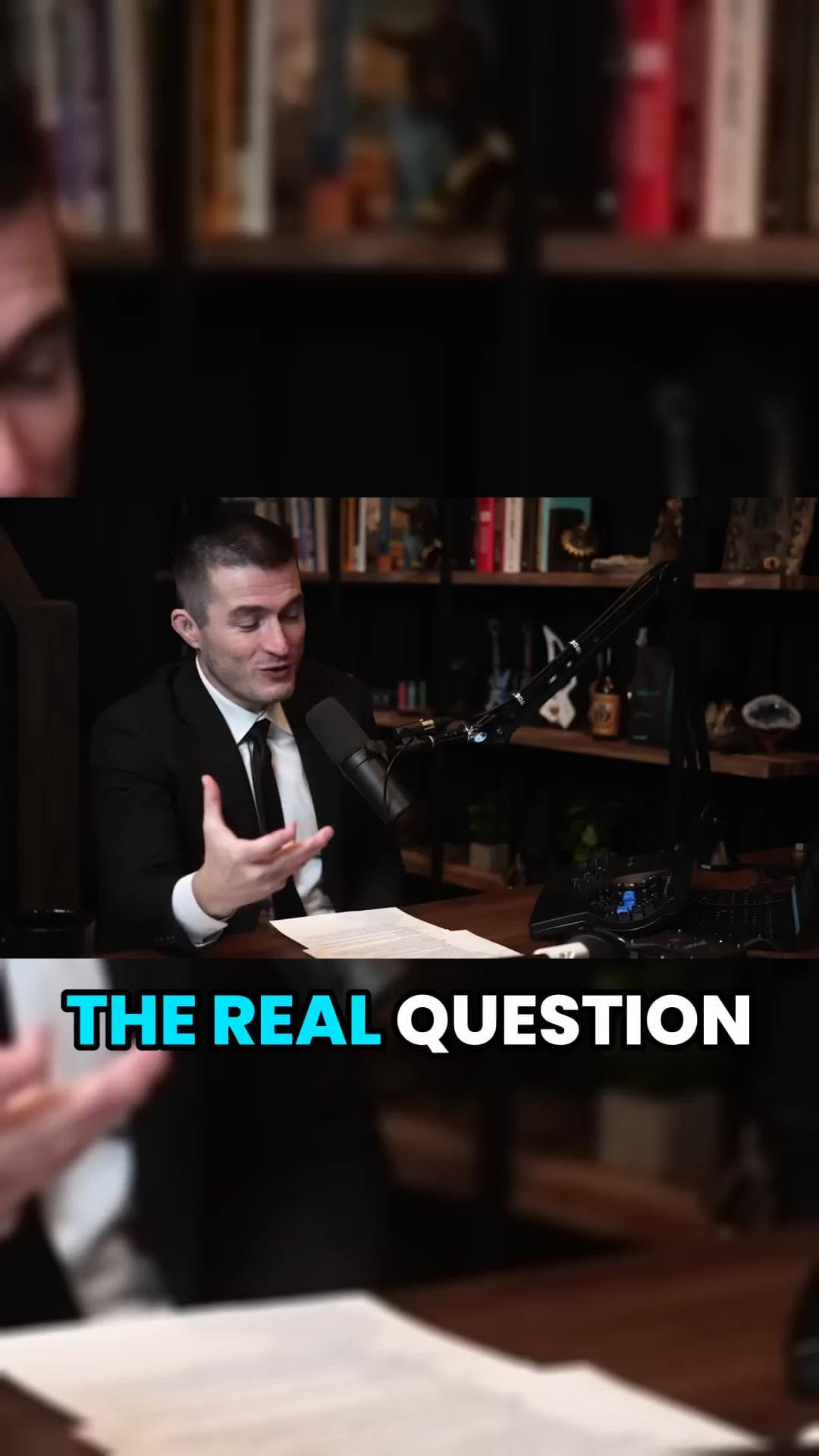
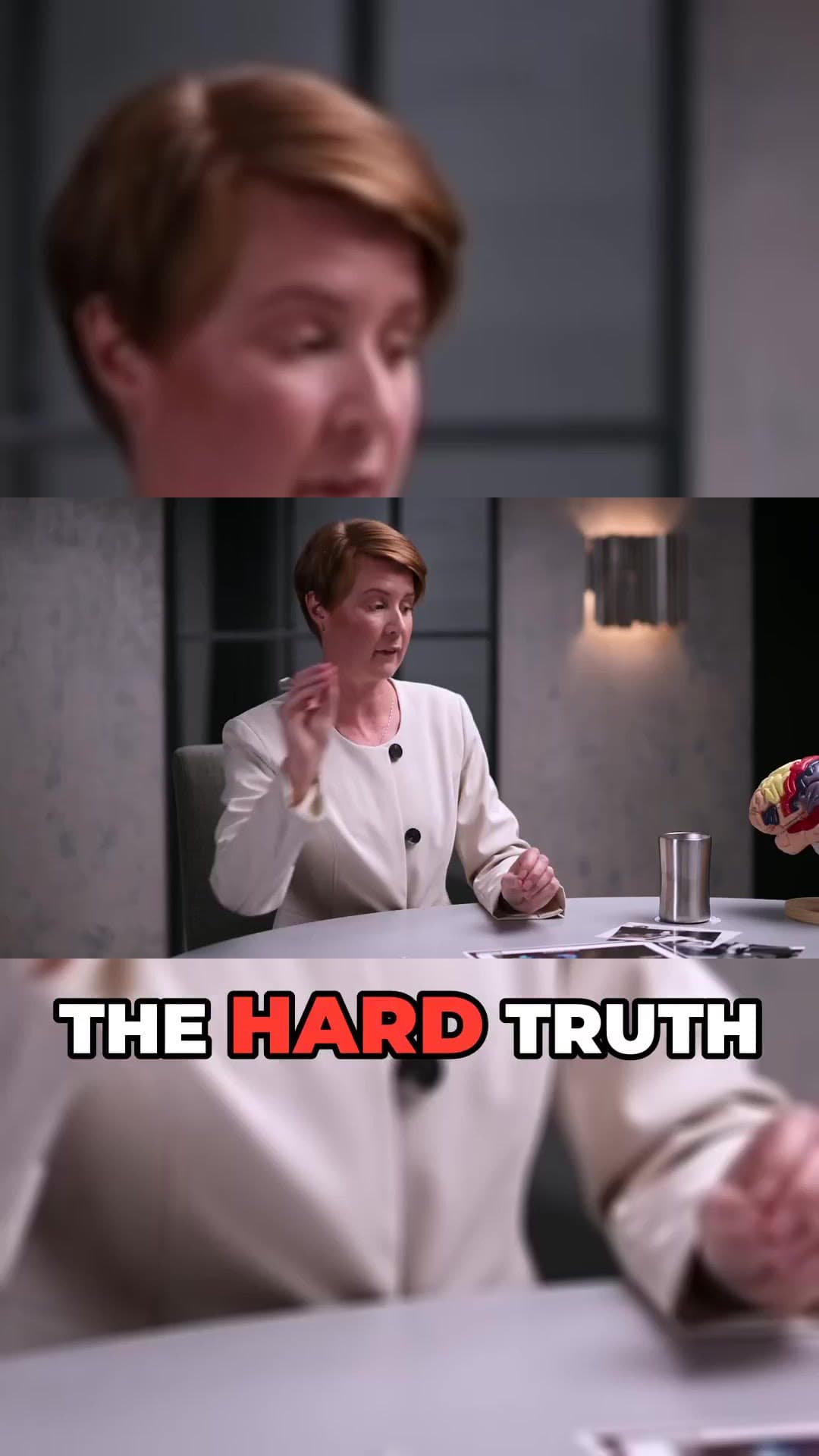
An AI video clipper turns a long recording into short, captioned clips you can post the same day. ClipAtelier does it in the browser: paste a YouTube link (or upload on a paid plan), and the studio ranks moments, reframes to vertical and burns in karaoke-style captions.

When the source is on YouTube, we read the Most Replayed heatmap first. No heatmap yet? The transcript is scored for hooks, punchlines and clear answers instead.

15 free tokensNo card, no watermarkRuns in the browser

How it works

  1. 01

    Paste a link

    Drop a YouTube URL into the studio, or upload an MP4, MOV or MKV file on a paid plan. Nothing to install.

  2. 02

    AI finds and cuts

    We transcribe the video, pick the strongest moments, reframe them to 9:16 and burn in word-timed captions.

  3. 03

    Review and post

    Preview every clip, choose a title, then download the MP4 or publish and schedule straight to YouTube Shorts and TikTok.

What you get

  • Link or upload

    YouTube URLs work on every plan. Paid plans also take MP4, MOV and MKV uploads.

  • Moment ranking

    Clips are ordered by how strong the open and payoff look, so you review the best ones first.

  • 9:16 export

    Vertical reframing for Shorts, Reels and TikTok, or keep 16:9 when you want the wide shot.

  • Word-timed captions

    Every spoken word is highlighted. Translate captions into 19 languages when you need reach.

  • Titles and hashtags

    Each clip gets editable title options, a description and hashtags ready to paste.

  • Publish when ready

    Download the MP4 or schedule straight to YouTube Shorts and TikTok on Pro.

Who an AI video clipper is for

Creators who post long episodes but need daily Shorts. Podcasters who want quote clips without sitting in an NLE. Educators and streamers who already have the footage and just need the cuts.

If you can paste a link, you can ship clips. The editing work is review and taste, not scrubbing a timeline for an hour per Short.

Questions

  • How is this different from a normal video editor?

    A normal editor gives you a timeline. An AI video clipper proposes finished Shorts: moments, captions, framing and titles. You approve or tweak, then download or publish.

  • Can I clip any YouTube video?

    Only clip videos you own or have permission to use, such as your own uploads, creators who allow clipping (for example clipping programs), or licensed content. You are responsible for the clips you post.

  • Is it free?

    Yes. Every new account gets 15 free tokens with no card, enough to try the whole pipeline. There is no watermark on any plan, free included.

Your next Short is already inside your last video.

15 free tokens. No card. Clips in minutes.

Start clipping free