ClipAtelier

YouTube to Shorts

Turn long YouTube videos into Shorts automatically

Every long-form video you have already published is a stack of Shorts waiting to happen. ClipAtelier converts a long YouTube video into vertical Shorts: it finds the moments that hold attention, crops them to 9:16, adds captions and writes a title for each one.

You stay in control. Pick how many clips you want, choose a caption style, review the results and publish only the ones you like, now or on a schedule.

25 free tokensNo card, no watermarkRuns in the browser

How it works

  1. 01

    Paste a link

    Drop a YouTube URL into the studio, or upload an MP4, MOV or MKV file on a paid plan. Nothing to install.

  2. 02

    AI finds and cuts

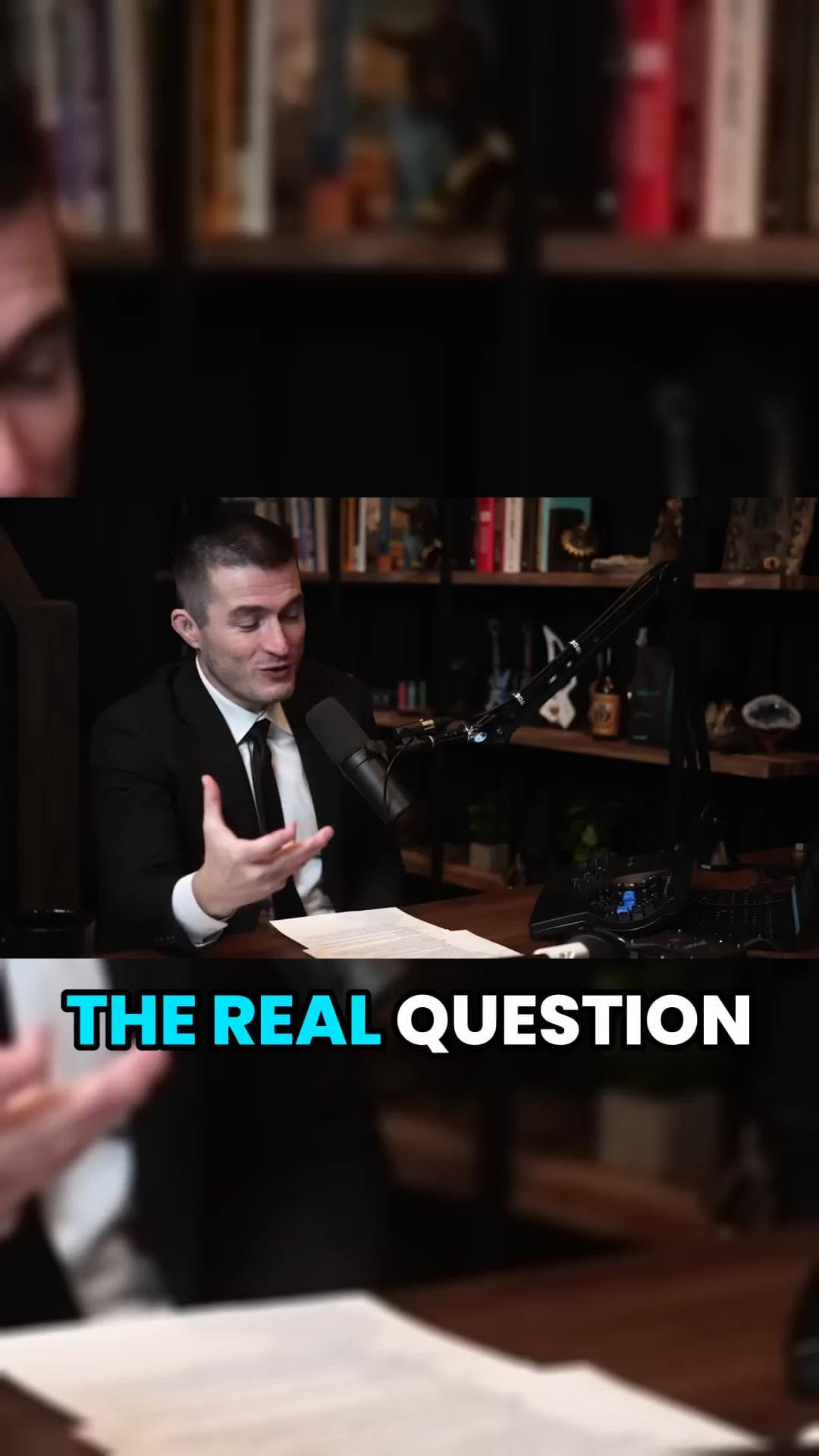
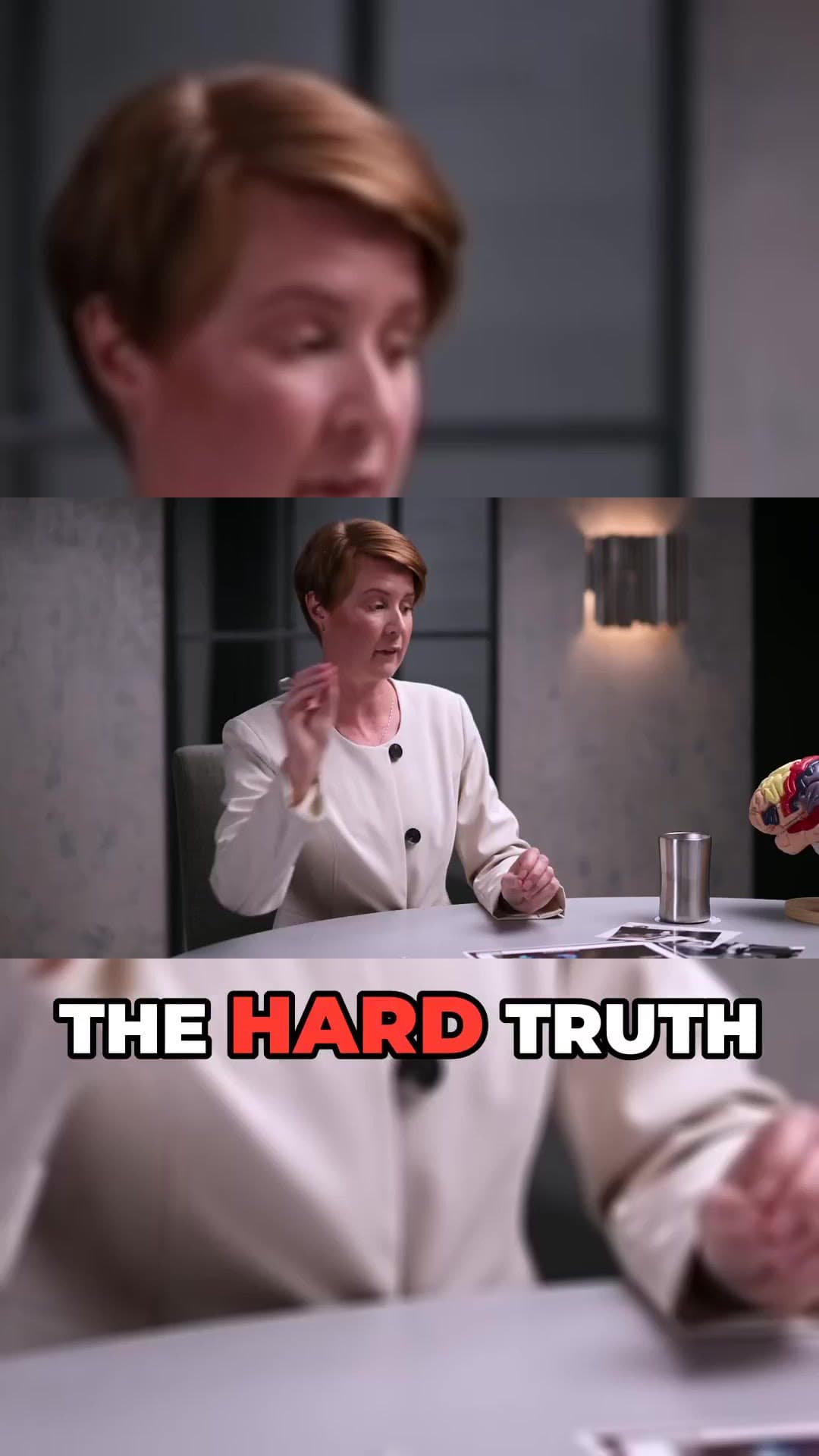
    We transcribe the video, pick the strongest moments, reframe them to 9:16 and burn in word-timed captions.

  3. 03

    Review and post

    Preview every clip, choose a title, then download the MP4 or publish and schedule straight to YouTube Shorts.

What you get

  • Automatic 9:16 crop

    Horizontal footage becomes a vertical Short that fills the phone screen.

  • Shorts-length clips

    Clips are cut on sentence boundaries into lengths that work as Shorts.

  • Captions that pop

    Pick from caption styles with per-word highlights, fonts and colours.

  • Title variants

    Several AI title options per clip so you can test what works.

  • Publish and schedule

    Connect your channel and post Shorts now or plan the week ahead (Pro).

  • Autopilot

    Let a queue of finished clips post themselves on a schedule you set (Pro).

Repurpose your back catalogue

Older long videos keep earning views when you cut them into Shorts. A video from last year can feed a week of daily Shorts, each one pointing viewers back to the original. ClipAtelier makes that a ten-minute job instead of a weekend of editing.

Shorts that look native

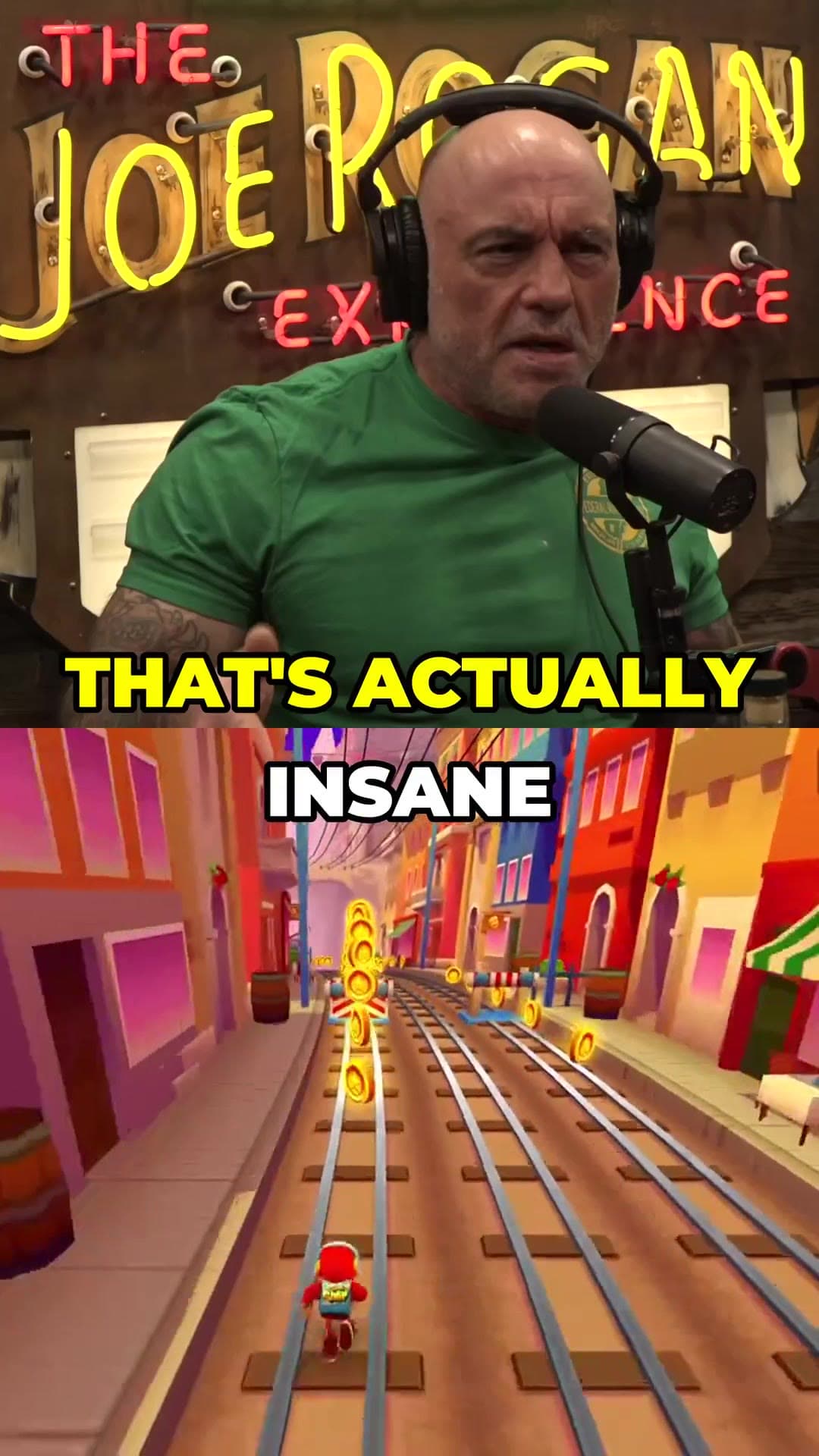
Shorts that perform look like they were made for the feed: vertical, captioned, and fast to the point. ClipAtelier burns captions into the video so they show on every platform, and you can add a split-screen background such as gameplay underneath the speaker to keep eyes on the screen.

Questions

  • Can ClipAtelier upload the Shorts to my channel?

    Yes. On Pro you connect your YouTube channel with Google sign-in and publish or schedule Shorts with the title and cover you choose. On every plan you can download the MP4s.

  • What resolution are the Shorts?

    Clips render as 720p vertical MP4 files with no watermark.

  • Can I clip any YouTube video?

    Only clip videos you own or have permission to use, such as your own uploads, creators who allow clipping (for example clipping programs), or licensed content. You are responsible for the clips you post.

  • Is it free?

    Yes. Every new account gets 25 free tokens with no card, enough to try the whole pipeline. There is no watermark on any plan, free included.

Your next Short is already inside your last video.

25 free tokens. No card. Clips in minutes.

Start clipping free