One video, every platform
Posting the same clip to TikTok, Reels and Shorts triples the chances a moment takes off. ClipAtelier gives you clean, watermark-free vertical MP4s, which is exactly what each platform expects.
 ClipAtelier
TikTok clips
The same vertical clip can work on TikTok, Instagram Reels and YouTube Shorts. ClipAtelier turns a long video into 9:16 clips with burned-in captions and a ready-made caption with hashtags, so one recording feeds every short-video platform.
Download the MP4s and post them anywhere, or publish straight to TikTok and YouTube Shorts from the studio on Pro.
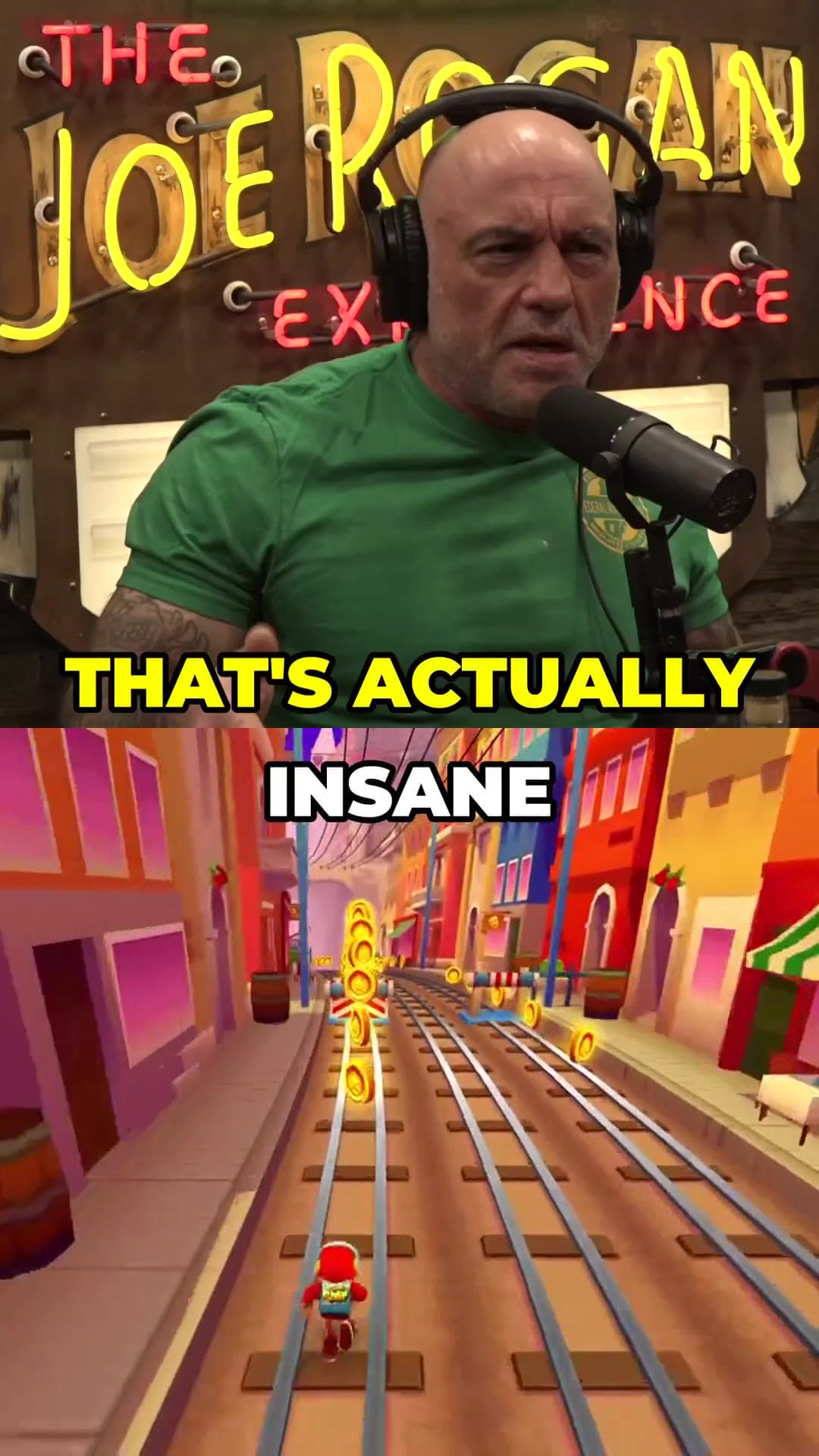
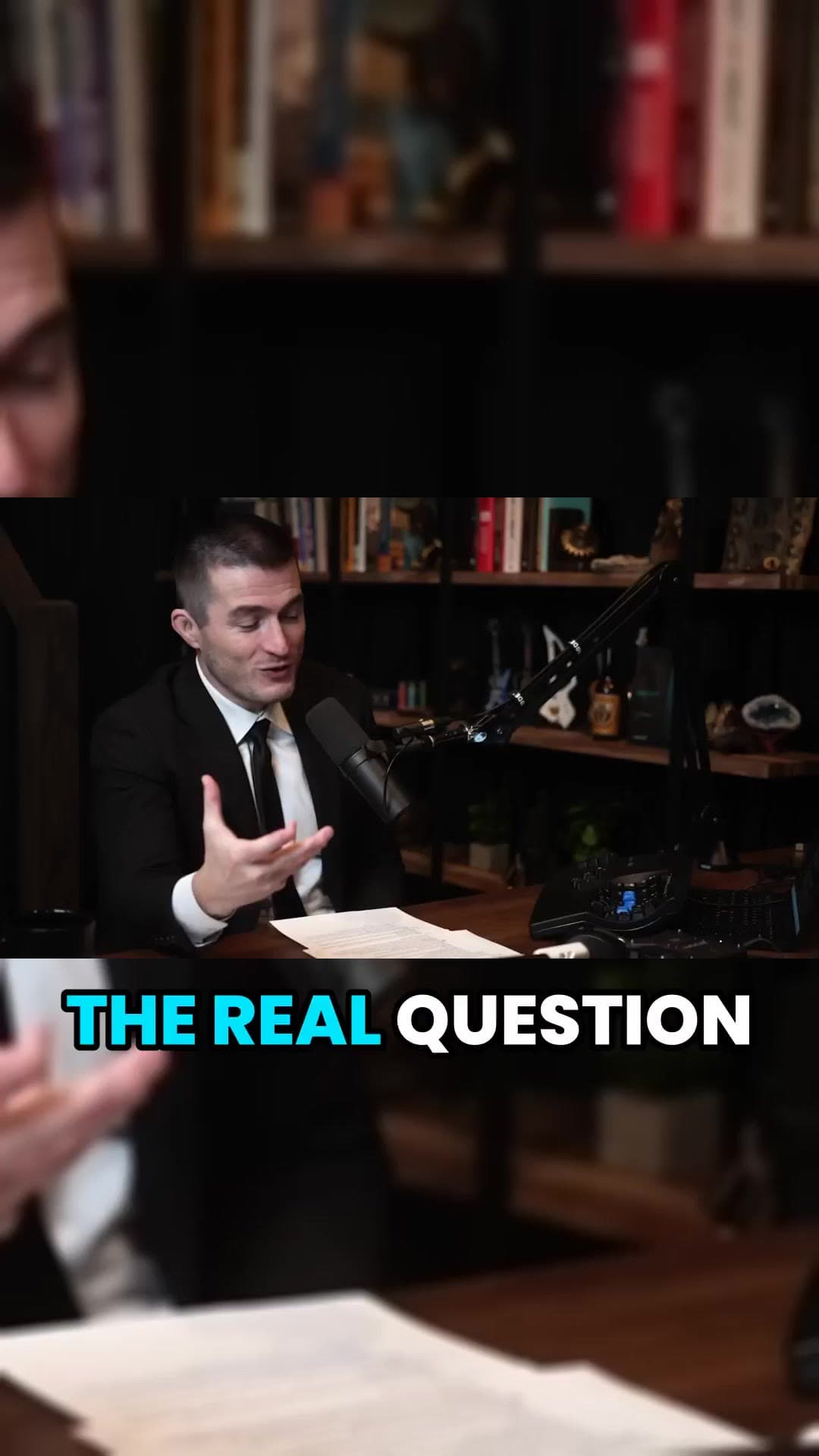
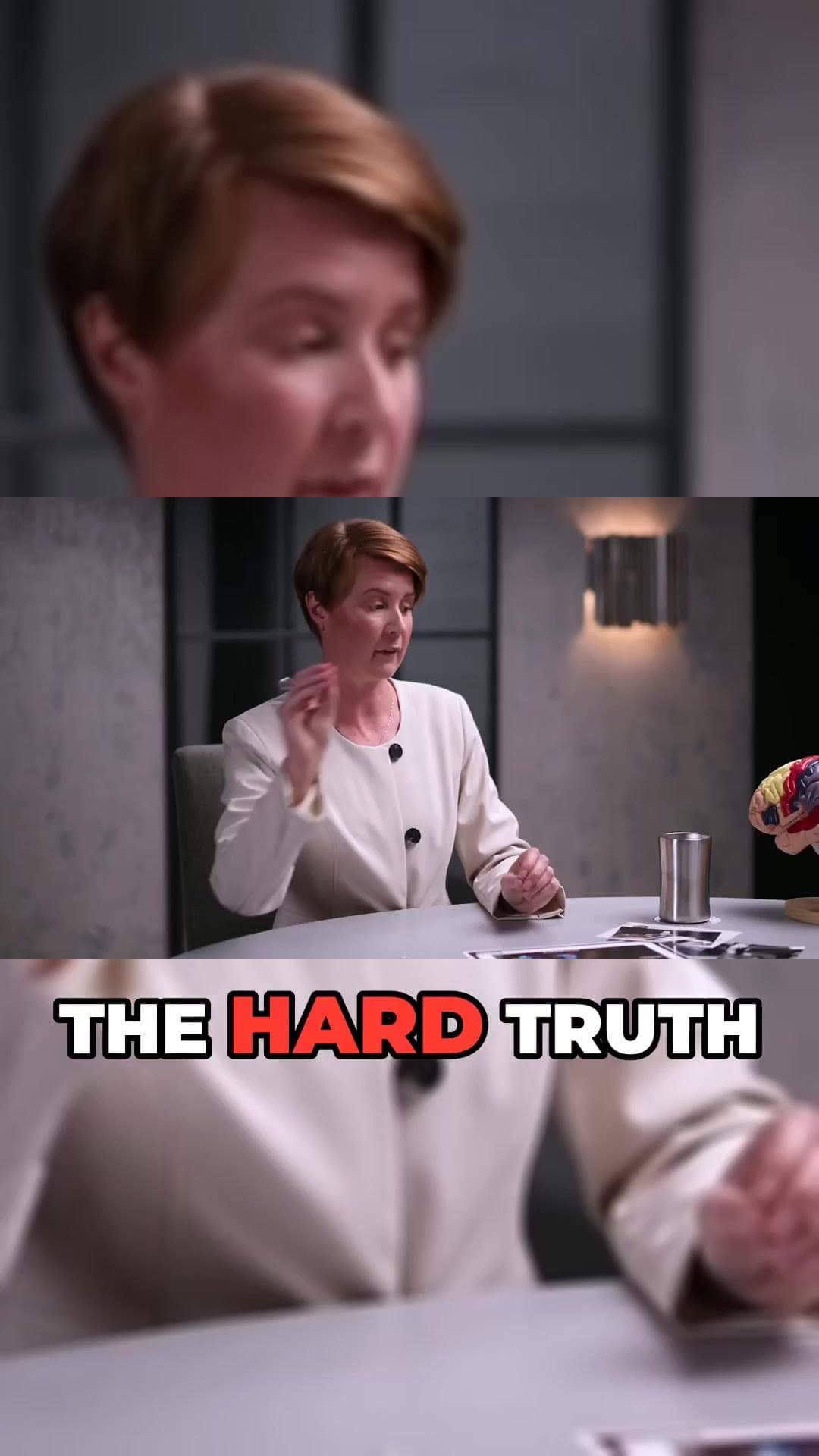
Drop a YouTube URL into the studio, or upload an MP4, MOV or MKV file on a paid plan. Nothing to install.
We transcribe the video, pick the strongest moments, reframe them to 9:16 and burn in word-timed captions.
Preview every clip, choose a title, then download the MP4 or publish and schedule straight to YouTube Shorts and TikTok.
Clips are framed for full-screen phone viewing on TikTok and Reels.
Captions are part of the video, so they show up on every platform.
Each clip comes with a description and 12 to 15 relevant hashtags.
On Pro, connect both accounts and post or schedule from ClipAtelier.
Add gameplay or satisfying footage under the speaker, a popular TikTok format.
Translate captions to reach audiences beyond your own language.
Posting the same clip to TikTok, Reels and Shorts triples the chances a moment takes off. ClipAtelier gives you clean, watermark-free vertical MP4s, which is exactly what each platform expects.
TikTok places the caption text, the creator name and the action buttons over the lower part and right edge of the video. Burned-in captions should sit in the middle band of the frame so the interface never covers them. Check one clip on your own phone before you post a batch.
The first frame doubles as the cover in many places a clip is shown, so a clip that opens on a clear face or a clear action gets picked more often than one that opens on a transition. And because ClipAtelier exports have no watermark, the same file can go to Shorts and Reels without another platform's logo on it.
Yes on Pro. Connect TikTok under Accounts, then publish or schedule clips from the studio. You can still download any clip as an MP4 and upload it yourself on every plan.
Long enough to finish one thought. ClipAtelier cuts standalone moments of 15 to 60 seconds, and for speech clips the 20 to 45 second range usually holds attention best.
No. Only clip videos you own or have permission to use — for example your own uploads, creators who allow clipping (clipping programs), or licensed content. You confirm this when you create an account, and you are responsible for the clips you post.
You can create a free account with no card and look around the studio. Creating clips is on a paid plan, and you can try it for 3 days for $1. Exports have no watermark.
No card to look around. Clips start on a paid plan.
Start creating clips