ClipAtelier

Shorts clipping

A shorts clipping tool built for people who post every day

Clipping is a volume game. Whether you clip your own channel or work in a creator's clipping program, the clips that win are the ones that go out fast, look clean and start with a hook. ClipAtelier turns that routine into paste, review, post.

Feed it a long video and it returns ranked vertical clips with captions, titles and hashtags. Restyle any clip in the editor, drop gameplay underneath for a split screen, then download the batch or publish it in one click.

25 free tokensNo card, no watermarkRuns in the browser

How it works

  1. 01

    Paste a link

    Drop a YouTube URL into the studio, or upload an MP4, MOV or MKV file on a paid plan. Nothing to install.

  2. 02

    AI finds and cuts

    We transcribe the video, pick the strongest moments, reframe them to 9:16 and burn in word-timed captions.

  3. 03

    Review and post

    Preview every clip, choose a title, then download the MP4 or publish and schedule straight to YouTube Shorts.

What you get

  • Ranked clips per video

    Clips come back ordered by how strong the moment is, so the best one is always first.

  • Split-screen backgrounds

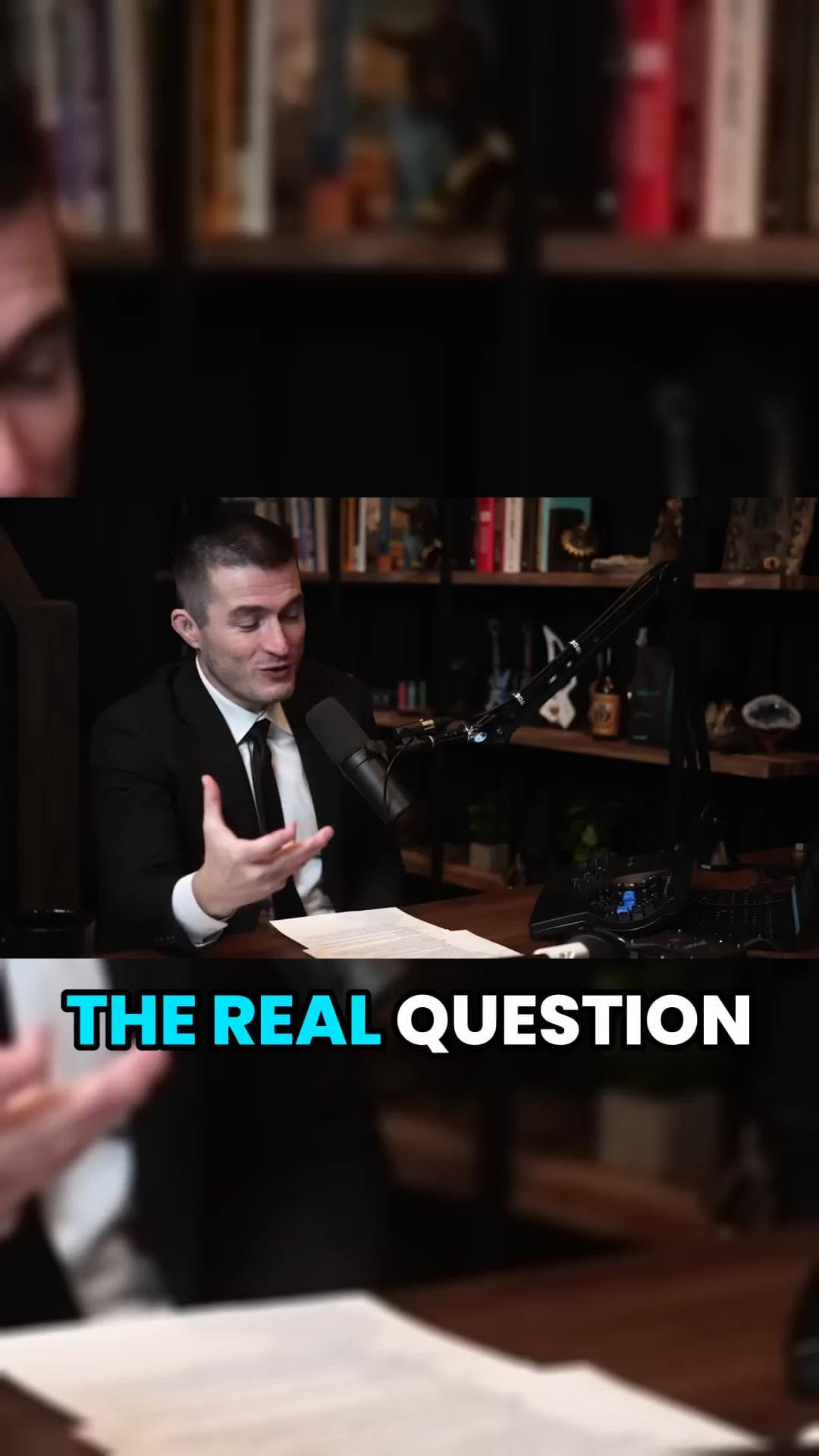
    Put gameplay or satisfying footage under the speaker, a format that keeps viewers watching.

  • Caption styles

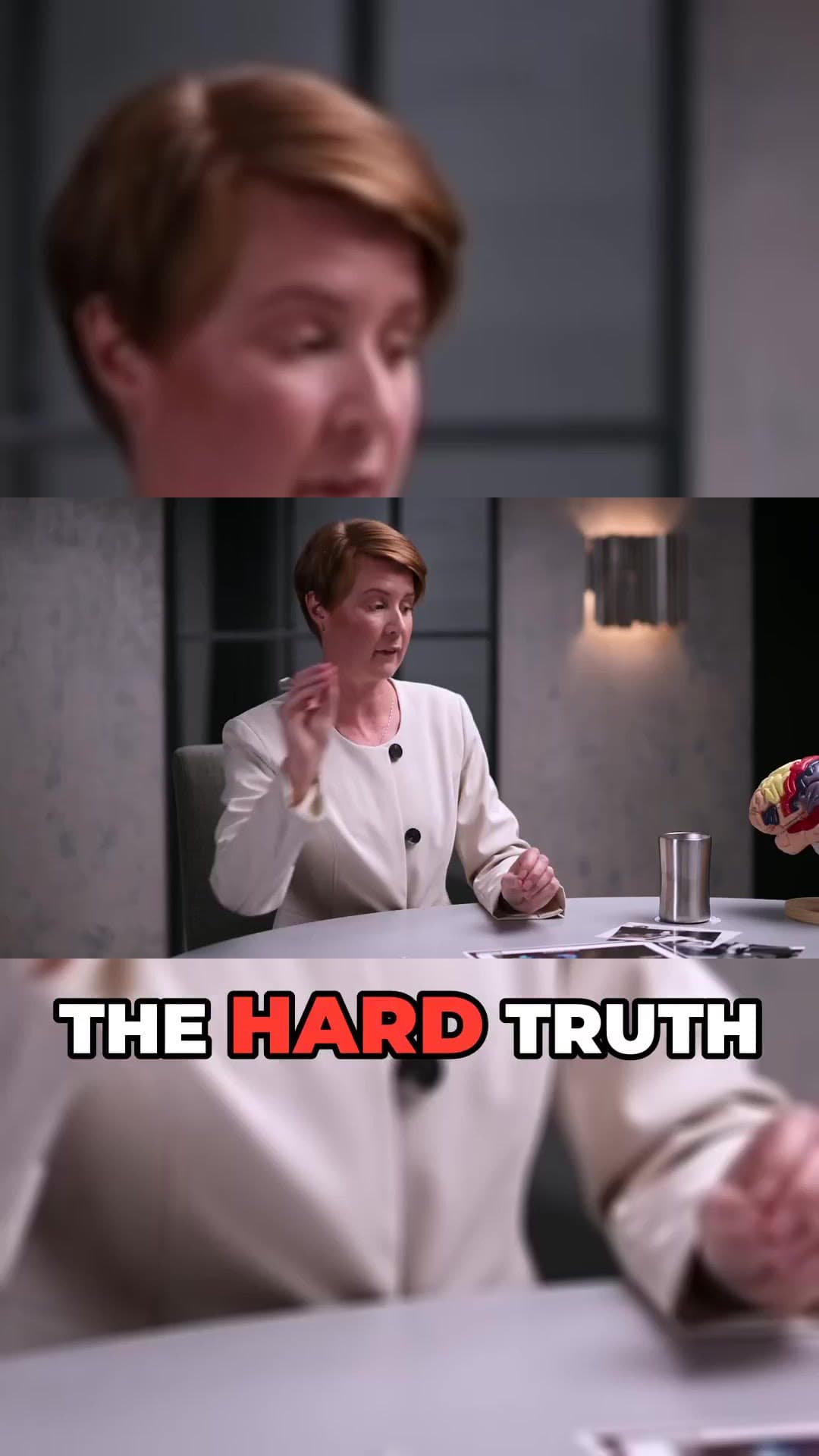
    Karaoke, pop, boxed and more, with your own font and colour, translated into 19 languages.

  • Bulk publish

    Send a whole batch of clips to YouTube in one click instead of one by one (Pro).

  • Multiple channels

    Run up to five channels on Pro, or more on Business, and switch between them in the studio.

  • No watermark

    Every clip is clean, on every plan, so it is ready to submit or post.

What is shorts clipping?

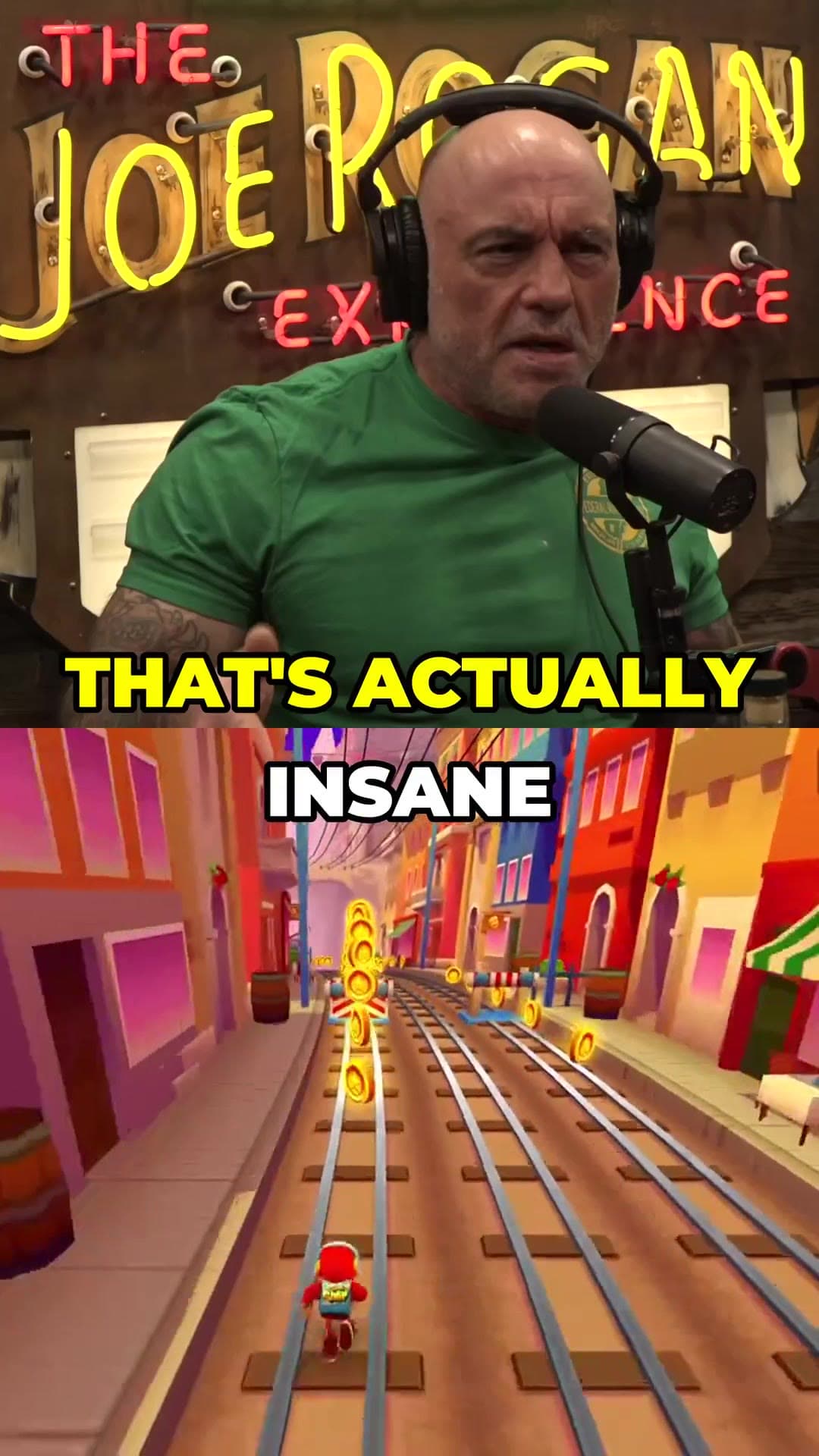
Shorts clipping is cutting short vertical videos out of longer content: podcasts, streams, interviews, lectures. Many creators now run clipping programs where they invite clippers to post clips of their content. Channels also clip their own videos to reach new viewers on Shorts, TikTok and Reels.

Clip with permission

Clip only content you own or have permission to use. If you are part of a clipping program, follow its rules on formats and credits. ClipAtelier gives you the speed; the rights stay with the original creator.

Questions

  • How many clips can I make from one video?

    You choose the number of clips per video in viral mode. In equal-split mode you can cut a video into up to 24 parts at once.

  • Can I manage several channels?

    Yes. Pro supports three channels (five on Pro 3x) and Business is tailored to agencies and teams.

  • Can I clip any YouTube video?

    Only clip videos you own or have permission to use, such as your own uploads, creators who allow clipping (for example clipping programs), or licensed content. You are responsible for the clips you post.

  • Is it free?

    Yes. Every new account gets 25 free tokens with no card, enough to try the whole pipeline. There is no watermark on any plan, free included.

Your next Short is already inside your last video.

25 free tokens. No card. Clips in minutes.

Start clipping free