ClipAtelier

YouTube clipping

The AI YouTube clipping tool that finds the moments people replay

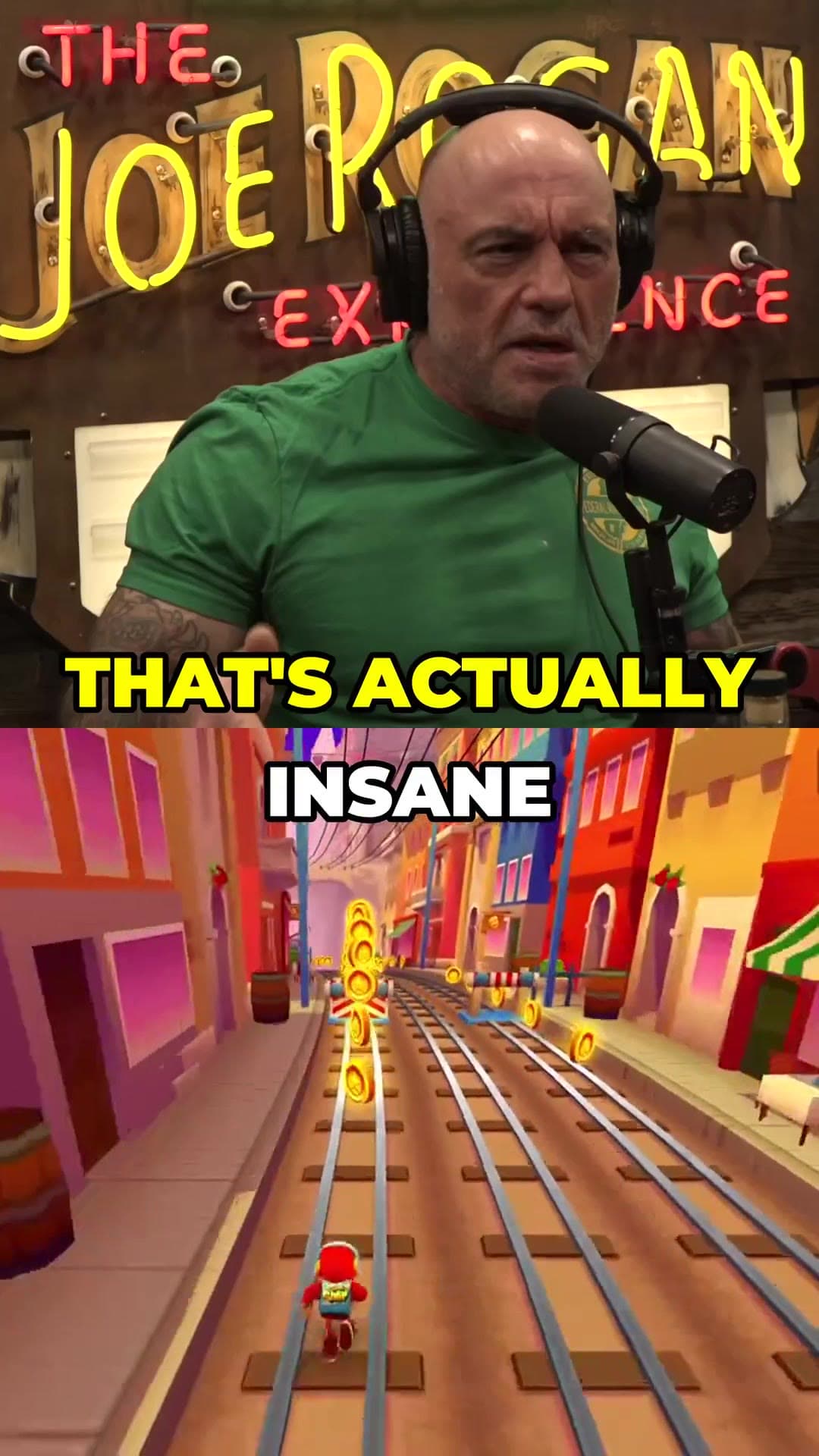
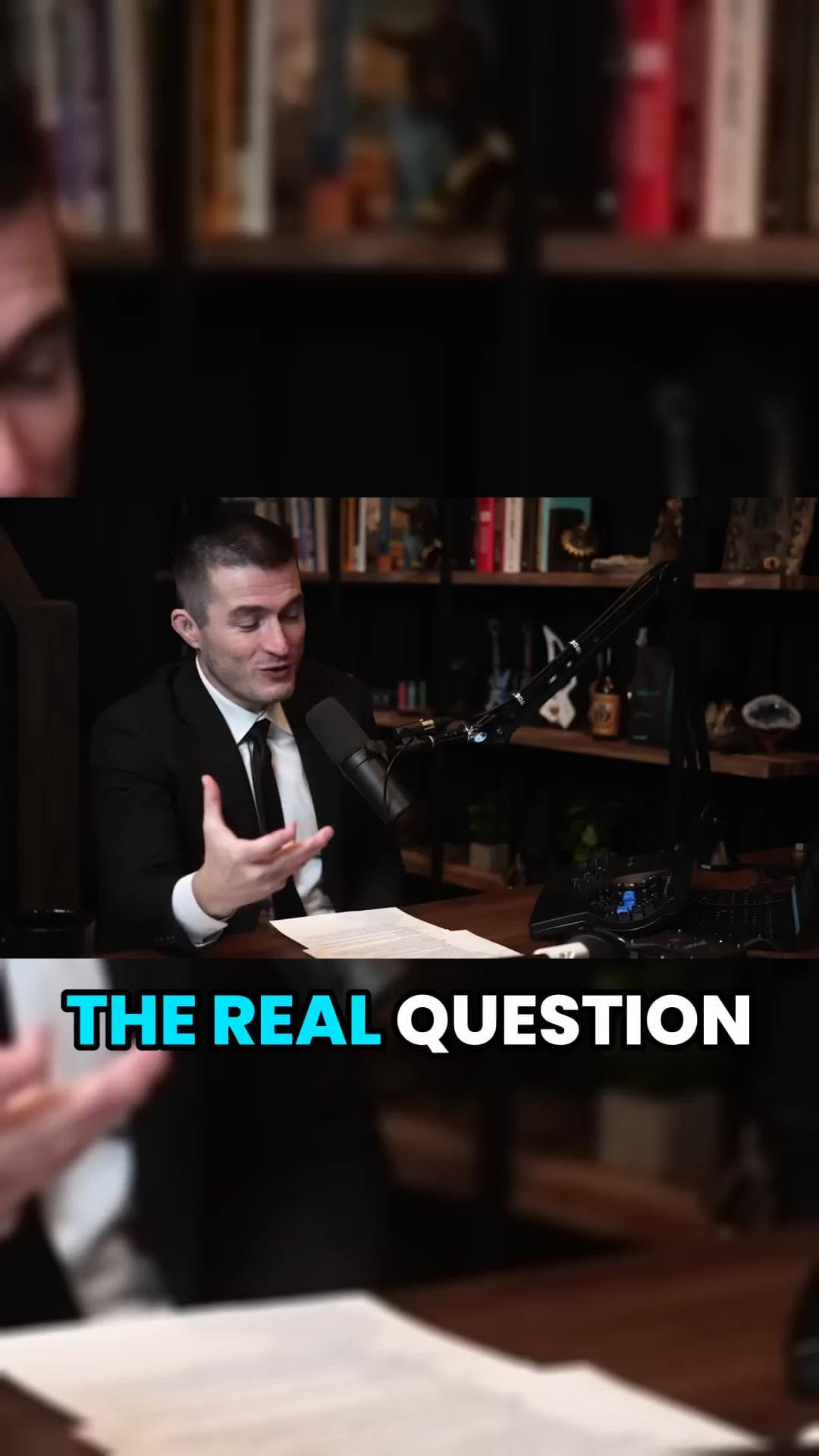
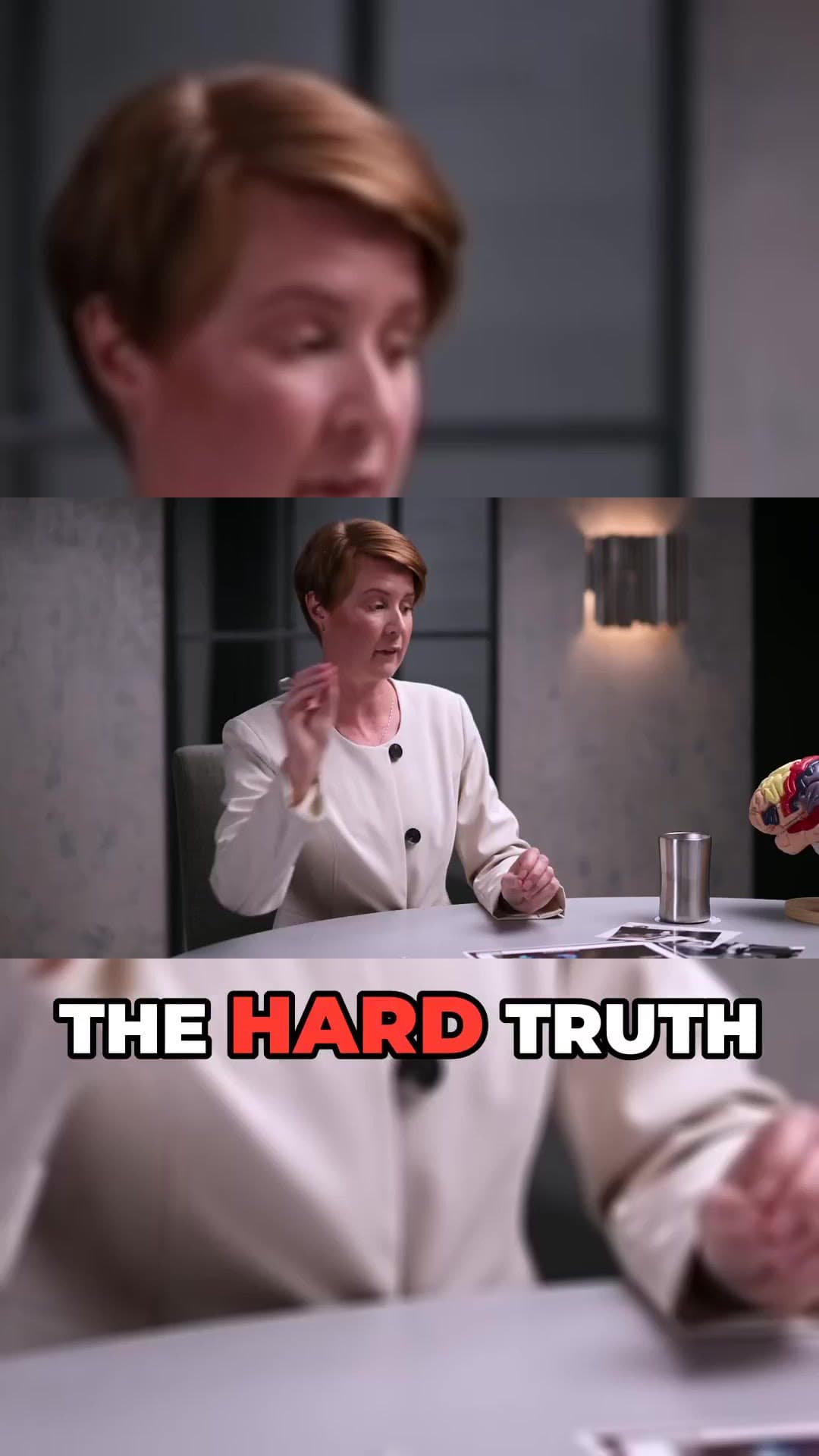
YouTube clipping means taking a long video, finding the few moments worth watching on their own, and turning them into short vertical clips. Done by hand, it costs hours of scrubbing through a timeline. ClipAtelier does it from a single link.

Paste a YouTube URL and the studio reads the video's Most Replayed heatmap, the graph YouTube draws from real viewer rewatches, and cuts at the peaks. When a video has no heatmap yet, the AI ranks the transcript for hooks, punchlines and payoffs instead. You get ranked, captioned clips ready for Shorts, TikTok and Reels.

25 free tokensNo card, no watermarkRuns in the browser

How it works

  1. 01

    Paste a link

    Drop a YouTube URL into the studio, or upload an MP4, MOV or MKV file on a paid plan. Nothing to install.

  2. 02

    AI finds and cuts

    We transcribe the video, pick the strongest moments, reframe them to 9:16 and burn in word-timed captions.

  3. 03

    Review and post

    Preview every clip, choose a title, then download the MP4 or publish and schedule straight to YouTube Shorts.

What you get

  • Most Replayed detection

    Clips start where viewers actually rewind, not where an algorithm guesses.

  • AI moment ranking

    The transcript is scored for hooks and payoffs, so every clip opens strong and lands its point.

  • Vertical reframing

    Wide footage is reframed to 9:16 for Shorts, or kept at 16:9 if you prefer the original framing.

  • Word-by-word captions

    Karaoke-style captions with a highlight on every spoken word, readable with the sound off.

  • AI titles and hashtags

    Each clip gets title options, a description and 12 to 15 hashtags you can edit or copy.

  • Long-video range picker

    Working with a three-hour stream? Pick the window you want and clip only that part.

Why clip YouTube videos into Shorts?

Shorts are where new viewers discover channels. A single long video usually holds several moments that can stand alone: a strong opinion, a funny exchange, a clear answer to a common question. Posting those as Shorts brings people back to the full video and keeps your channel active between uploads.

The hard part has always been the editing. Finding the moment, trimming it, cropping to vertical, writing captions and a title can take an hour per clip. A clipping tool collapses that into a review step.

What makes a good YouTube clip?

Good clips open with a hook in the first two seconds, stay on one idea, and end on a payoff. They are between 15 and 60 seconds, readable without sound, and framed for a phone screen. ClipAtelier is tuned around exactly those rules: it cuts on sentence boundaries, keeps the speaker in frame, and burns in captions word by word.

Questions

  • How does ClipAtelier pick the best moments?

    For YouTube links it first reads the Most Replayed heatmap and cuts at the peaks. If there is no heatmap, the AI ranks the transcript for hooks and payoffs. Either way you review every clip before it goes anywhere.

  • How long does clipping take?

    Most jobs finish in a few minutes. Clips render in parallel, so a one-hour podcast does not take twelve times longer than a five-minute video.

  • Can I clip any YouTube video?

    Only clip videos you own or have permission to use, such as your own uploads, creators who allow clipping (for example clipping programs), or licensed content. You are responsible for the clips you post.

  • Is it free?

    Yes. Every new account gets 25 free tokens with no card, enough to try the whole pipeline. There is no watermark on any plan, free included.

Your next Short is already inside your last video.

25 free tokens. No card. Clips in minutes.

Start clipping free