Why post a video in parts?
Series keep viewers coming back. Someone who watches Part 1 goes looking for Part 2, which drives profile visits and follows. It is a simple way to turn a movie-length video into weeks of daily posts.
 ClipAtelier
Equal split
Sometimes you do not want highlights, you want the whole video as a series. ClipAtelier's equal split mode cuts a video back to back into parts of the length you pick, numbers them, and reframes them for vertical viewing.
There is no AI guesswork involved and no quality loss. It is fast, predictable, and costs half a token per part.
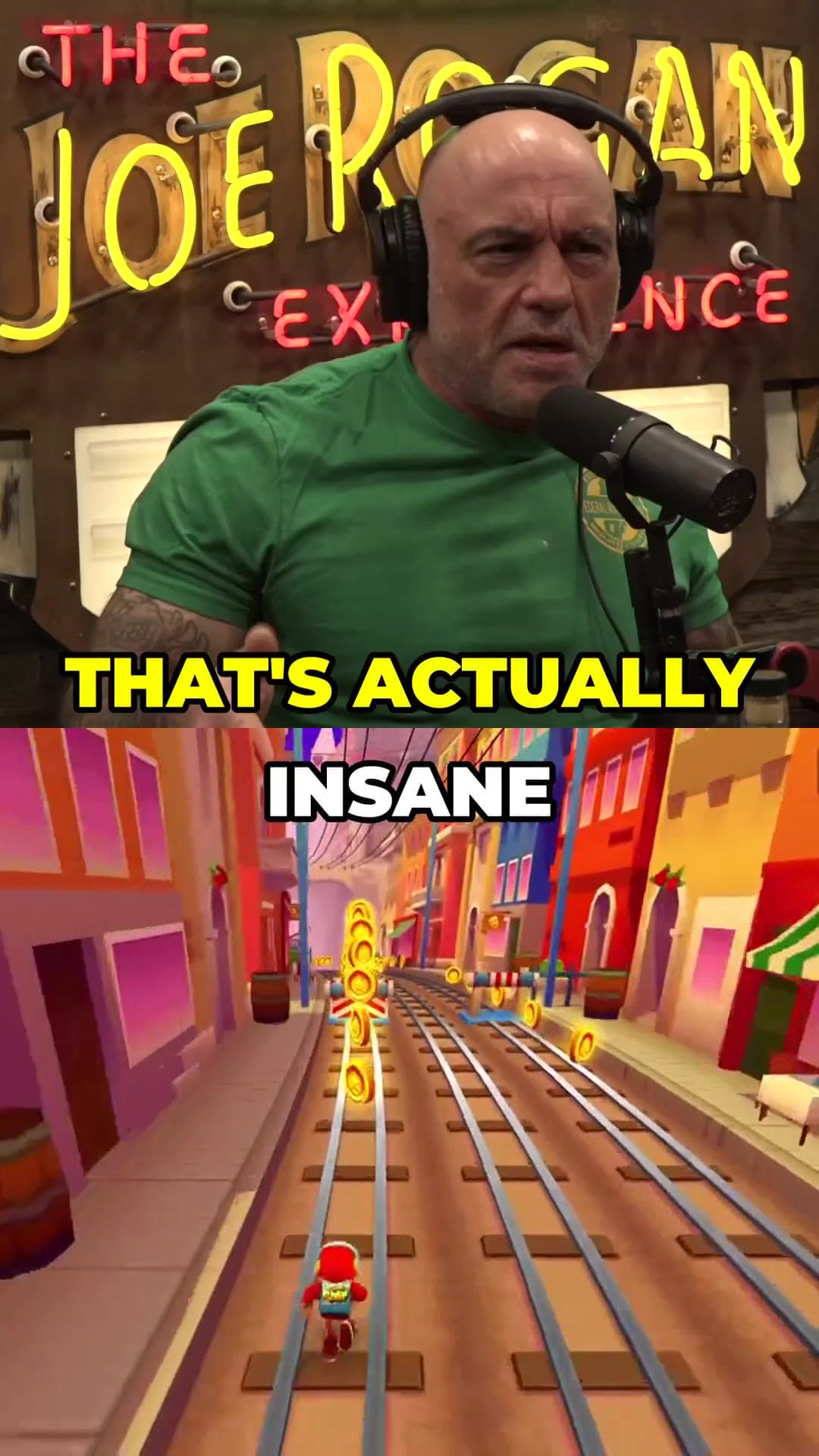
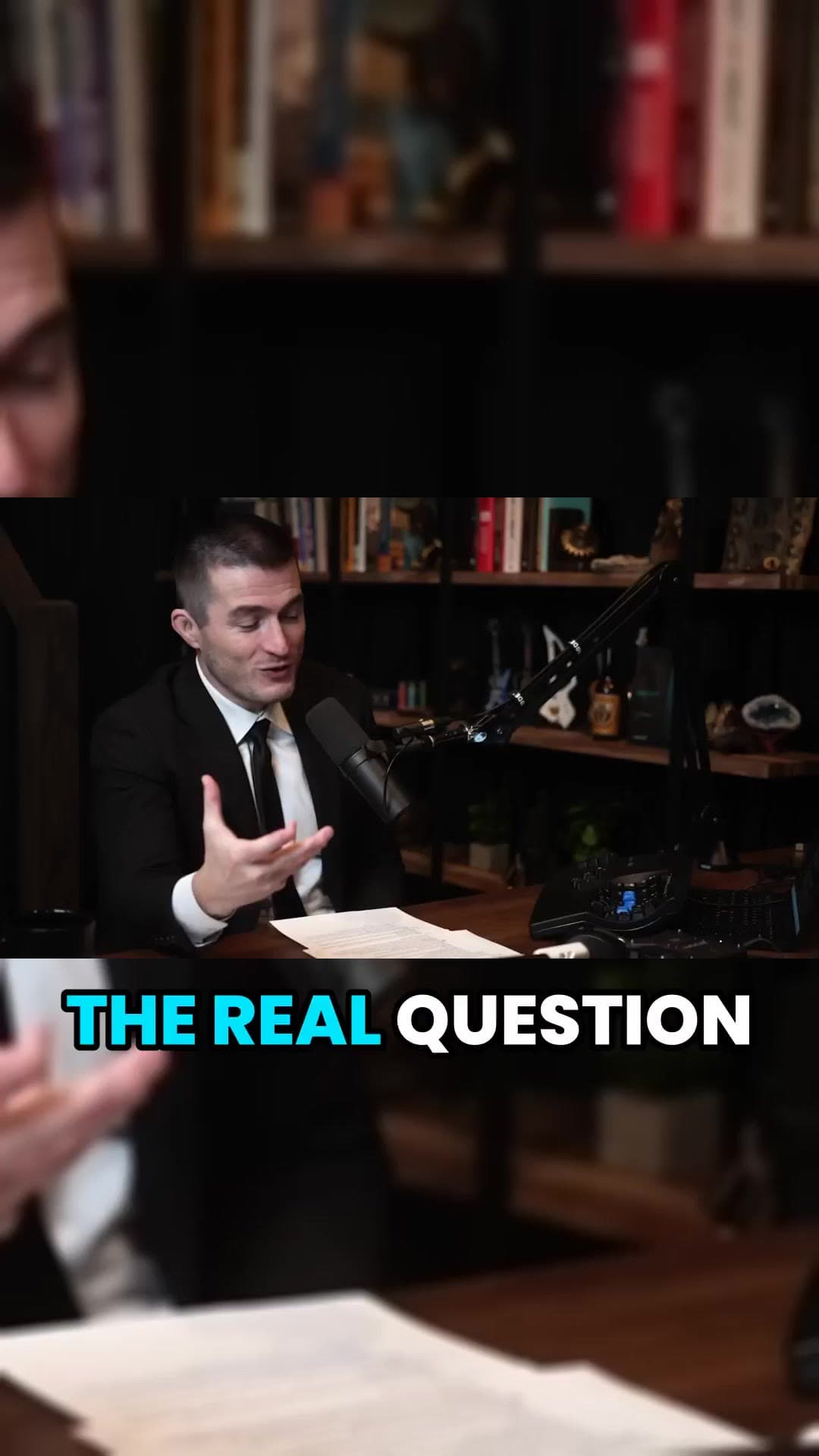
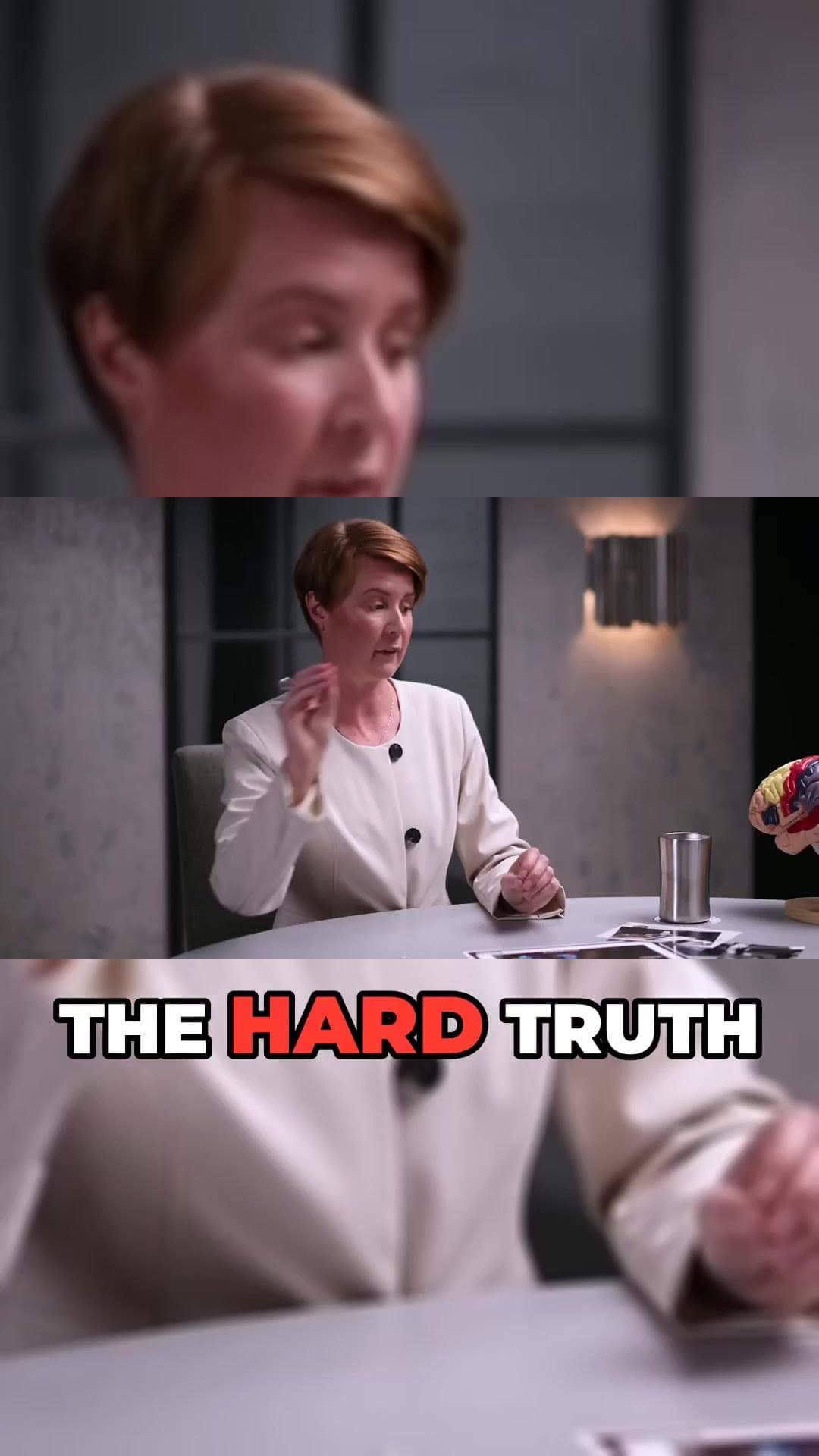
Add a YouTube URL or upload a file on a paid plan.
Choose up to 3 minutes per part. You see the number of parts and the cost before you start.
Parts come back numbered, with optional captions, ready to download or schedule.
Cut a whole video into a numbered series in one job.
Choose the length that suits your platform.
For longer videos, pick the window you want to split.
Each part is clearly numbered so viewers can follow the series.
Add word-timed captions to every part.
Post one part a day automatically with scheduling or autopilot (Pro).
Series keep viewers coming back. Someone who watches Part 1 goes looking for Part 2, which drives profile visits and follows. It is a simple way to turn a movie-length video into weeks of daily posts.
A part series works when a viewer who lands on Part 4 can find Part 5. Number every title the same way, post the parts in order, and keep the gap between posts short so the next part is on your profile when someone looks for it.
Pick a part length that matches the content. One-minute parts suit stories and commentary. Longer parts suit tutorials where a step takes time. In tokens, a 30-minute video split into thirty one-minute parts costs 15, or 30 with captions burned in, and you see the total before the job starts.
Equal split accepts up to 72 minutes at once, in parts of up to 3 minutes. For longer videos you pick the window to split right in the studio.
Half a token per part up to a minute, plus half a token for captions. A 10-minute video into ten one-minute parts is 5 tokens.
Use Equal split when the whole video should be watched in order, such as a story or a full match. Use Viral mode when only the strongest moments matter and each clip should stand alone.
No. Only clip videos you own or have permission to use — for example your own uploads, creators who allow clipping (clipping programs), or licensed content. You confirm this when you create an account, and you are responsible for the clips you post.
You can create a free account with no card and look around the studio. Creating clips is on a paid plan, and you can try it for 3 days for $1. Exports have no watermark.
No card to look around. Clips start on a paid plan.
Start creating clips