From one channel to daily Shorts
Many growth channels succeed by consistently cutting one or two source channels. The hard part is staying current when those sources upload. Feeds closes that gap: watch, clip, queue, post.
 ClipAtelier
Channel to Shorts
A single YouTube channel can feed weeks of Shorts if you cut every strong long-form upload. Channel Feeds watches that channel for you, clips eligible videos, and stacks finished Shorts in Autopilot so posting stays on a calendar instead of a to-do list.
Ideal when the channel is yours, part of a clipping program, or otherwise cleared for your use. Not a tool for clipping strangers without permission.
Drop a YouTube URL into the studio, or upload an MP4, MOV or MKV file on a paid plan. Nothing to install.
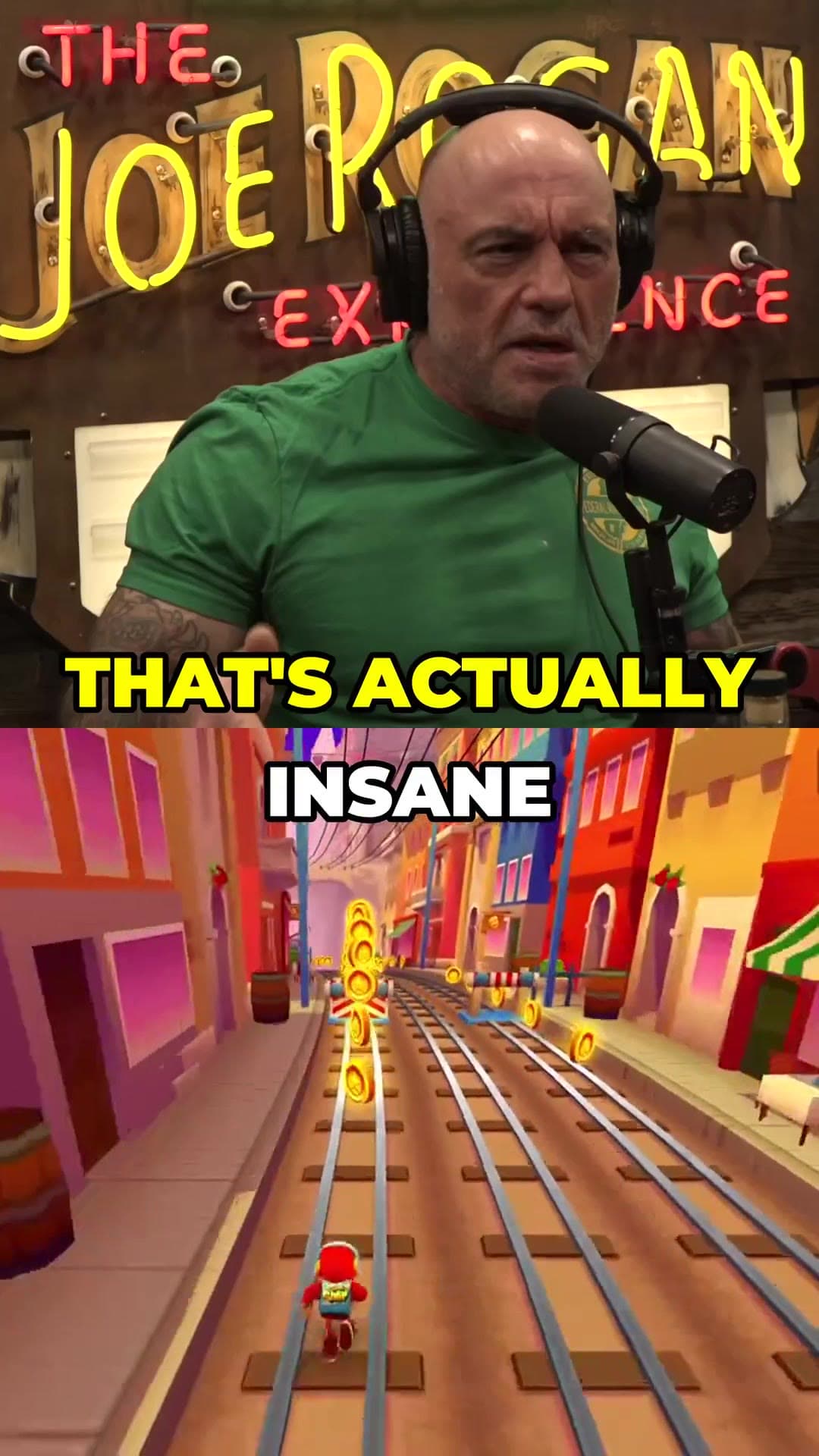
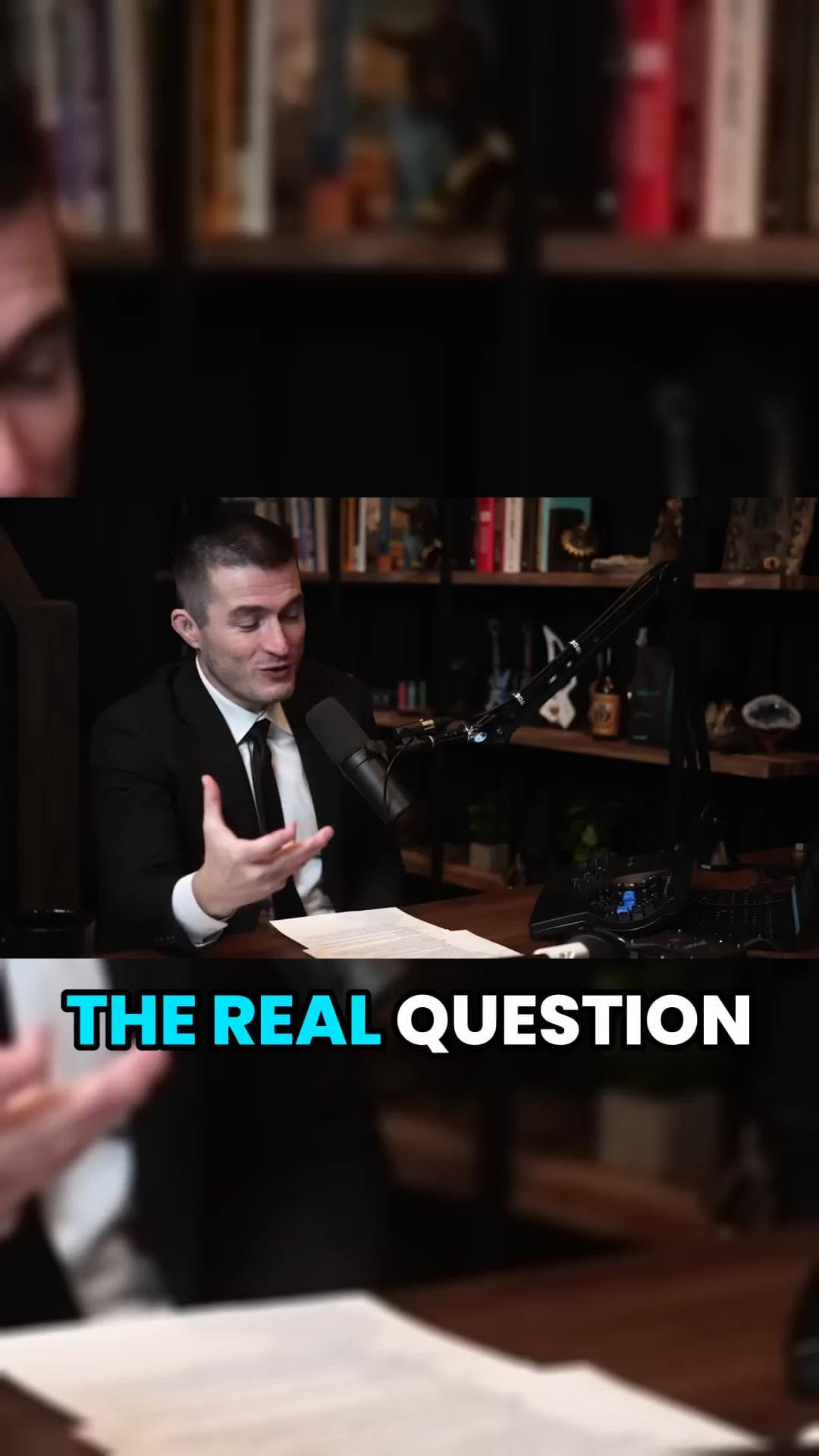
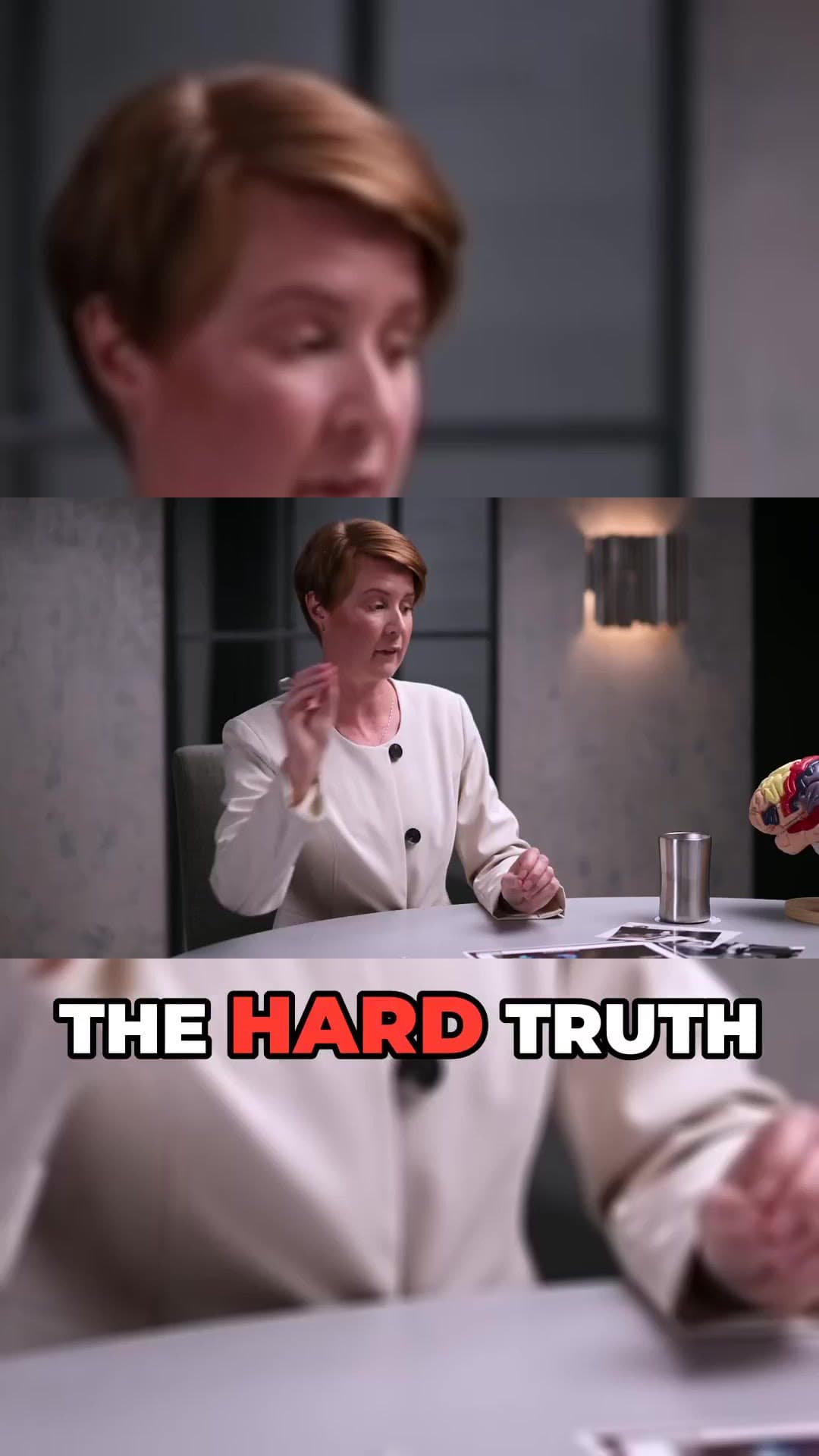
We transcribe the video, pick the strongest moments, reframe them to 9:16 and burn in word-timed captions.
Preview every clip, choose a title, then download the MP4 or publish and schedule straight to YouTube Shorts and TikTok.
Add the channel once; keep clipping as new long videos land.
Source Shorts are skipped so you do not re-clip already vertical posts.
Each video becomes several Shorts opened on hooks and payoffs.
Schedule posts for the week without exporting folders of MP4s.
Reorder or delete anything before it publishes.
Still paste one-off links when a video is outside the watch list.
Many growth channels succeed by consistently cutting one or two source channels. The hard part is staying current when those sources upload. Feeds closes that gap: watch, clip, queue, post.
Yes. Add multiple sources and ClipAtelier mixes clips across them so one channel does not dominate the queue.
On Pro, Autopilot can publish to connected YouTube (and TikTok) accounts on your schedule. You can also download every clip.
Only clip videos you own or have permission to use, such as your own uploads, creators who allow clipping (for example clipping programs), or licensed content. You are responsible for the clips you post.
Yes. Every new account gets 15 free tokens with no card, enough to try the whole pipeline. There is no watermark on any plan, free included.
15 free tokens. No card. Clips in minutes.
Start clipping free